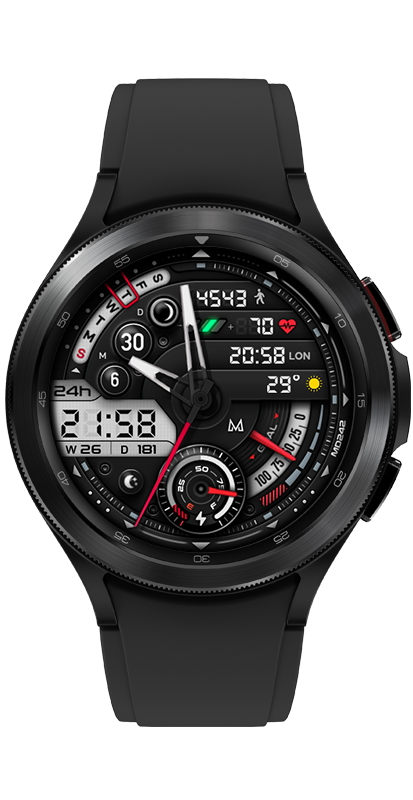
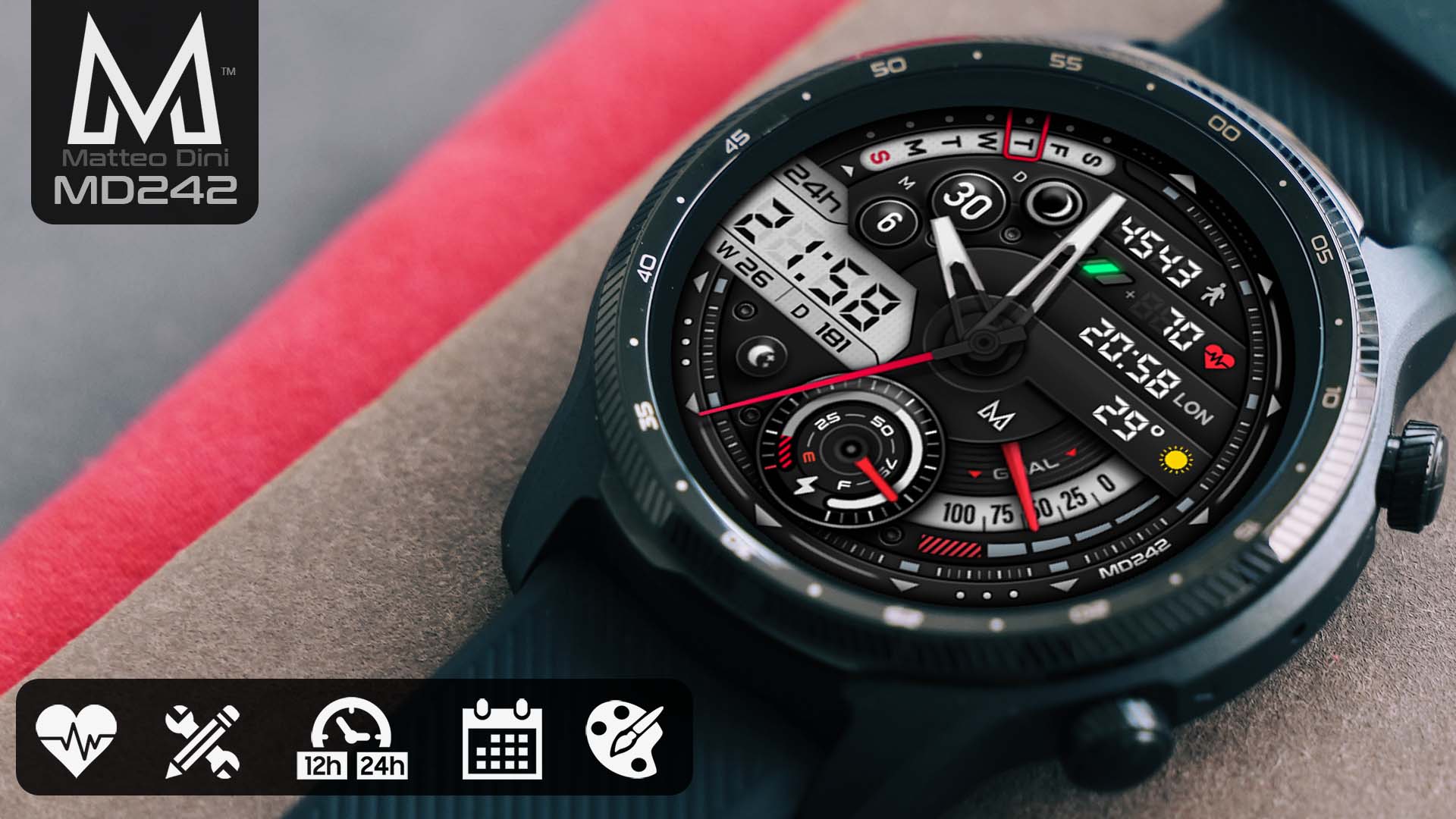
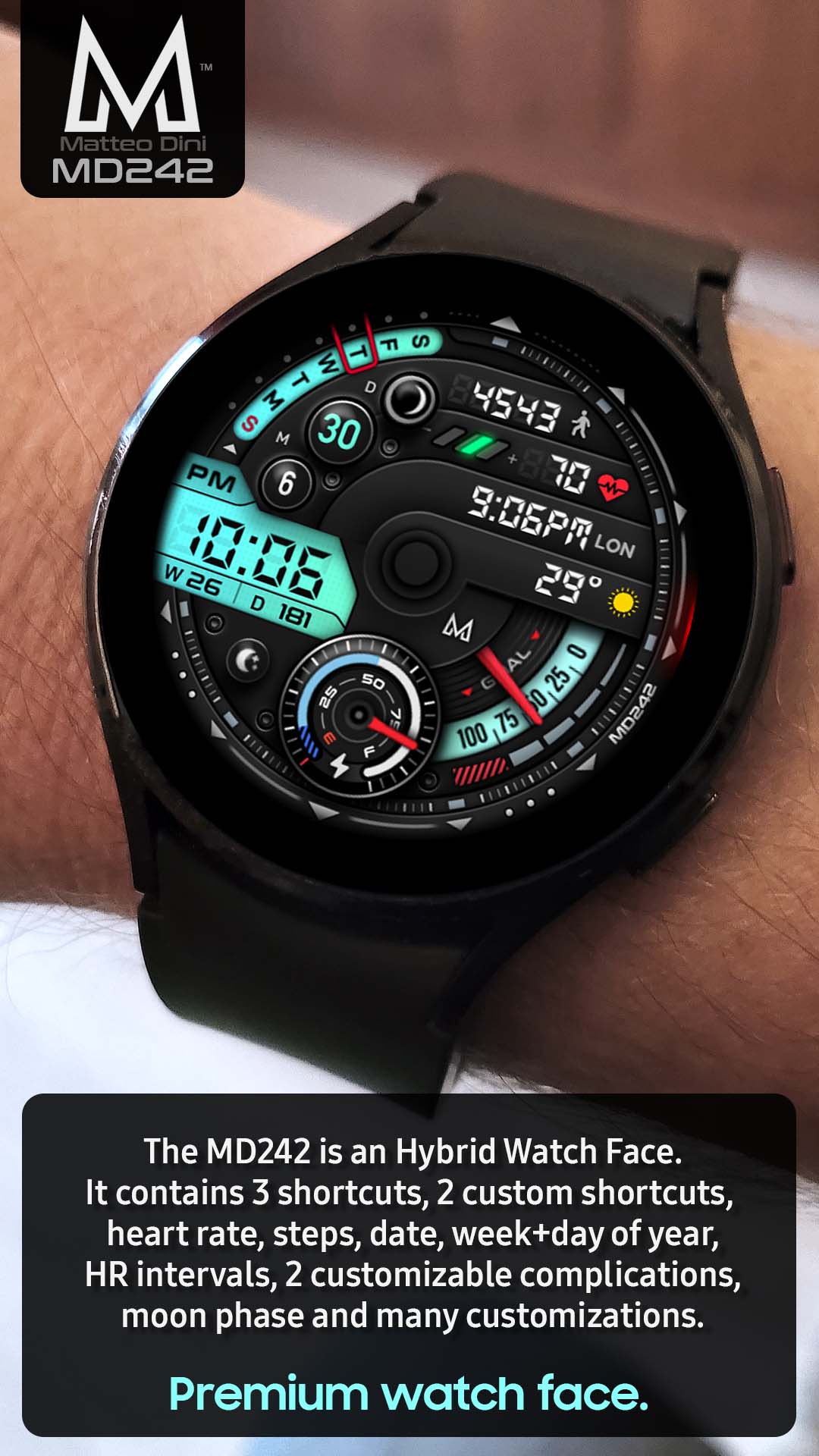
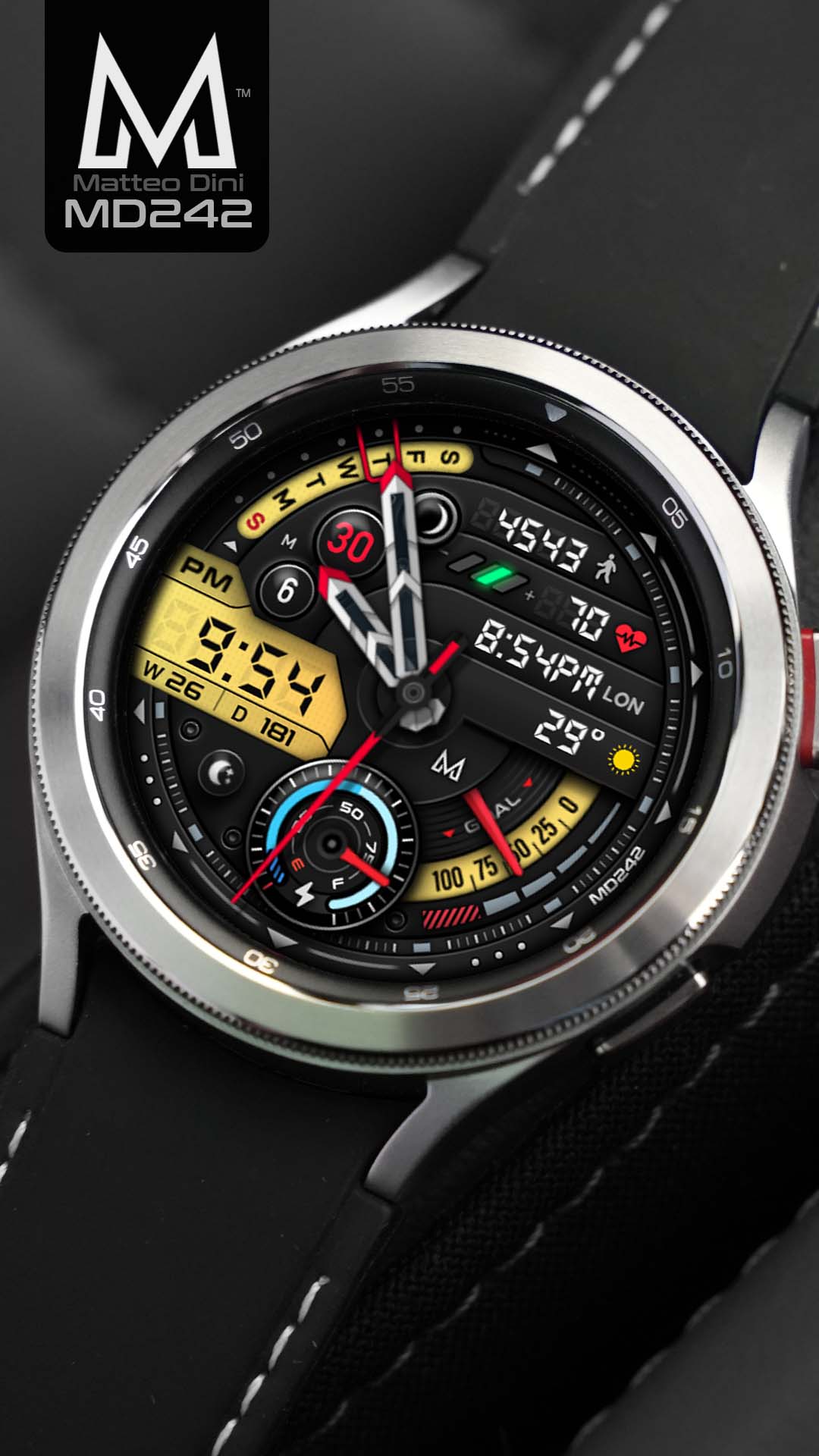
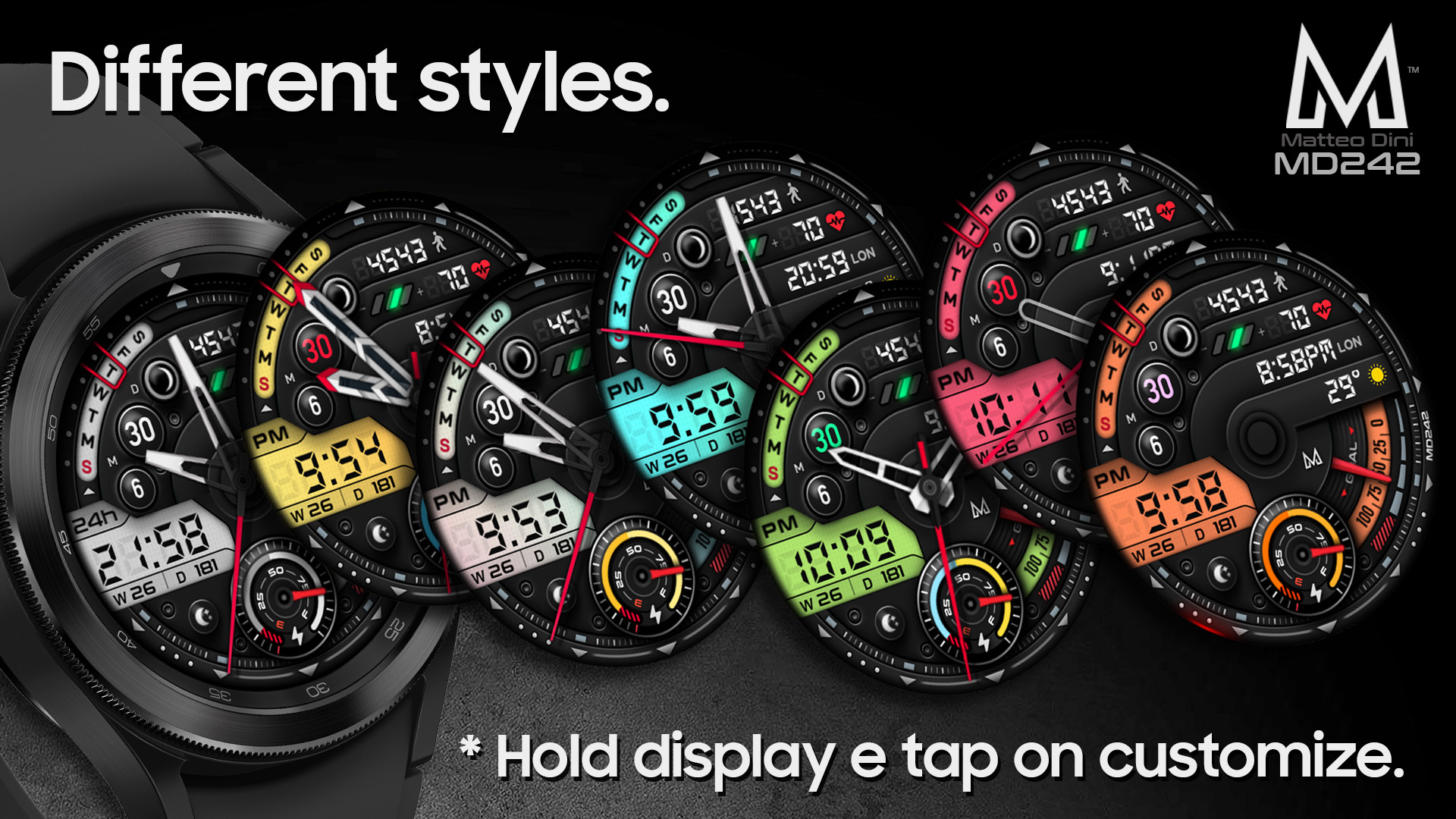
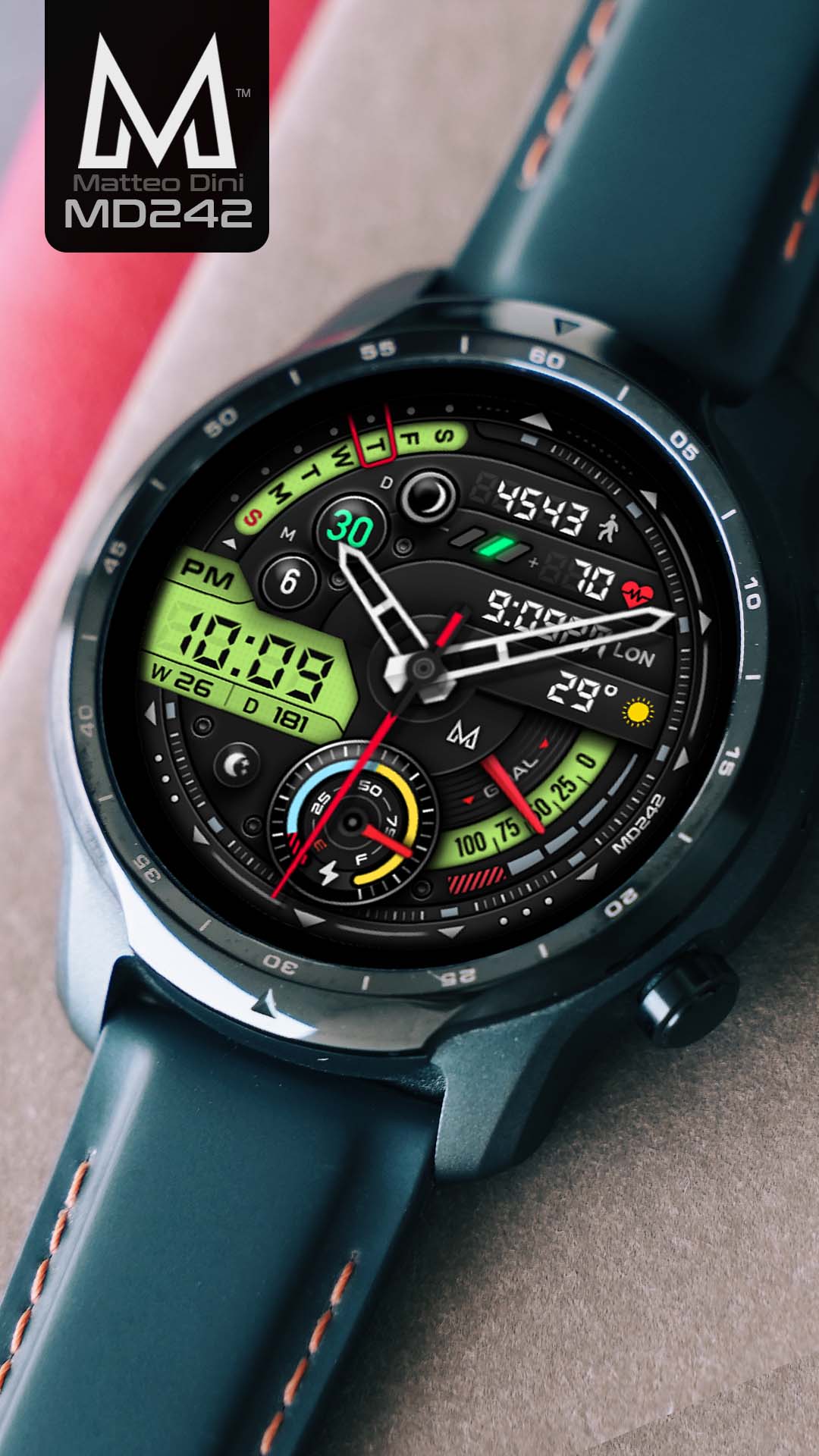
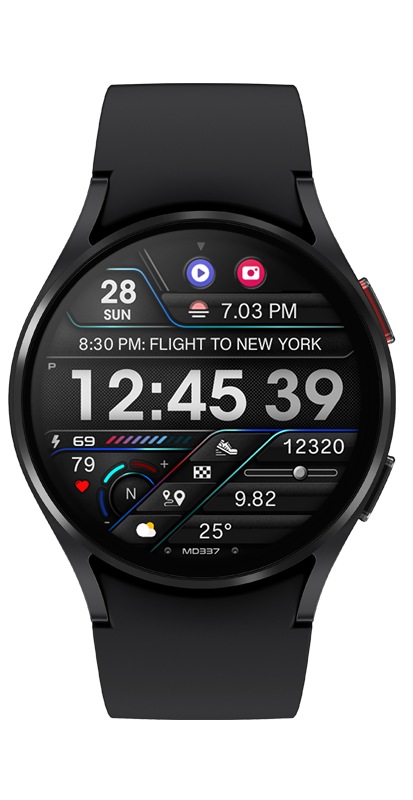
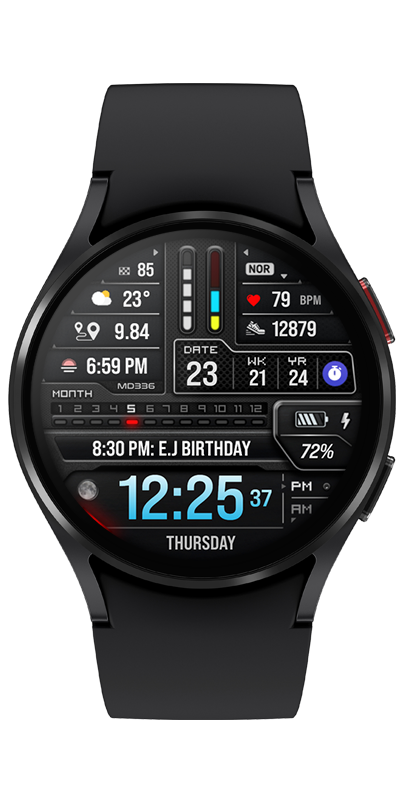
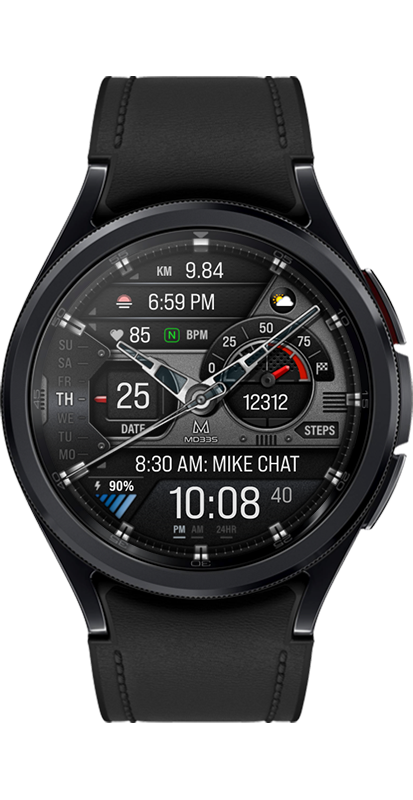
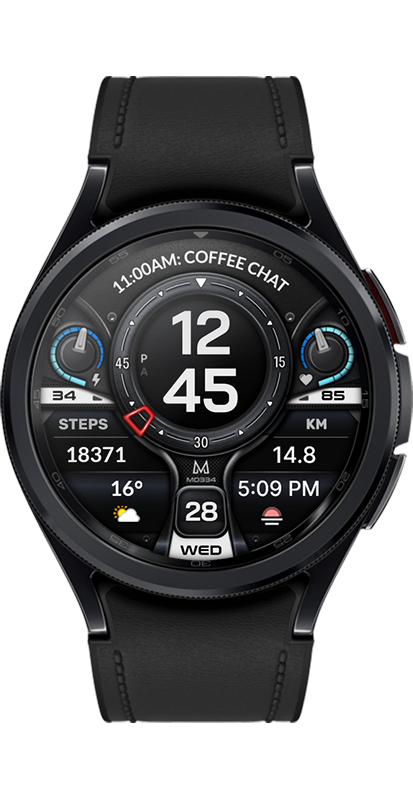
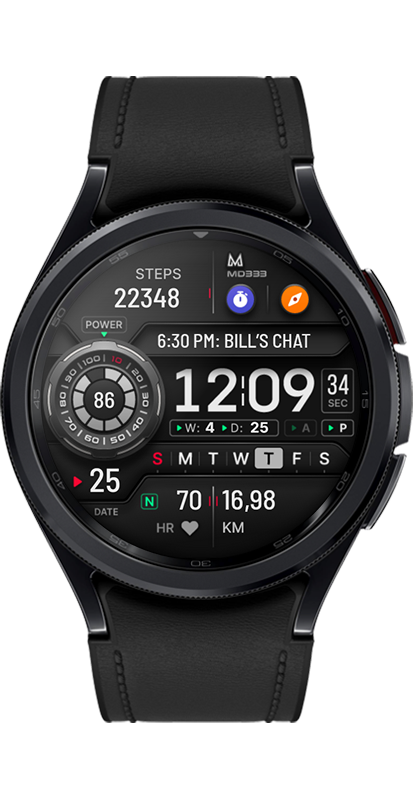
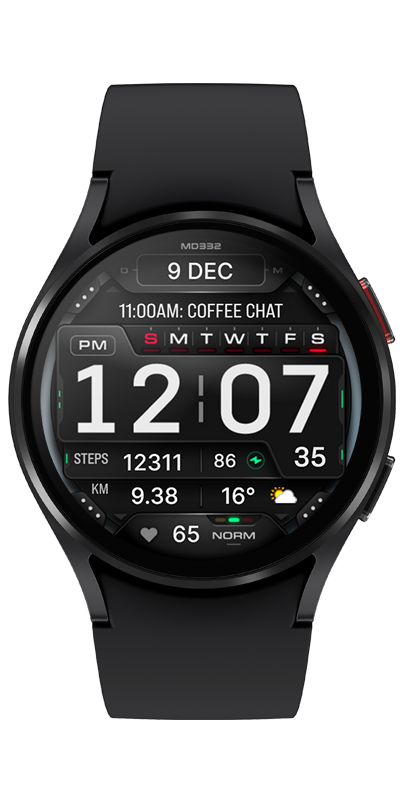
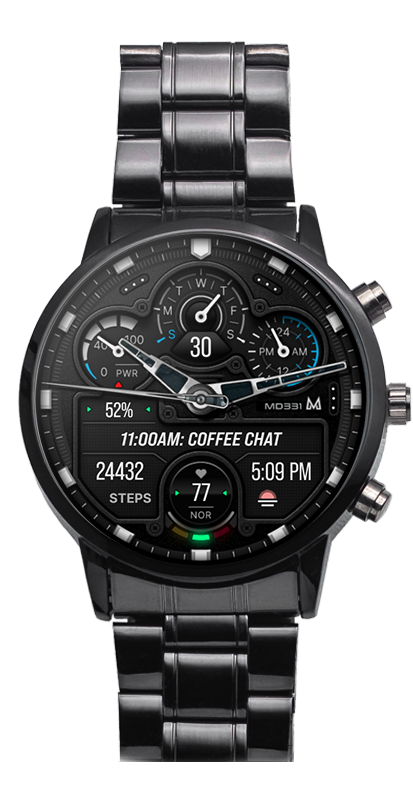
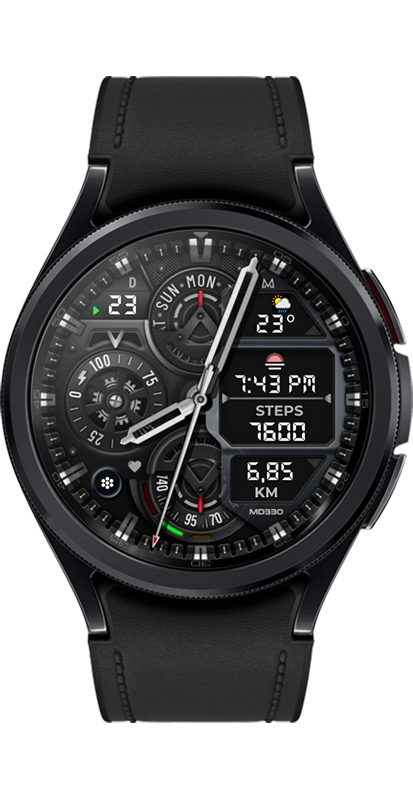
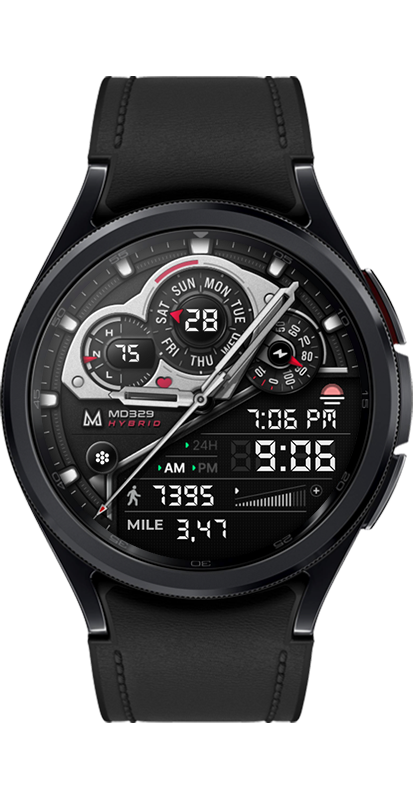
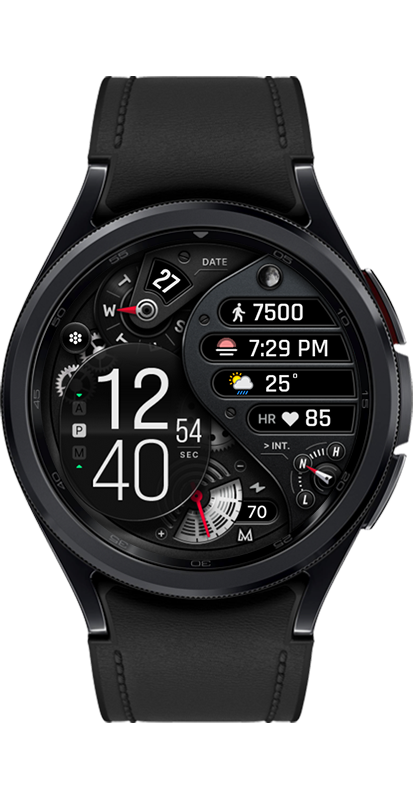
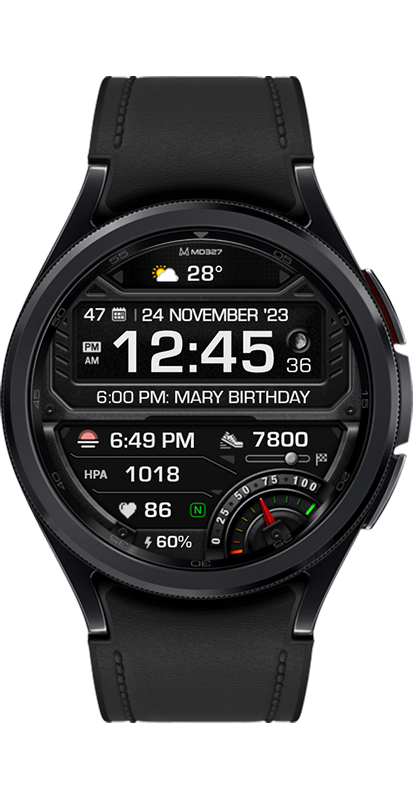
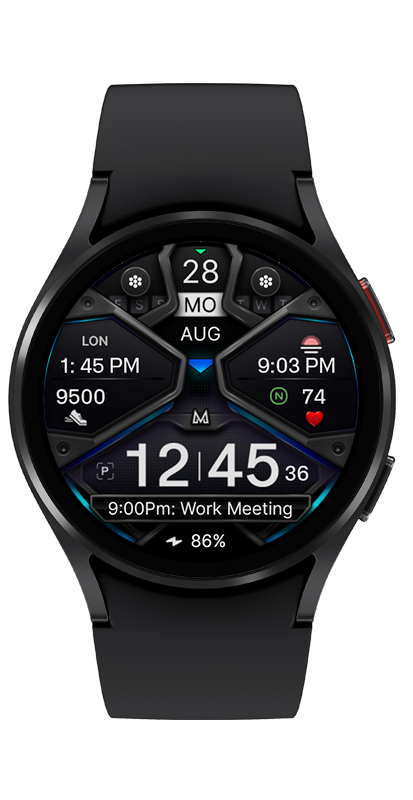
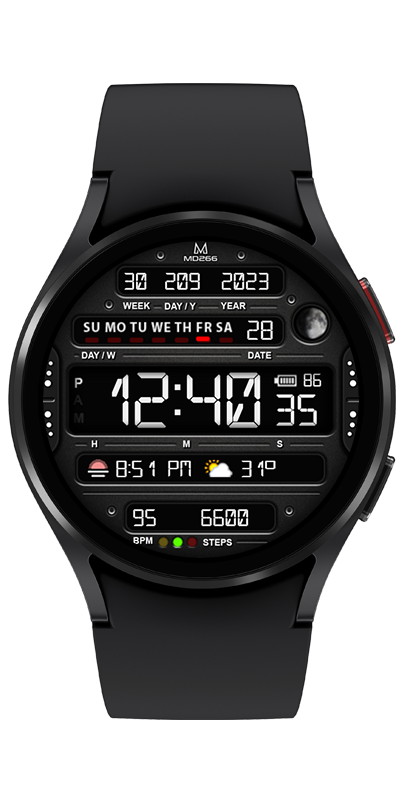
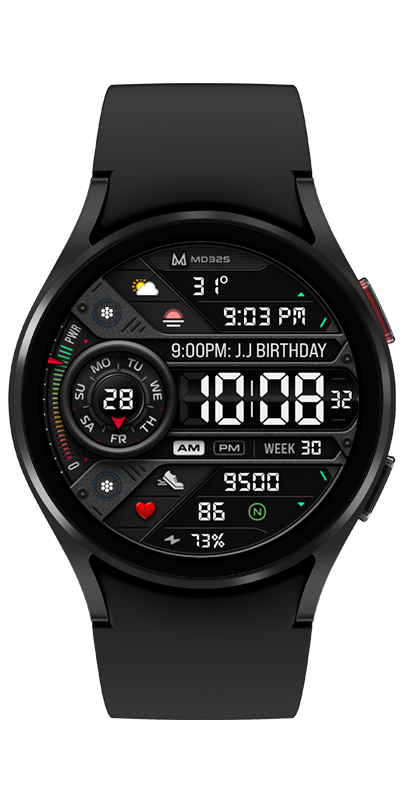
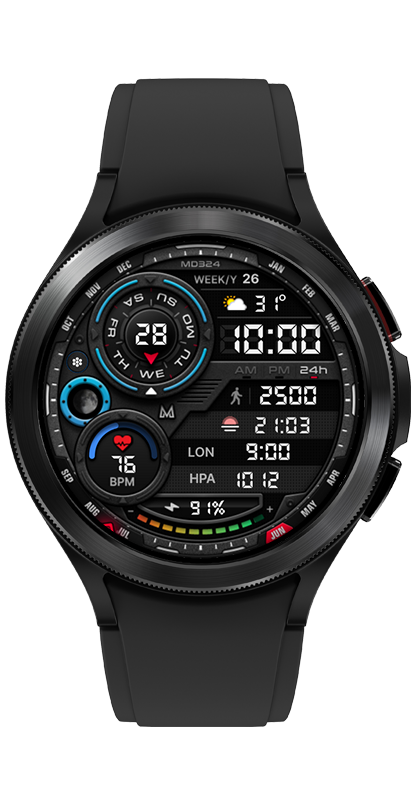
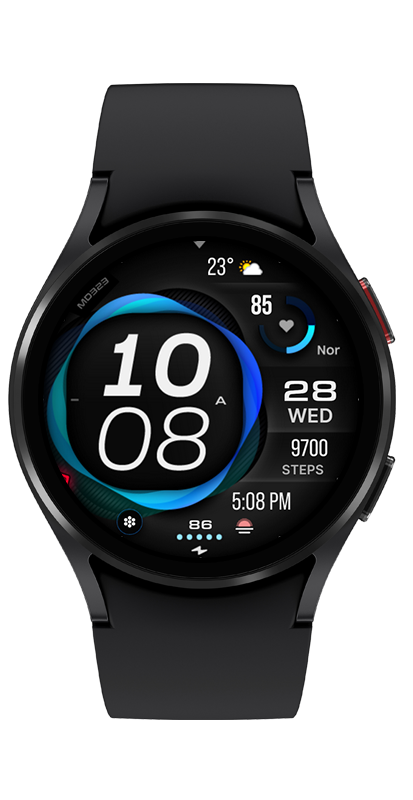
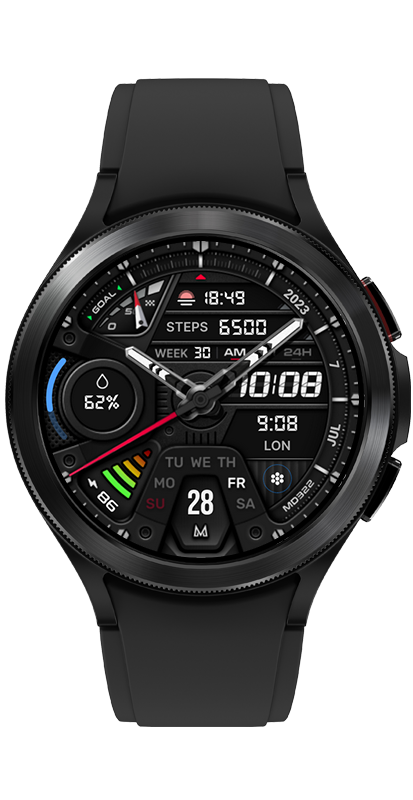
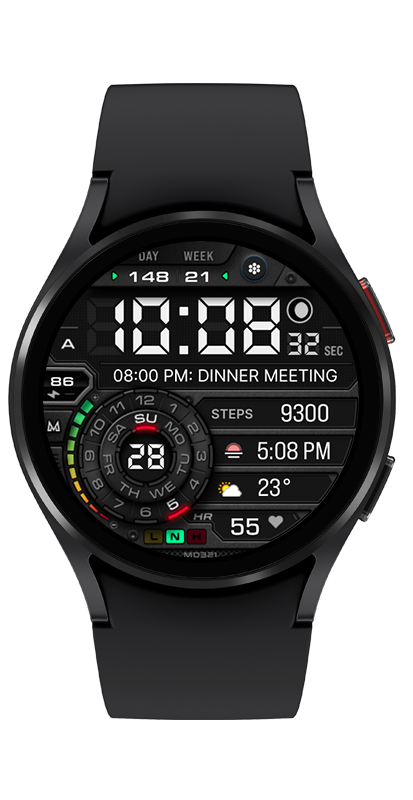
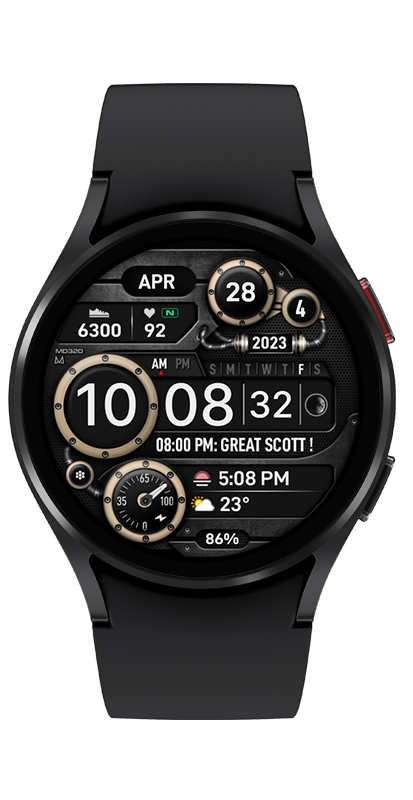
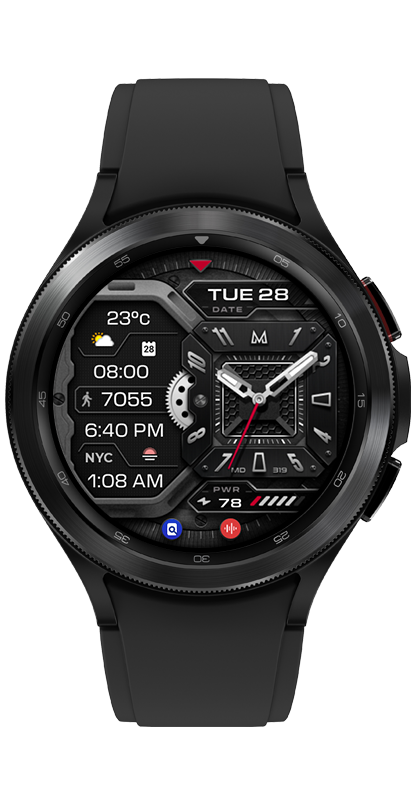
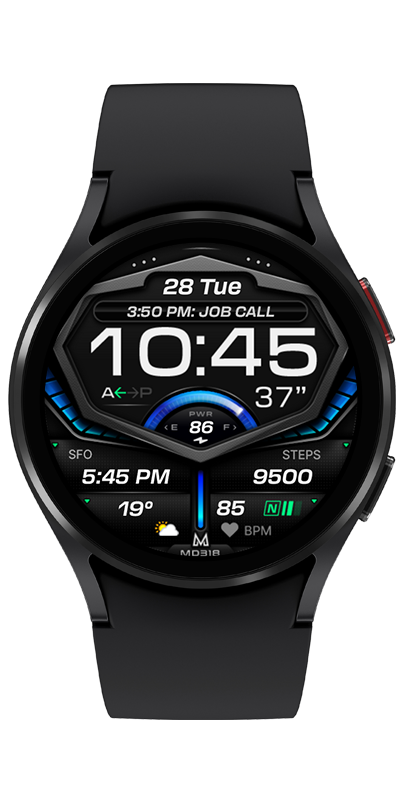
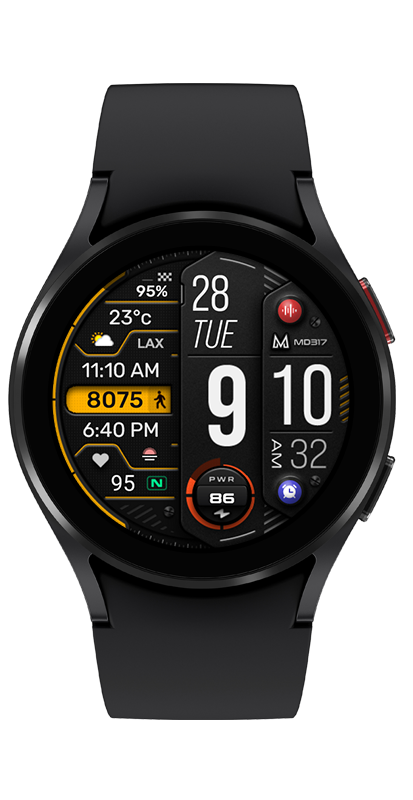
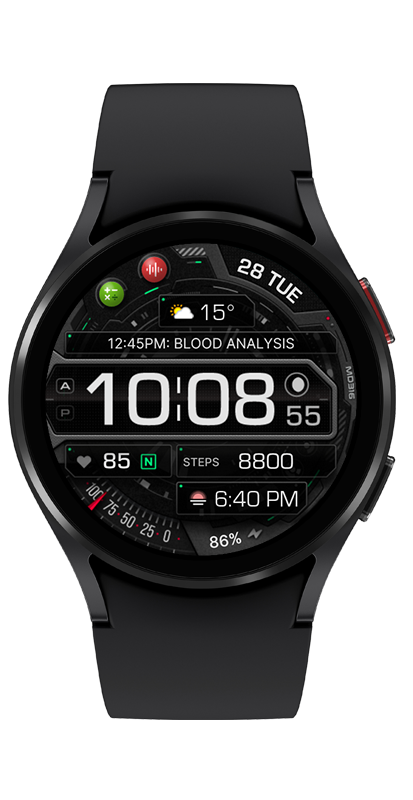
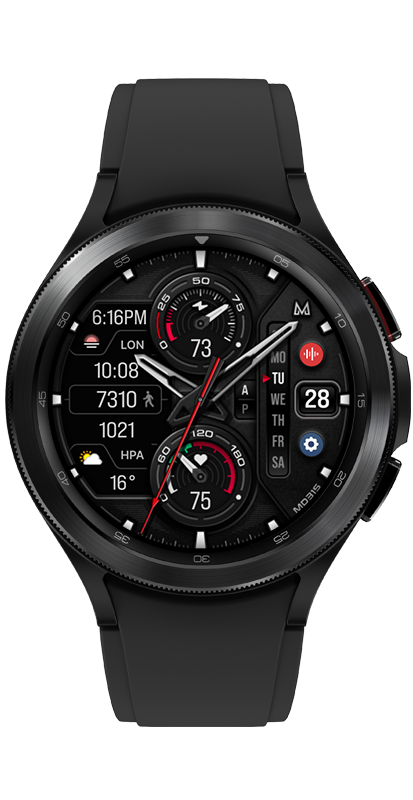
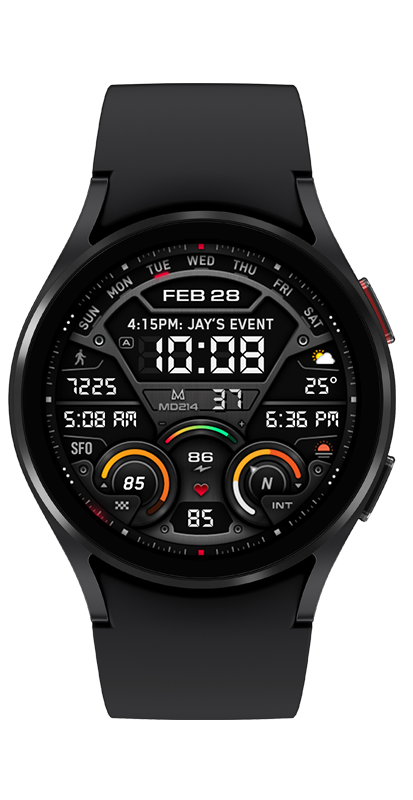
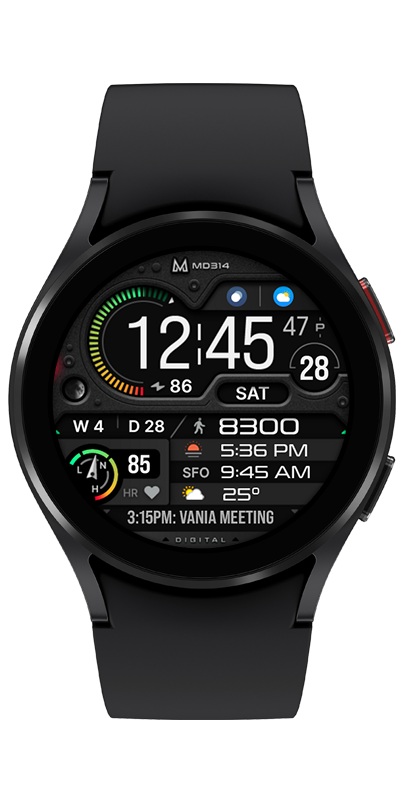
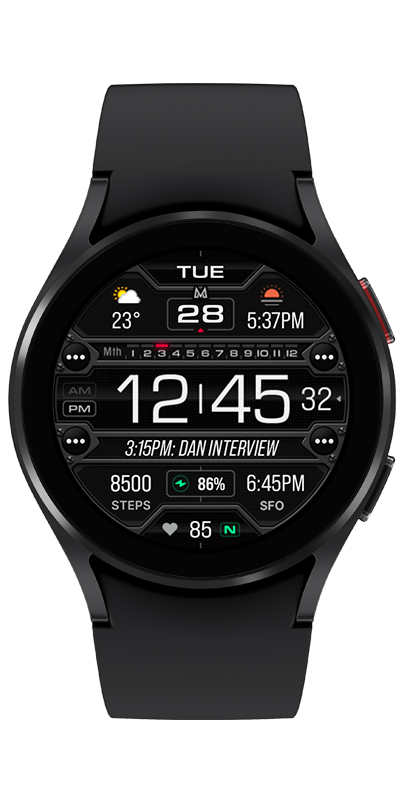
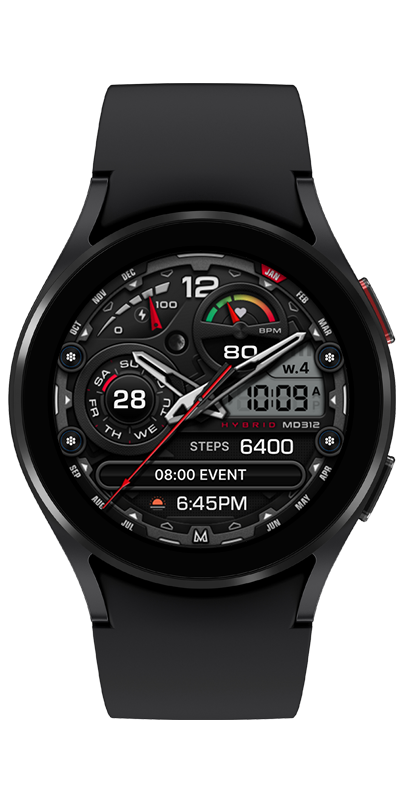
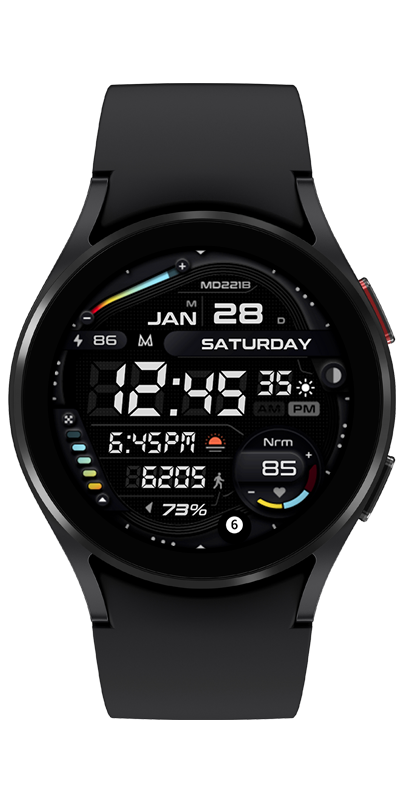
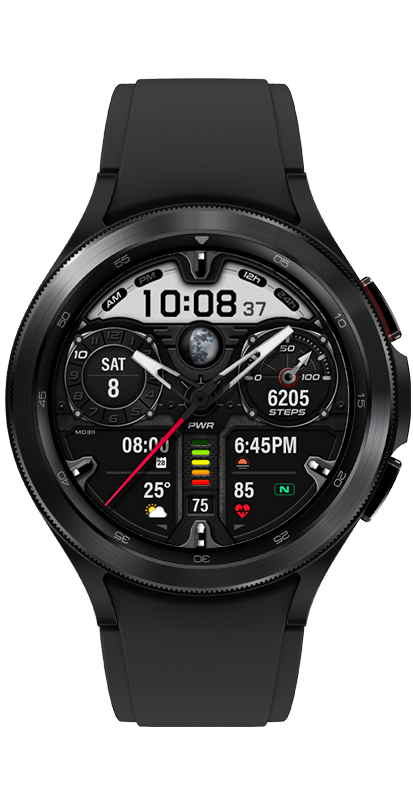
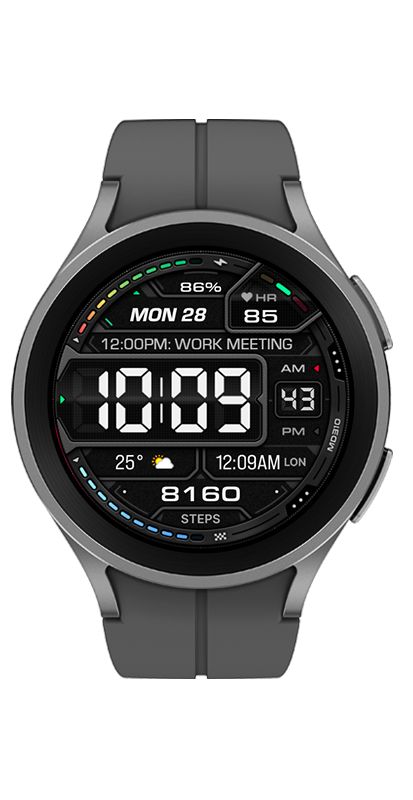
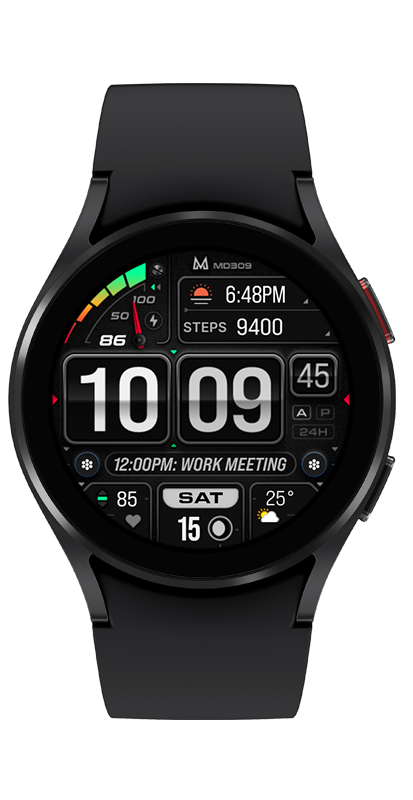
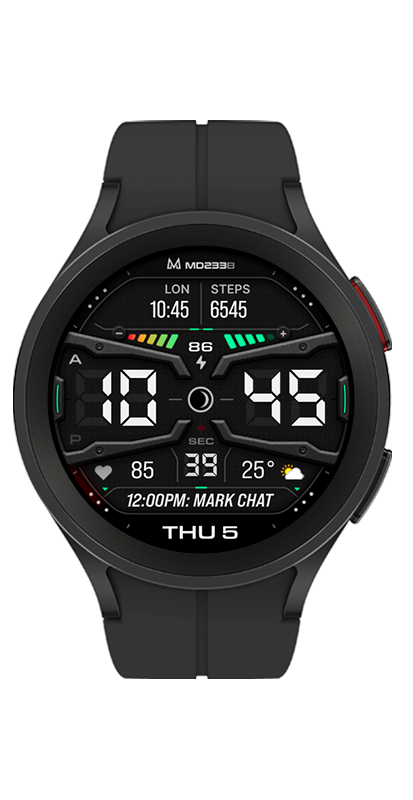
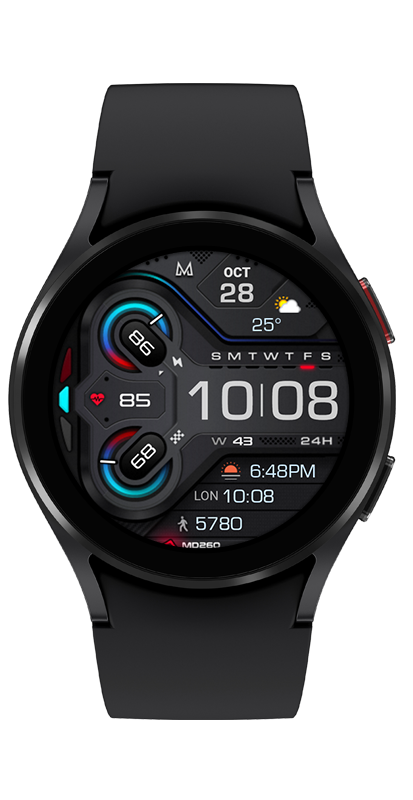
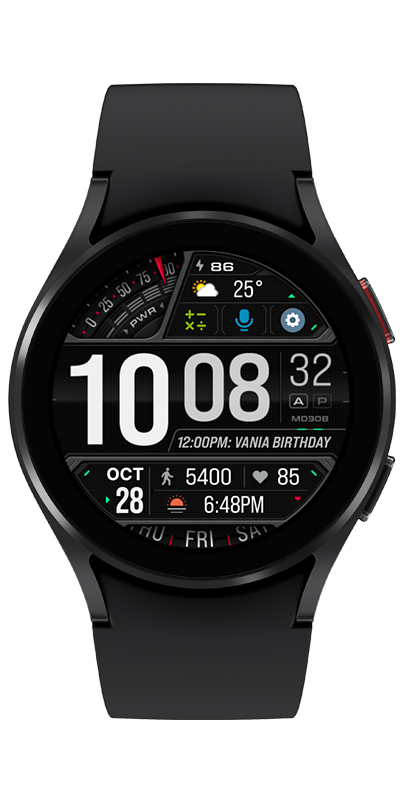
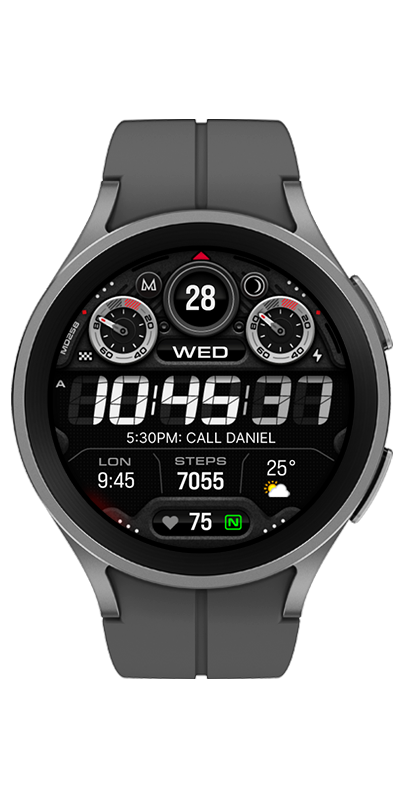
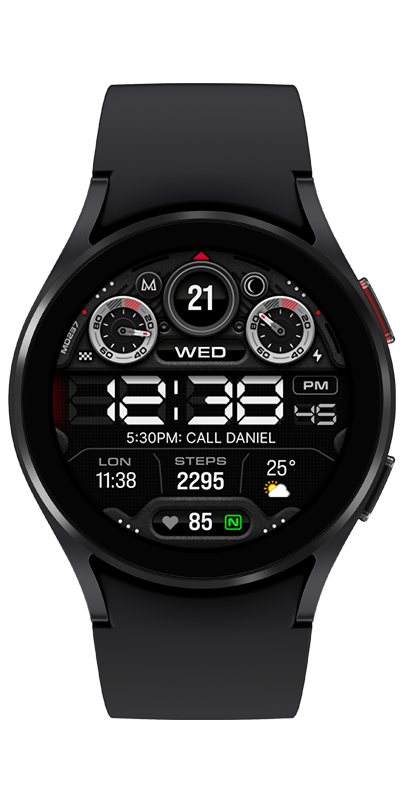
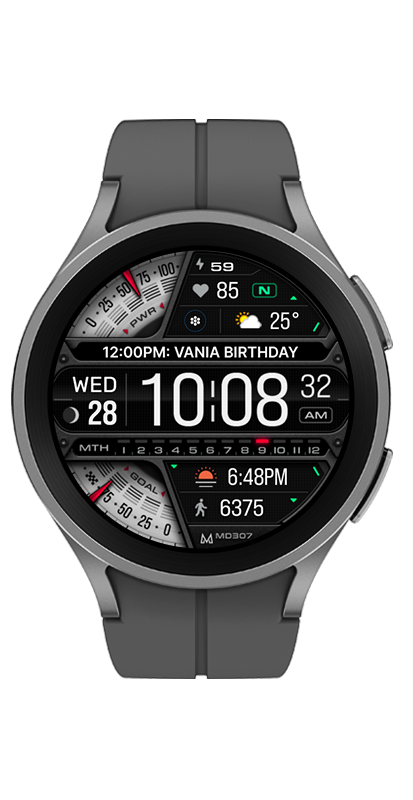
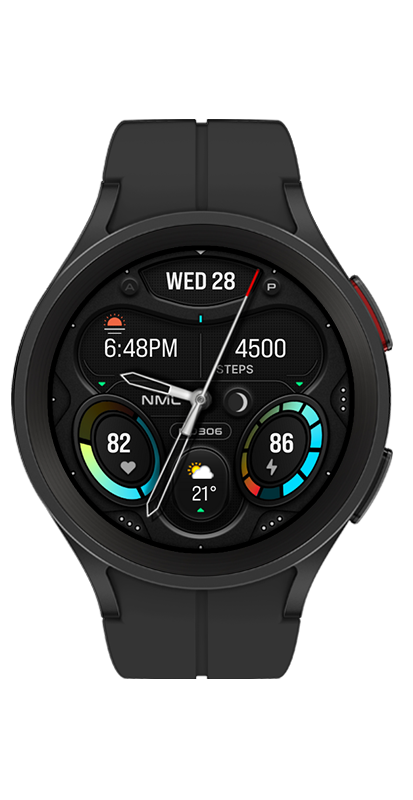
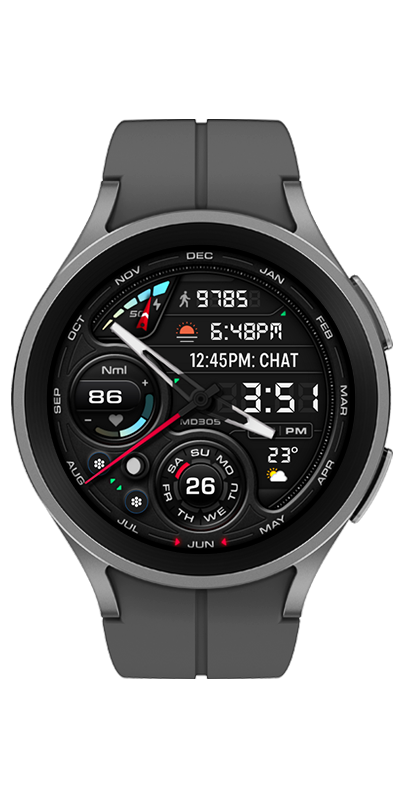
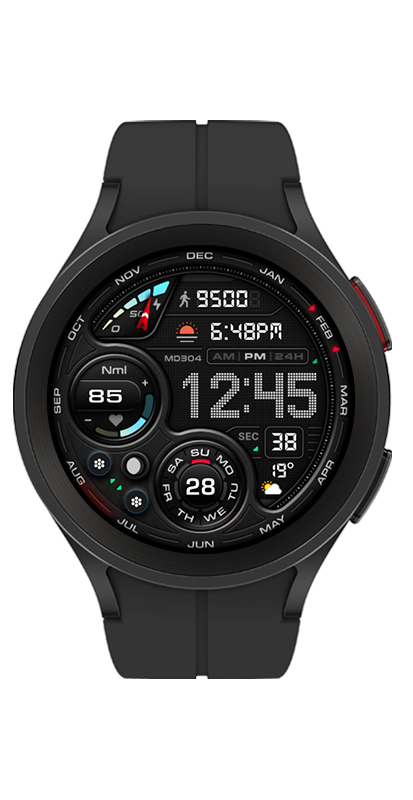
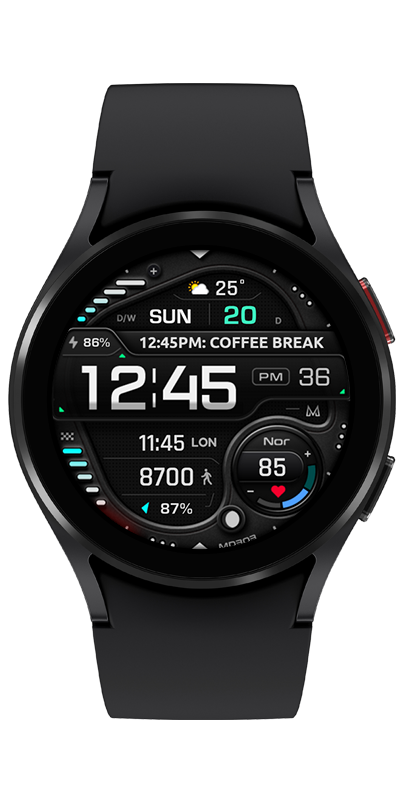
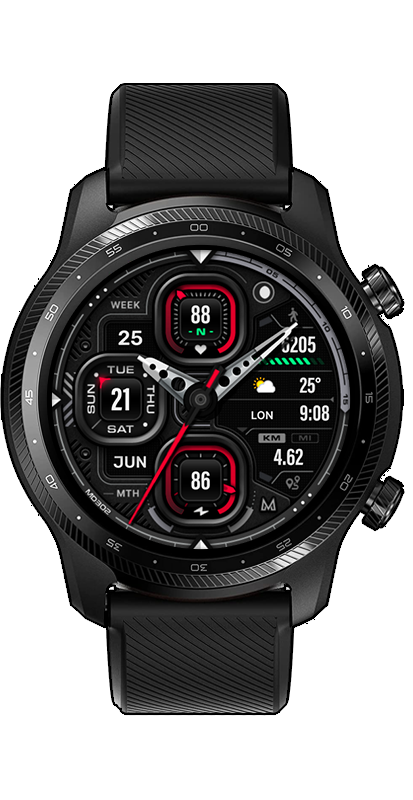
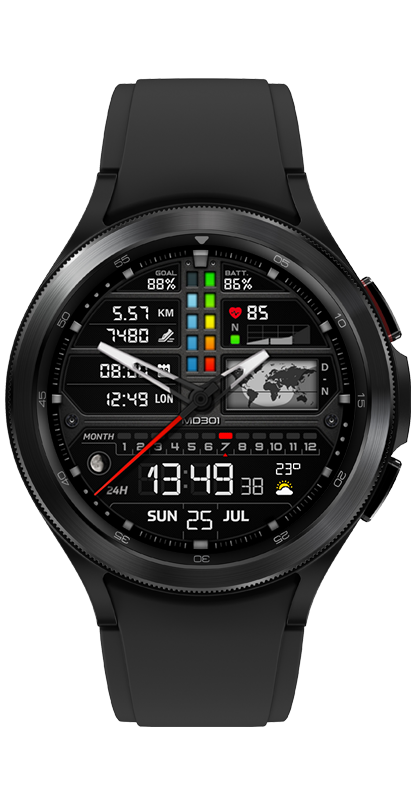
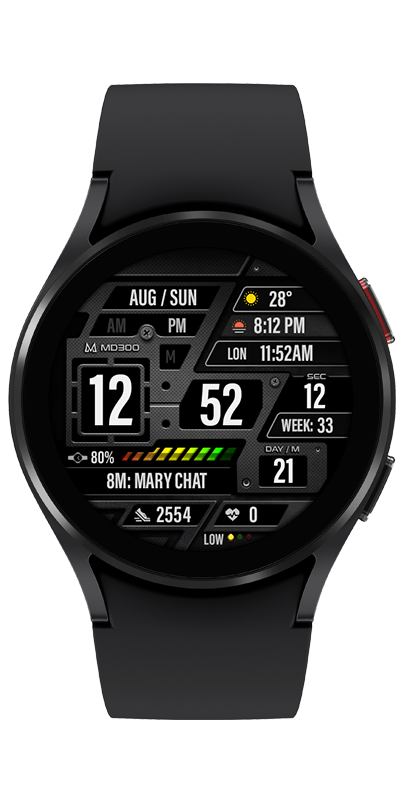
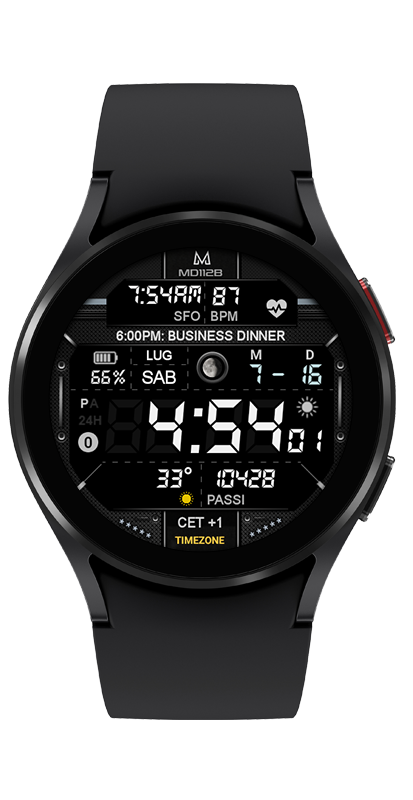
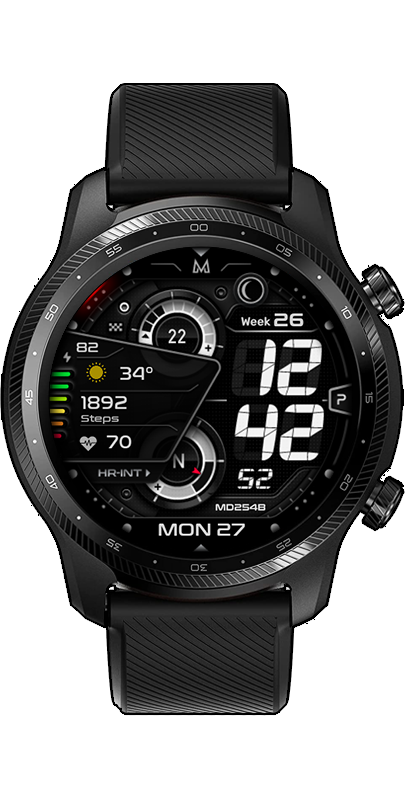
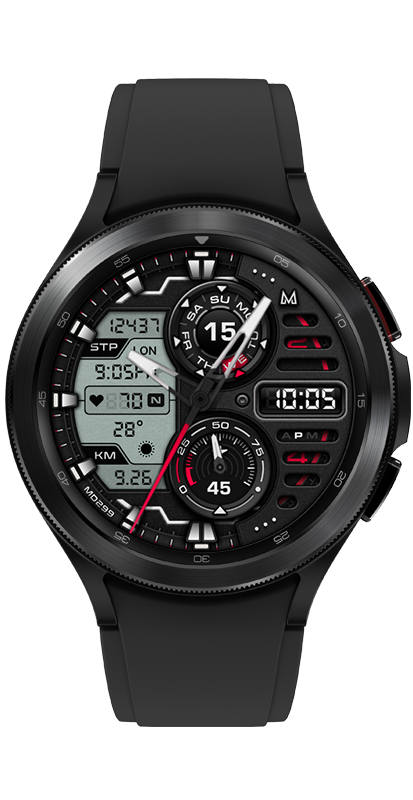
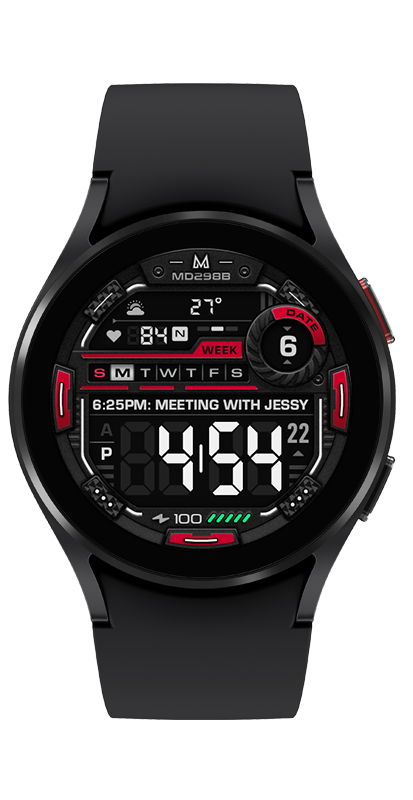
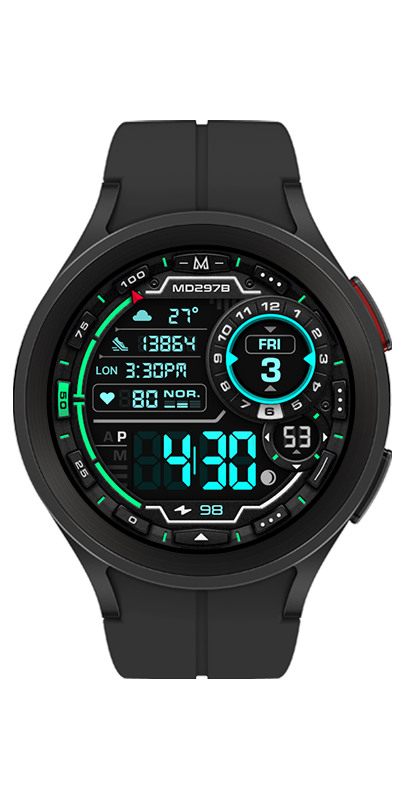
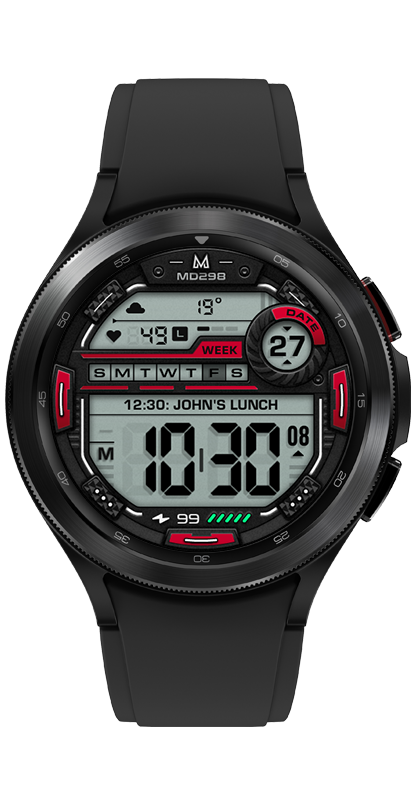
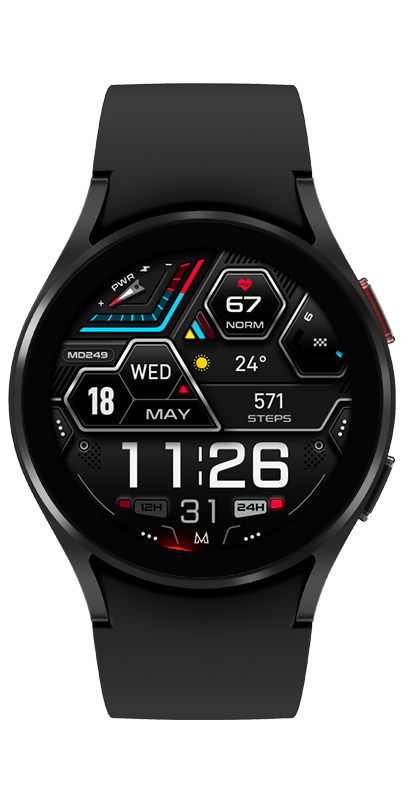
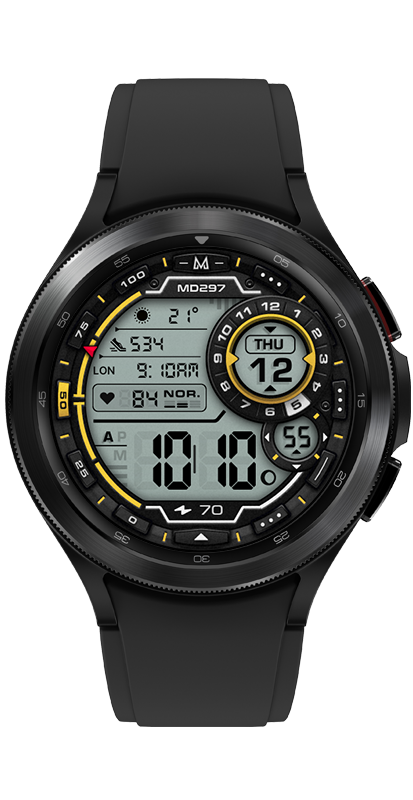
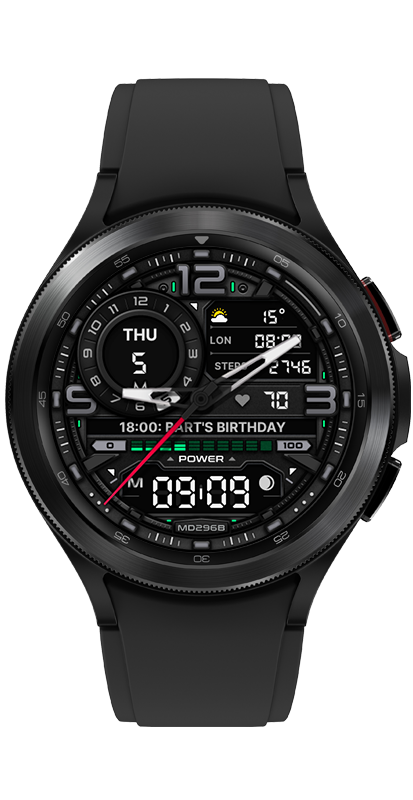
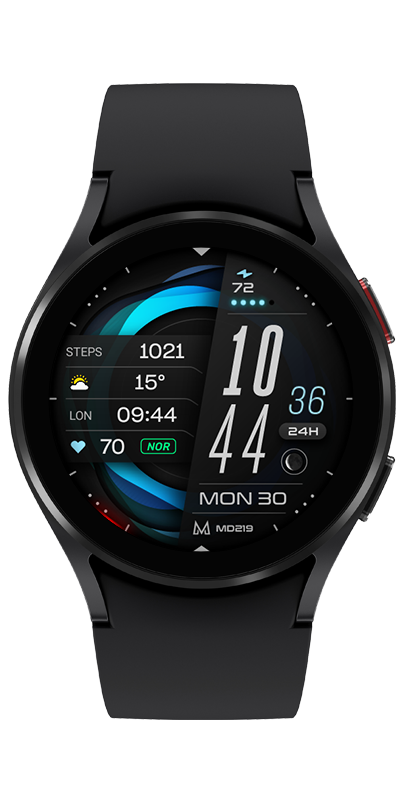
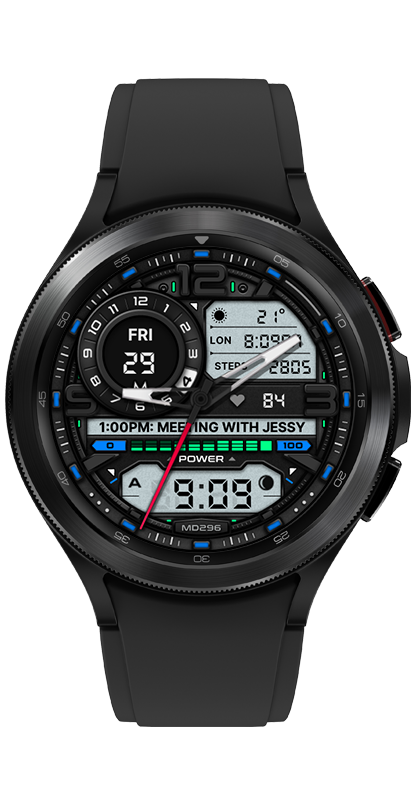
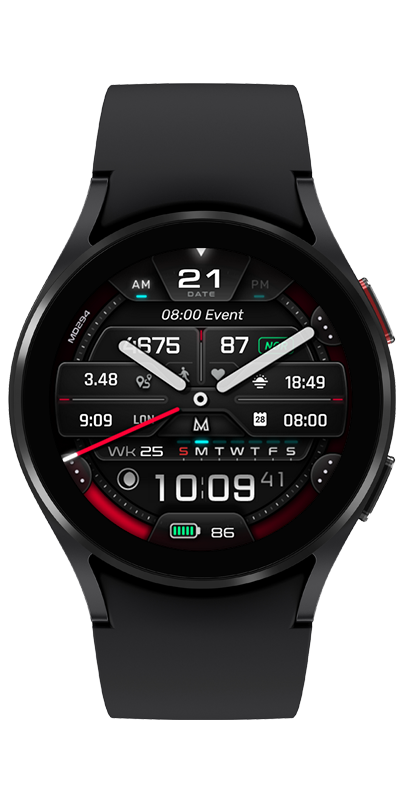
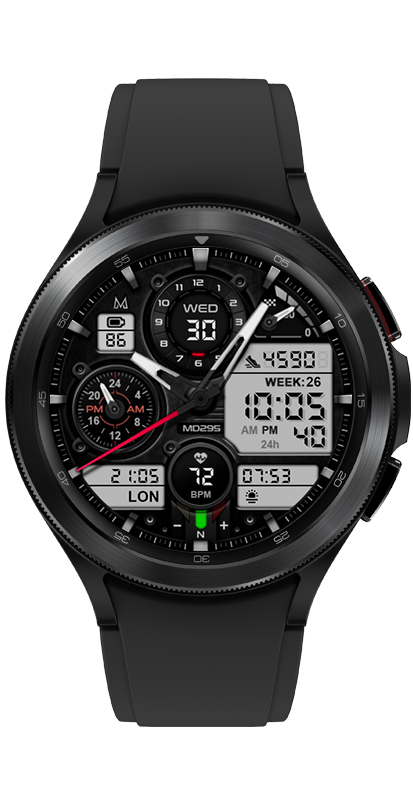
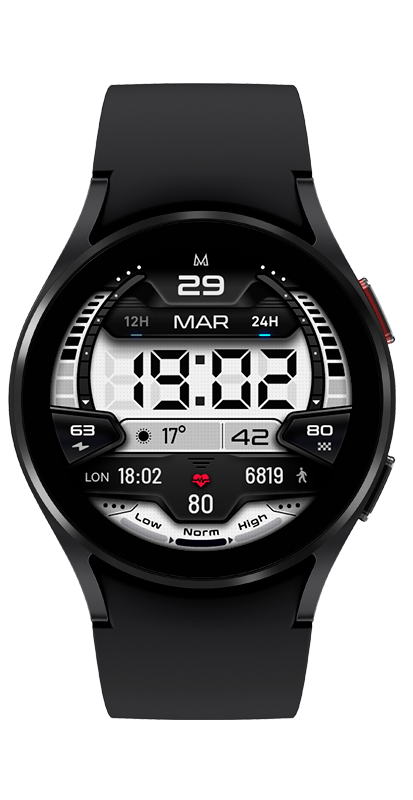
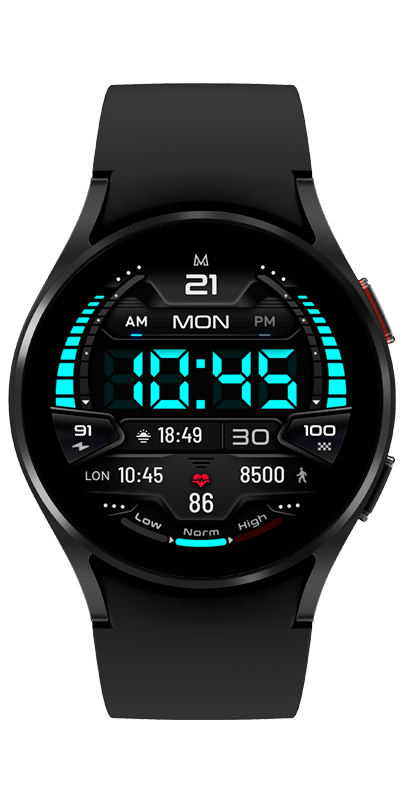
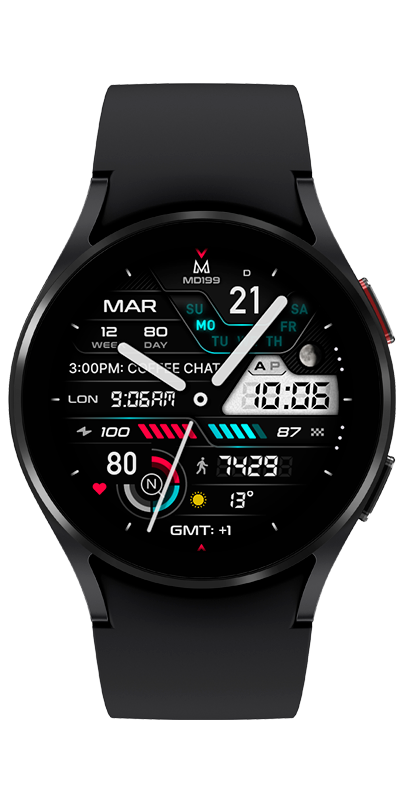
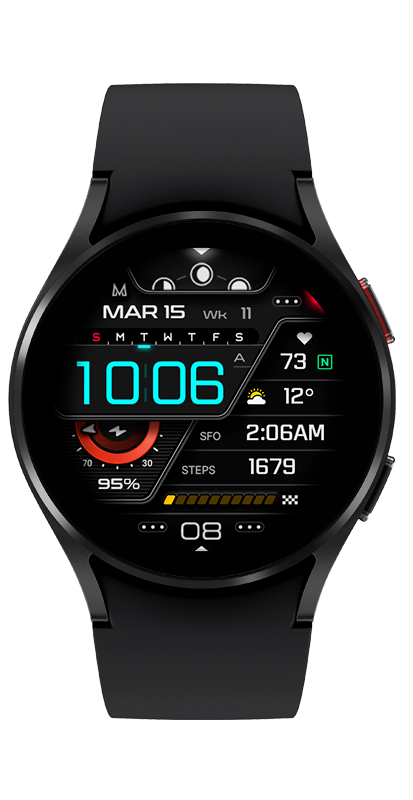
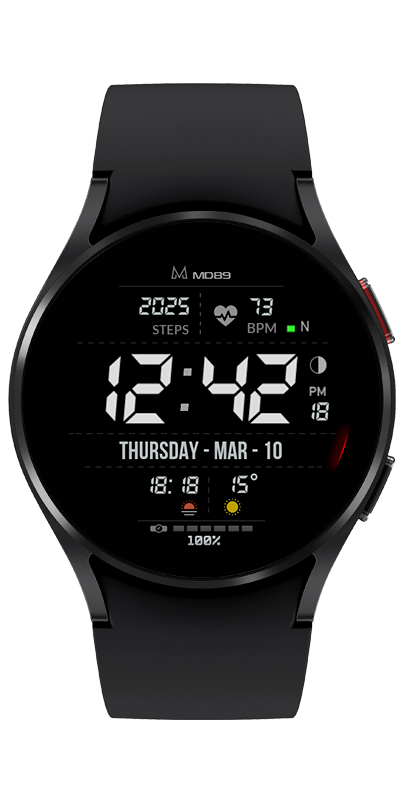
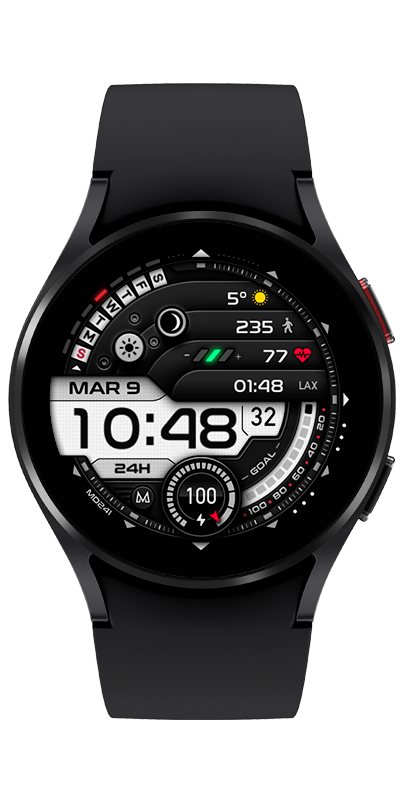
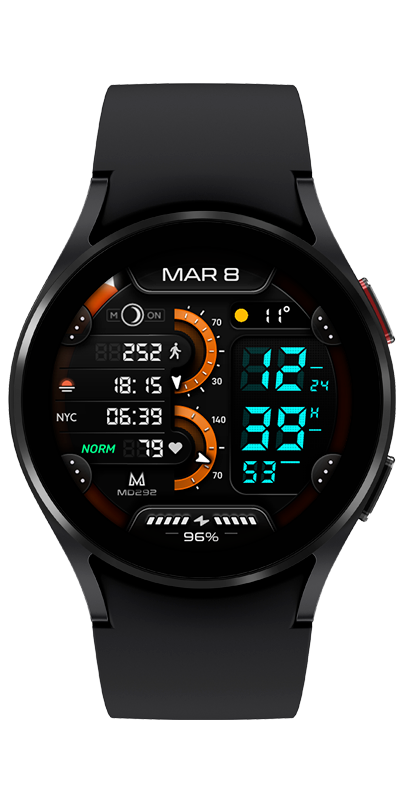
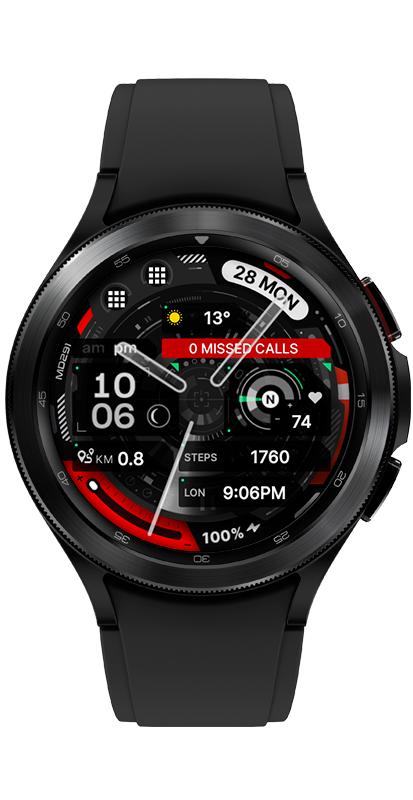
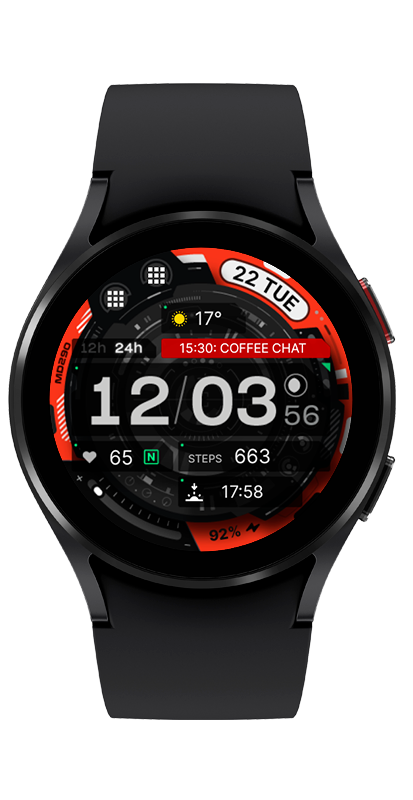
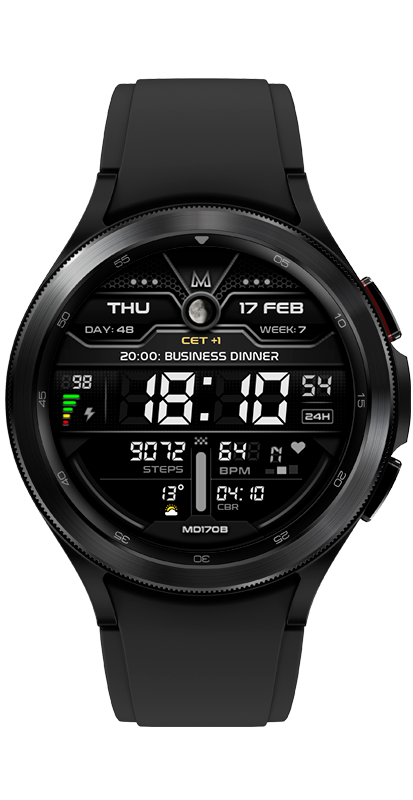
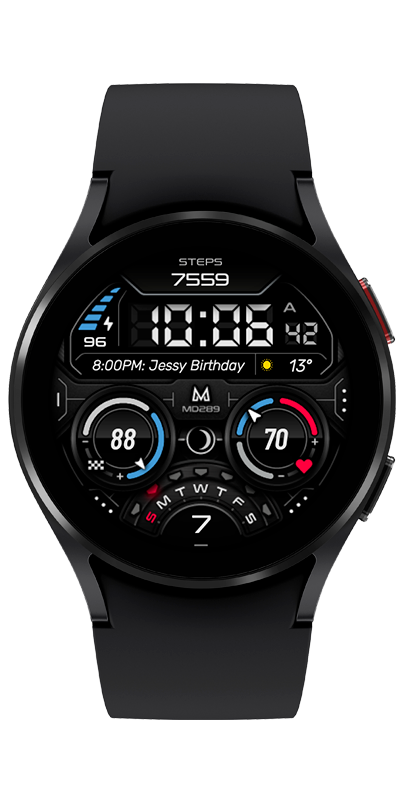
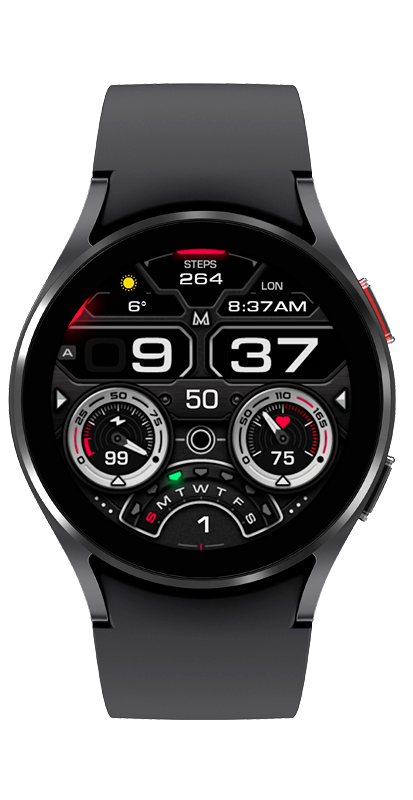
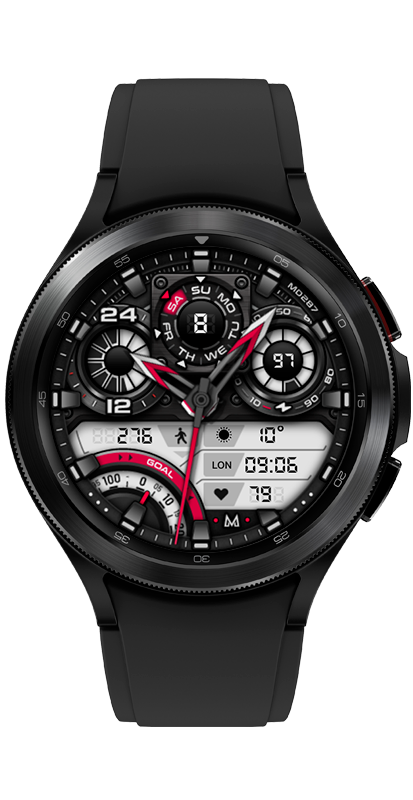
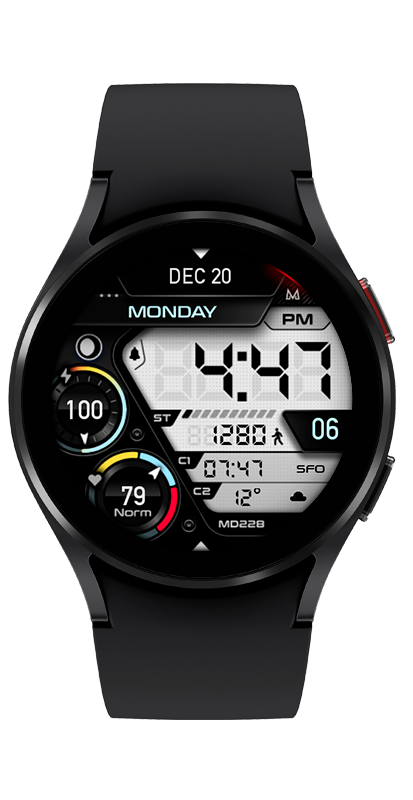
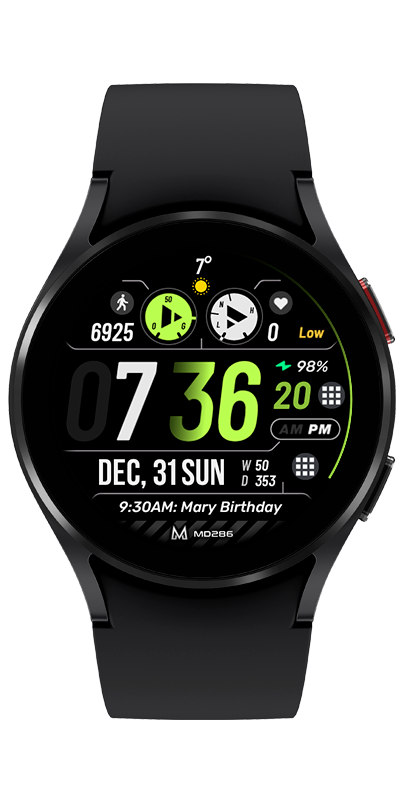
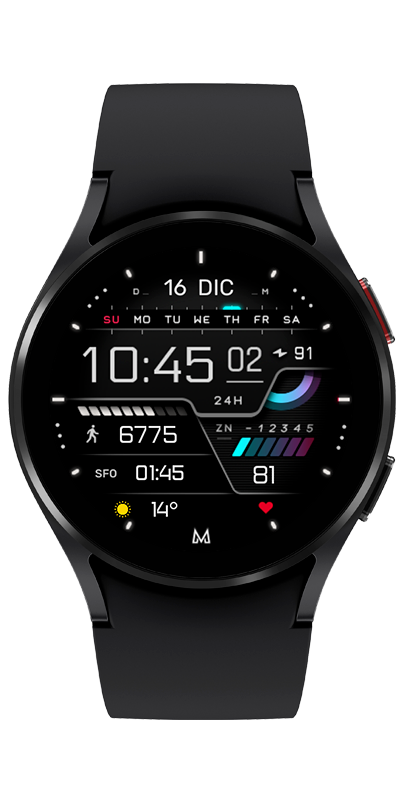
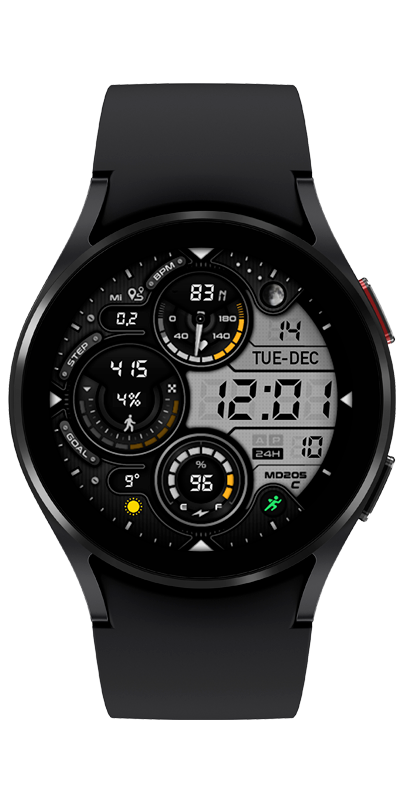
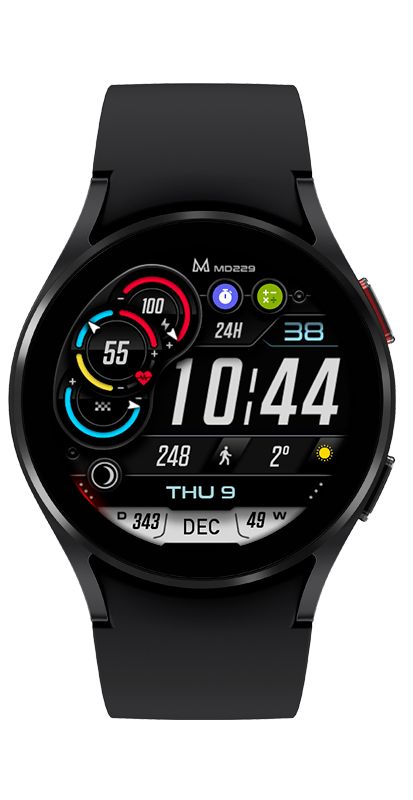
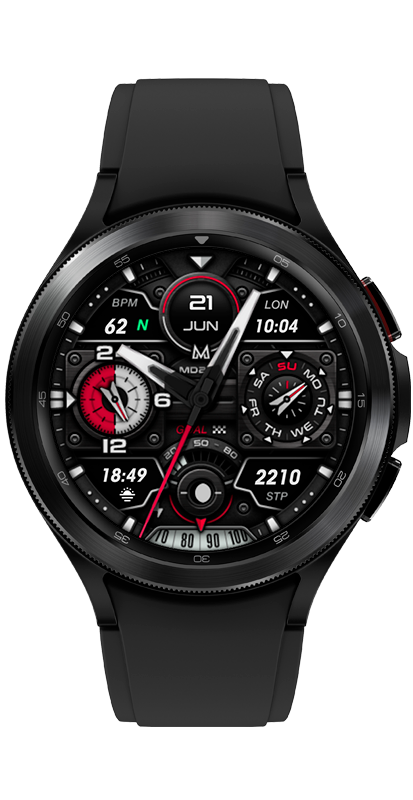
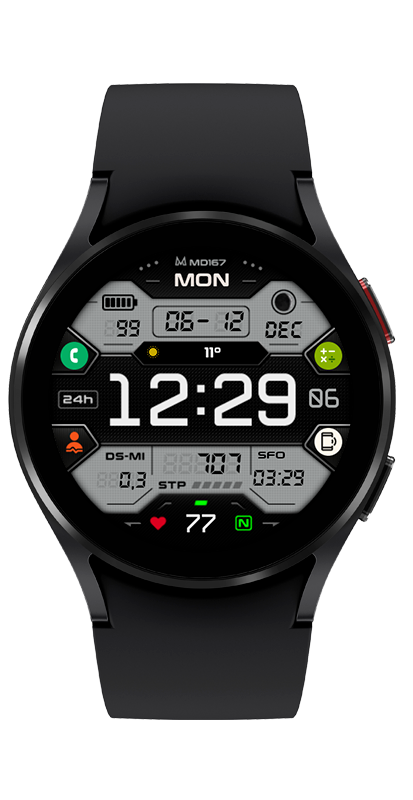
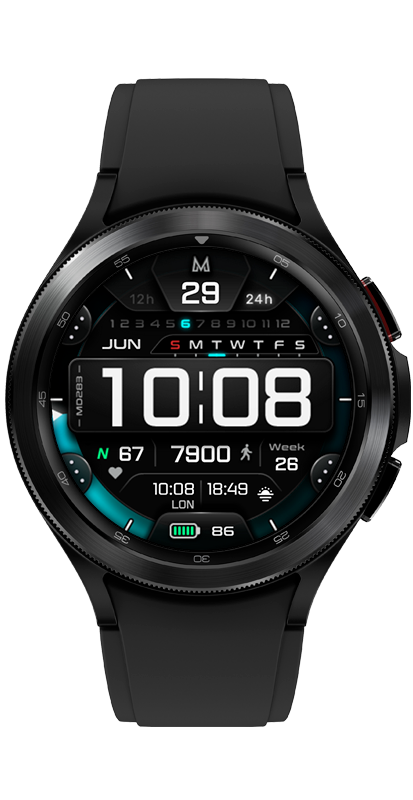
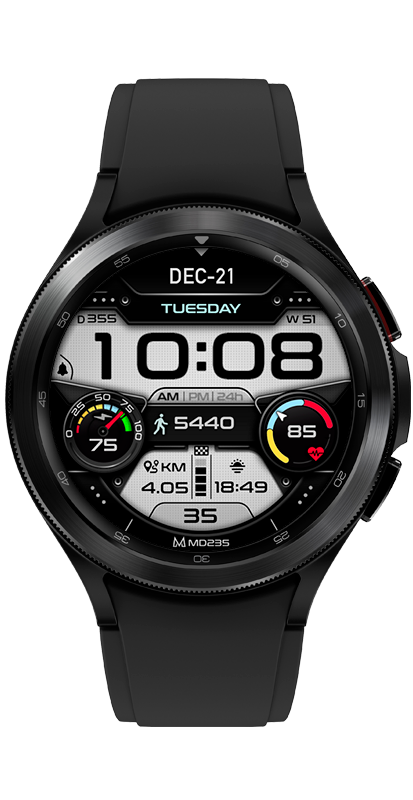
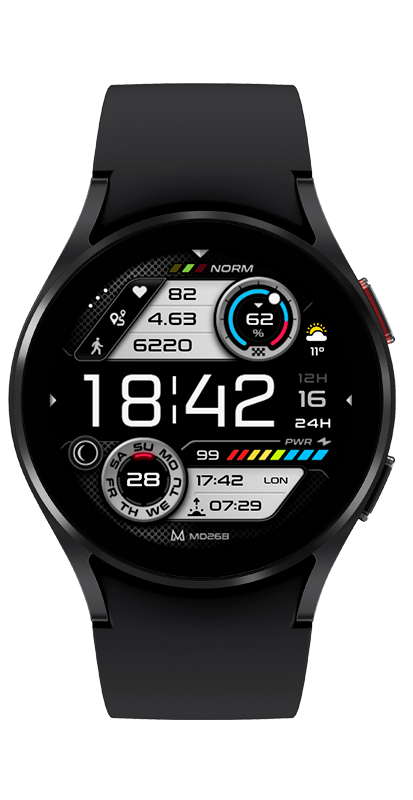
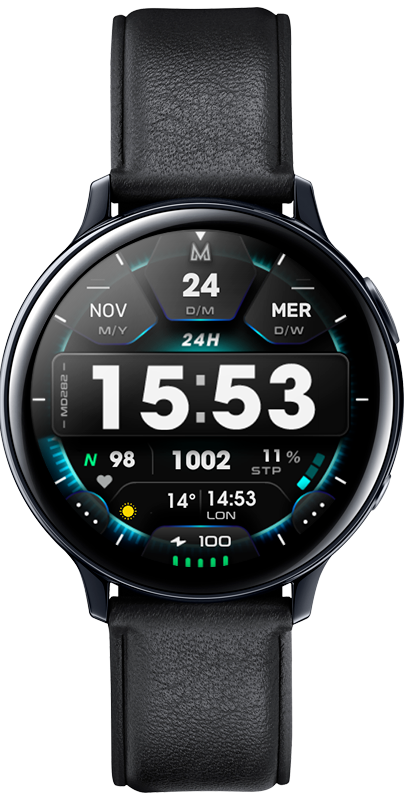
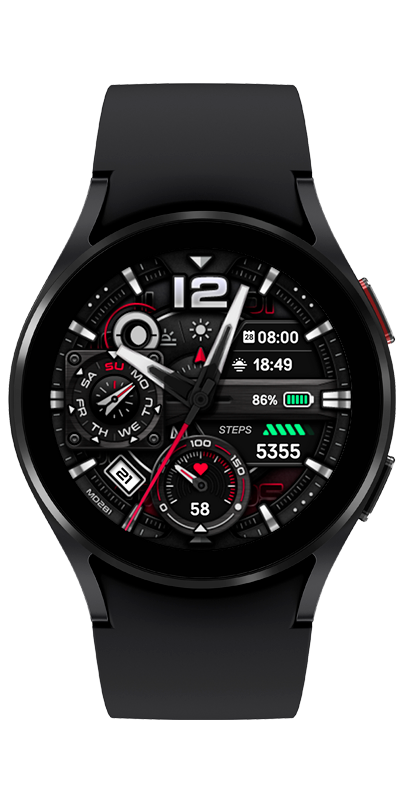
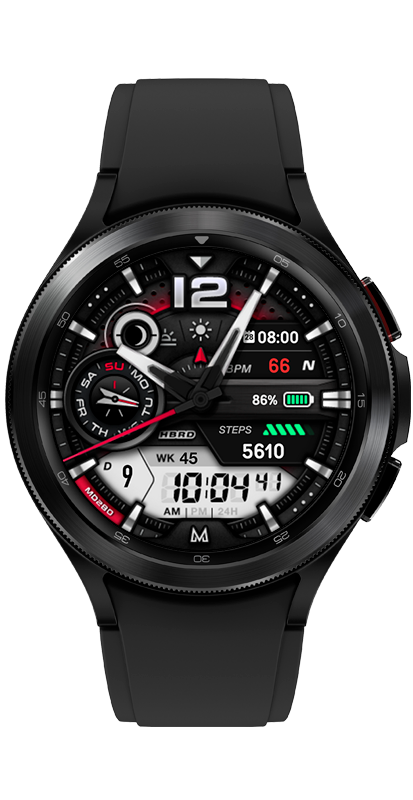
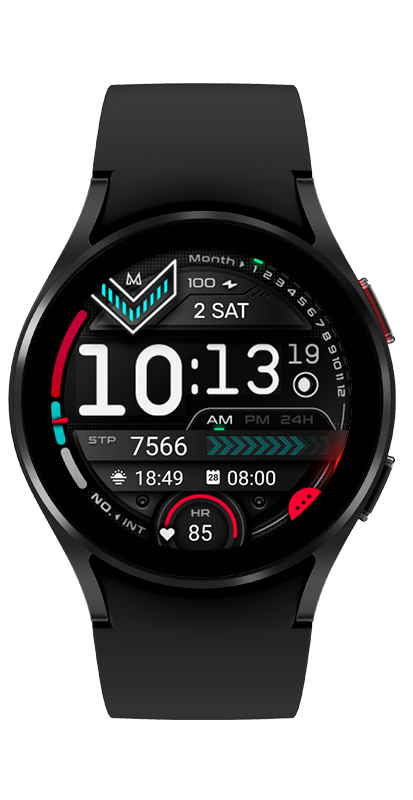
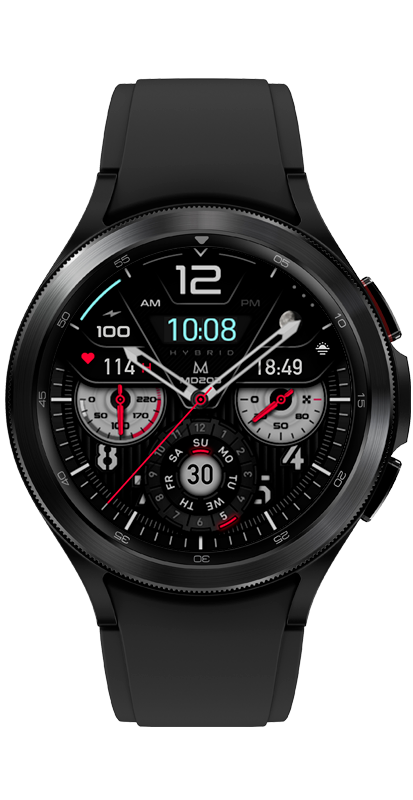
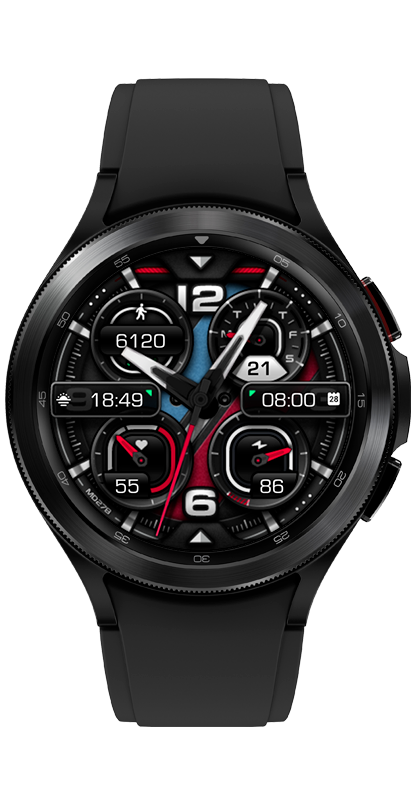
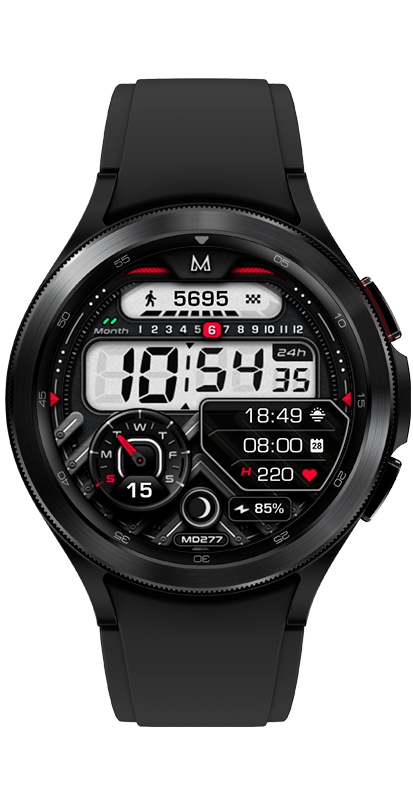
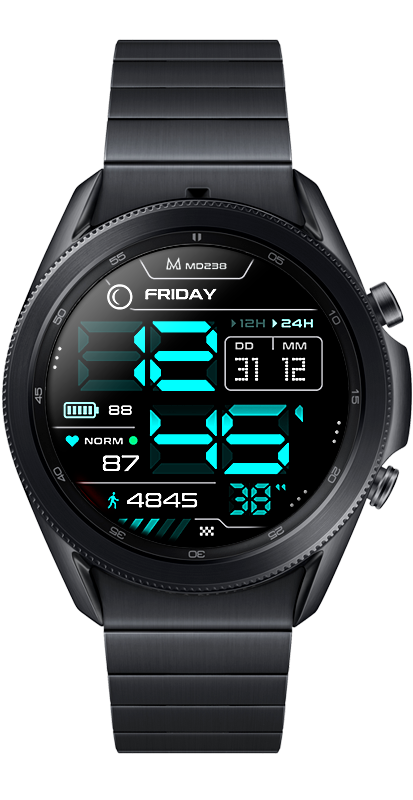
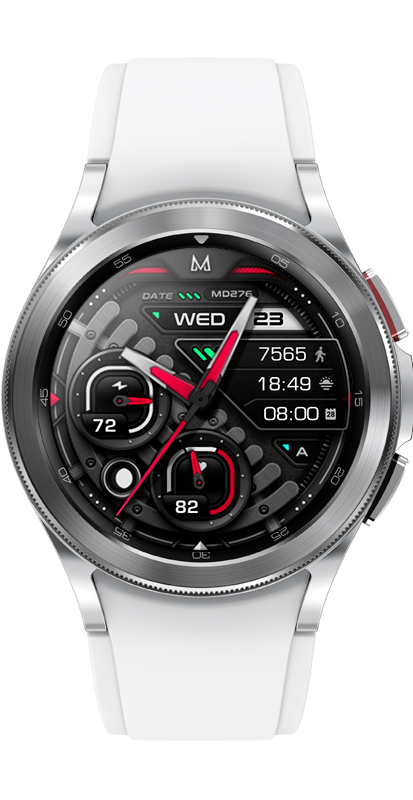
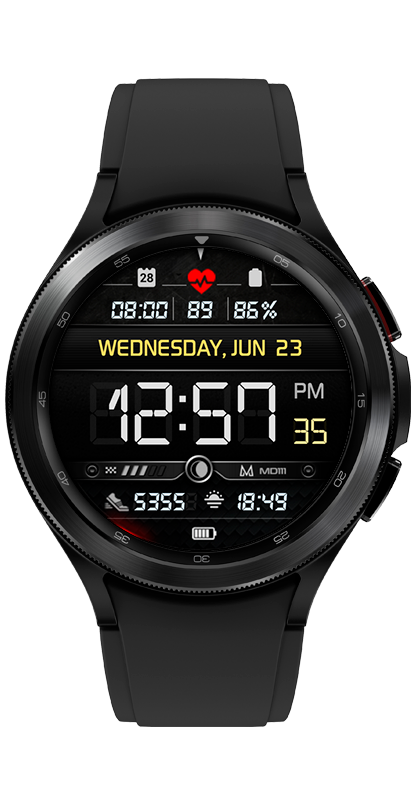
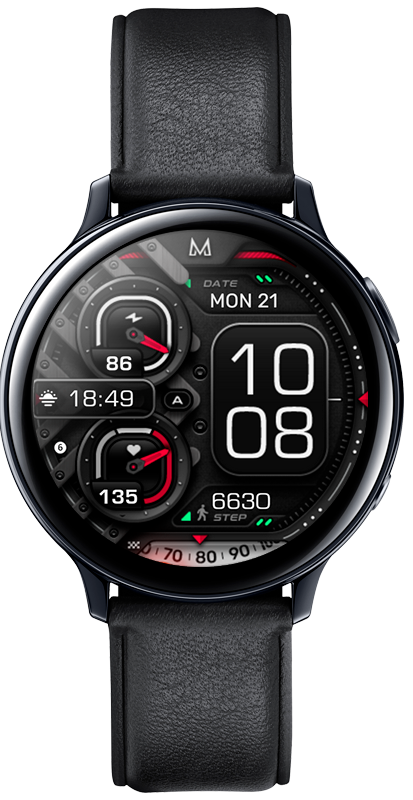
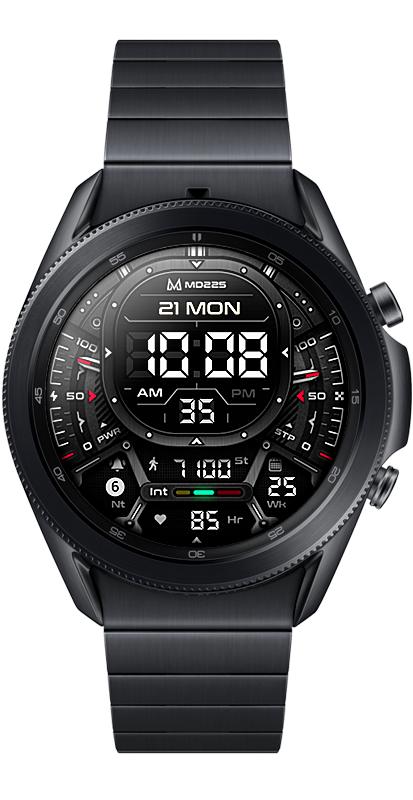
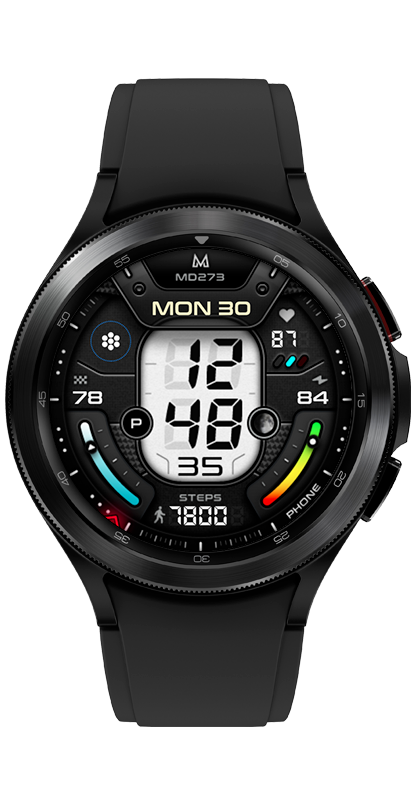
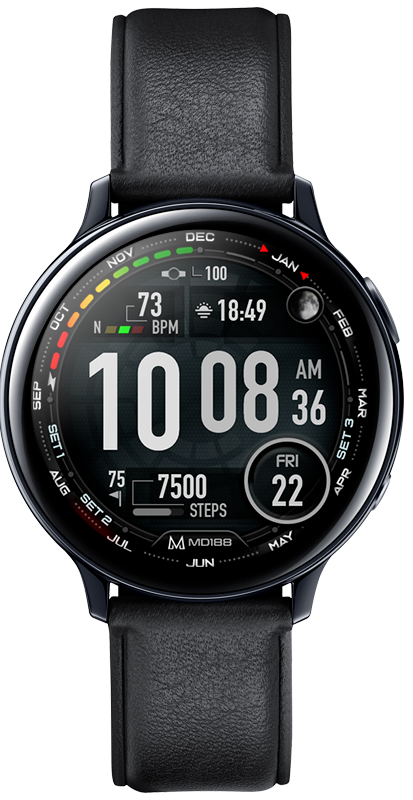
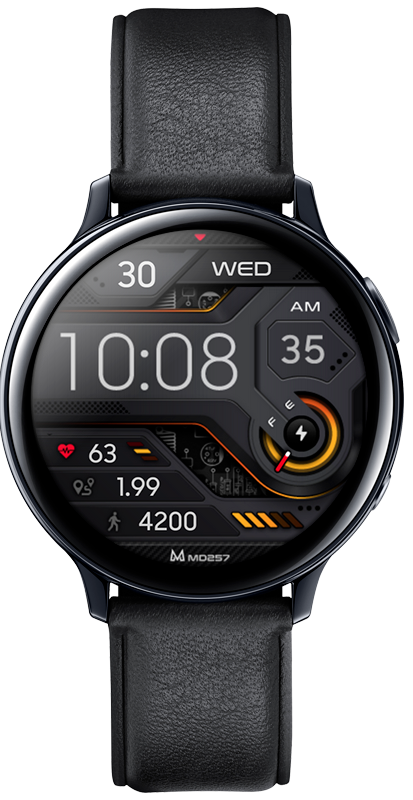
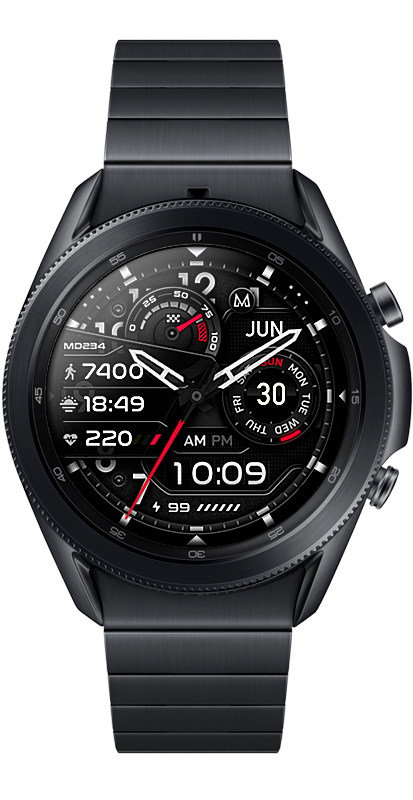
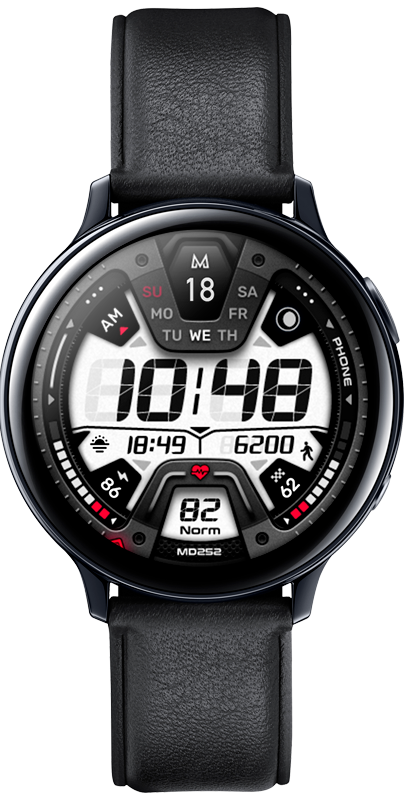
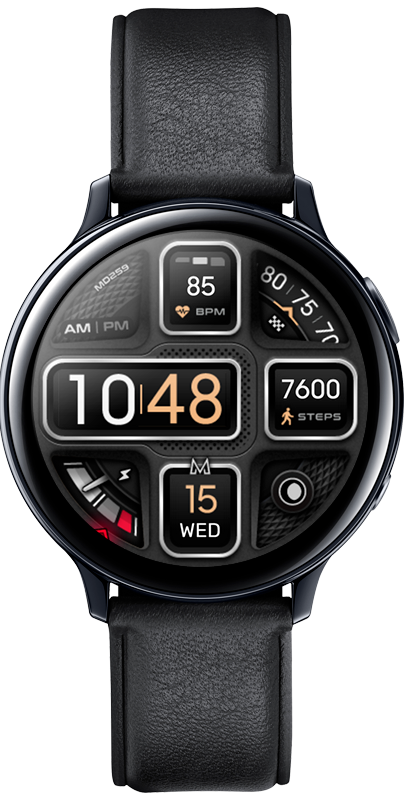
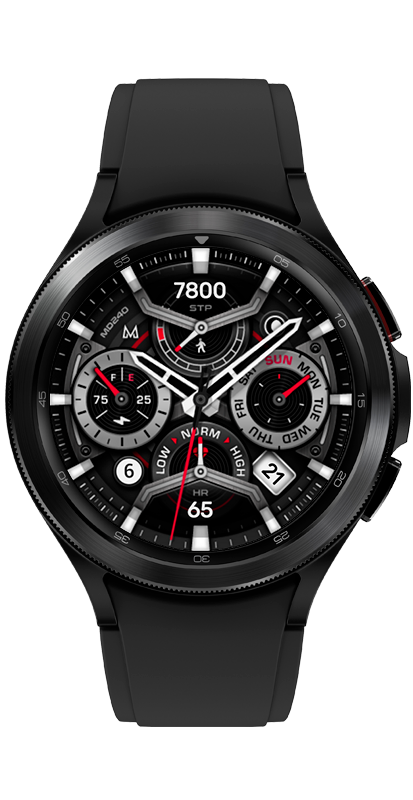
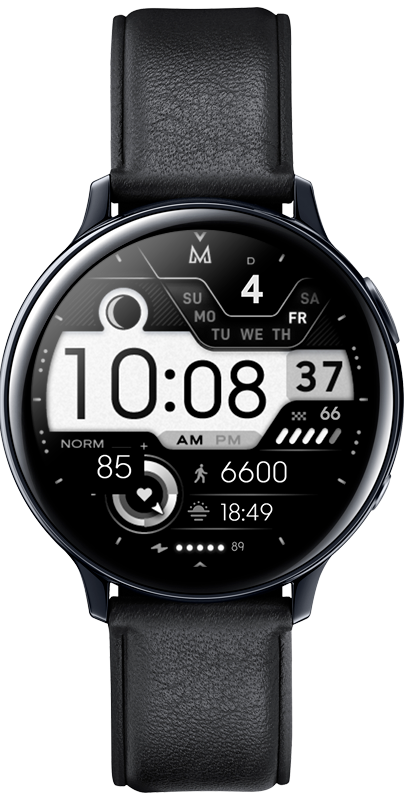
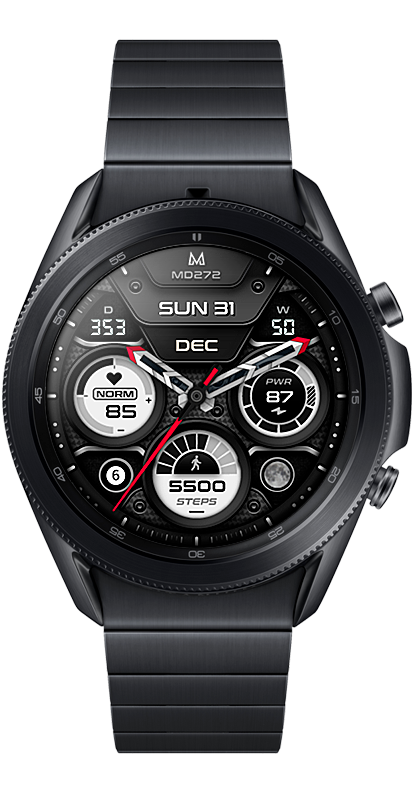
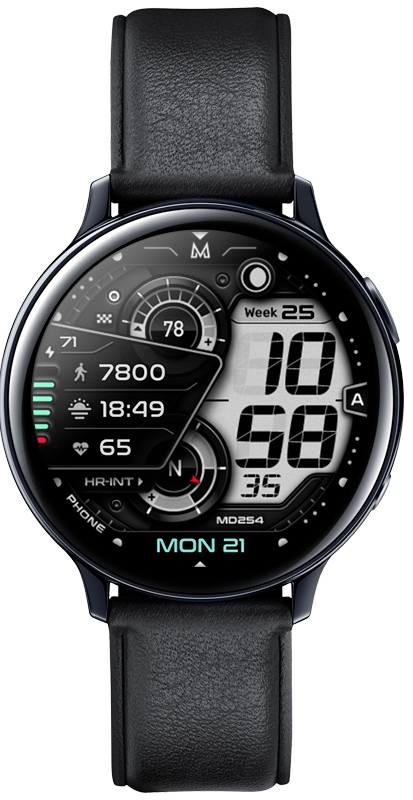
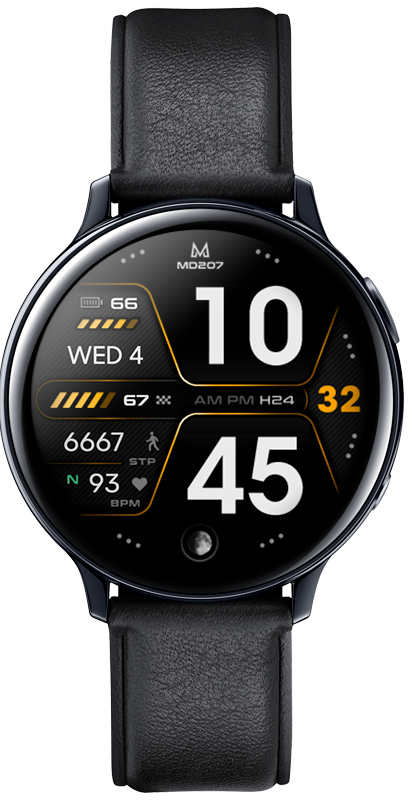
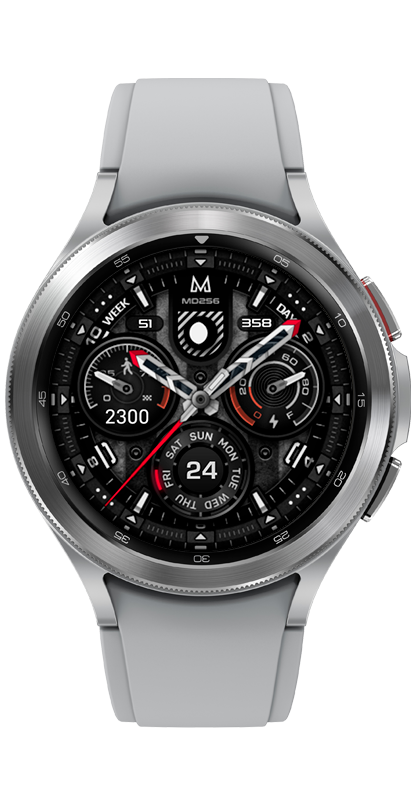
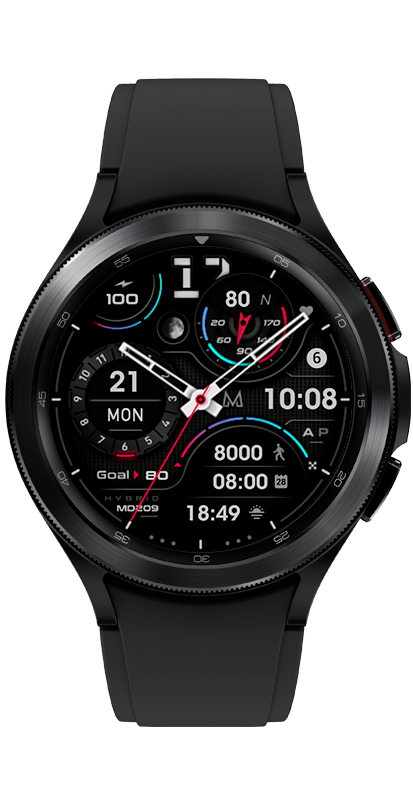
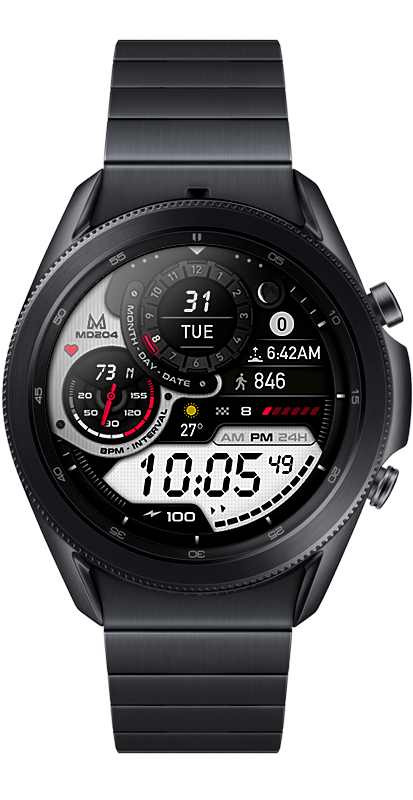
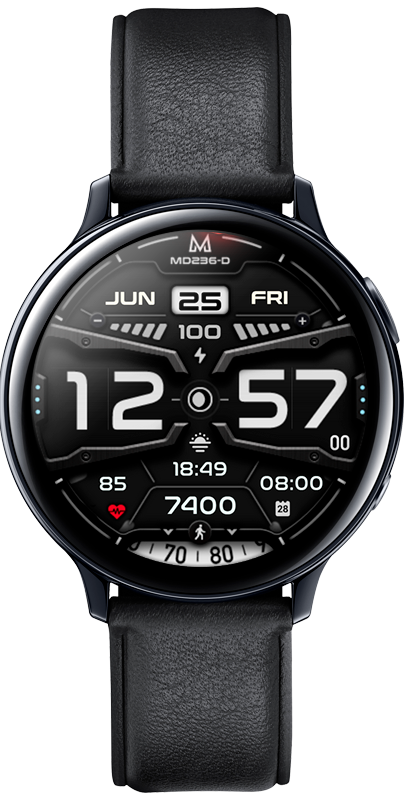
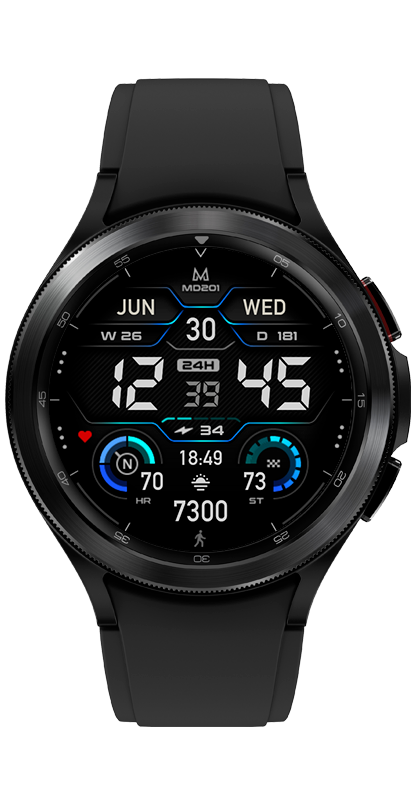
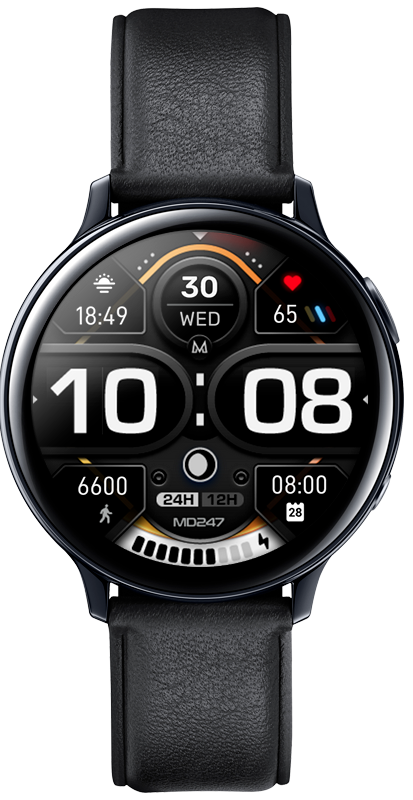
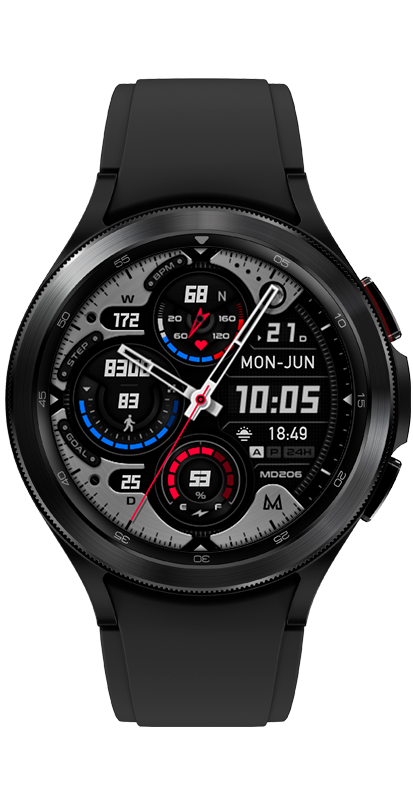
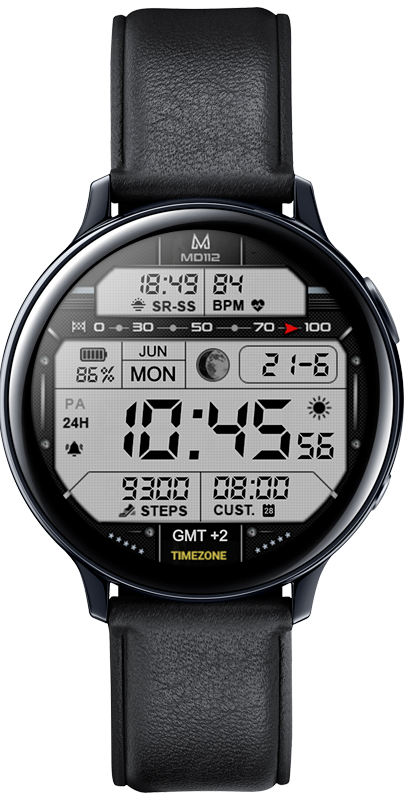
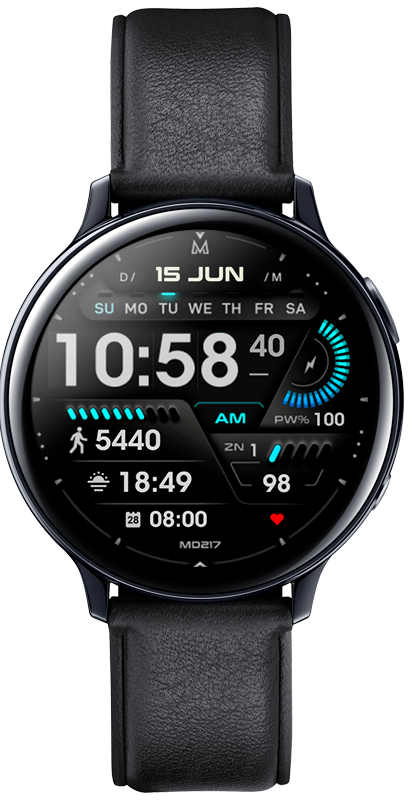
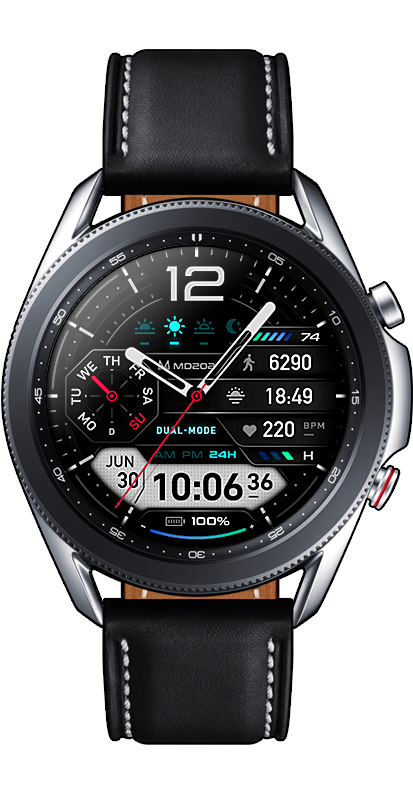
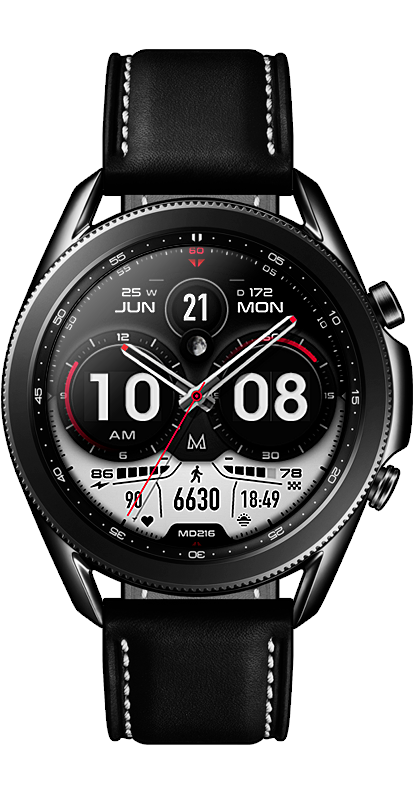
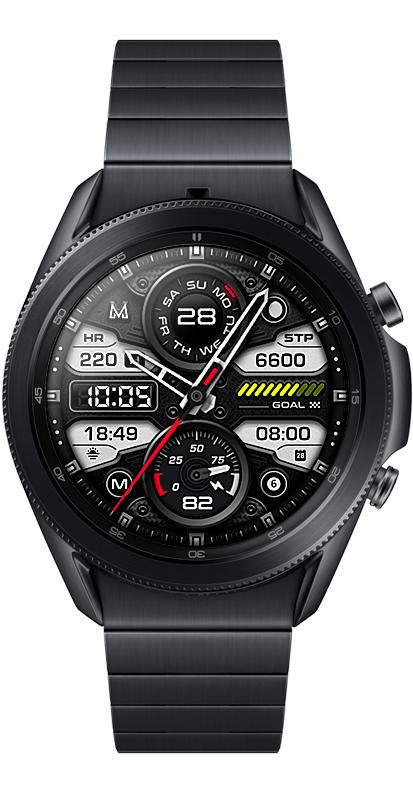
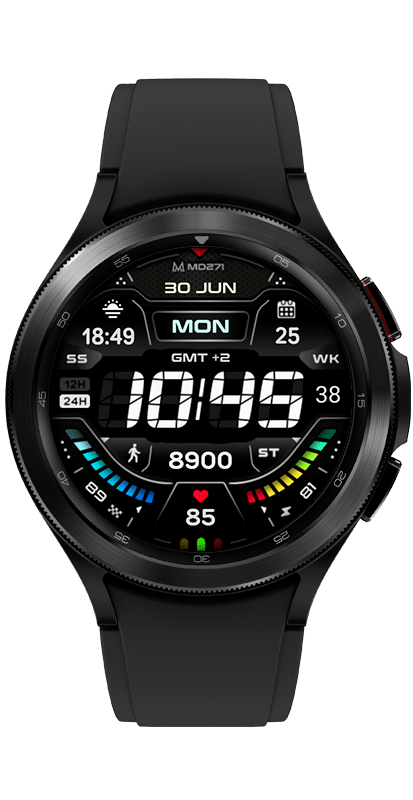
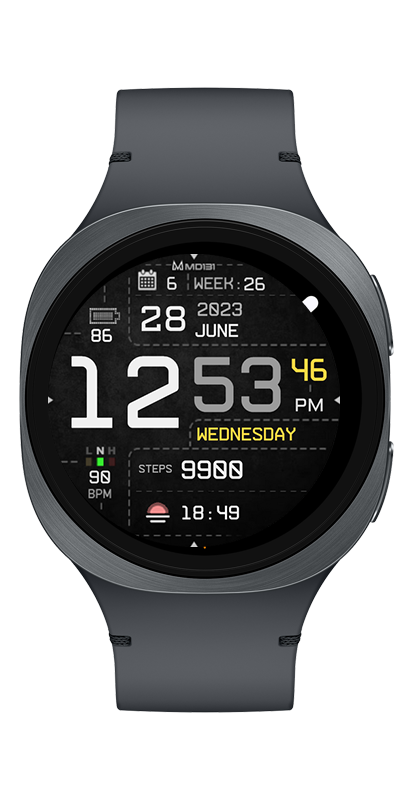
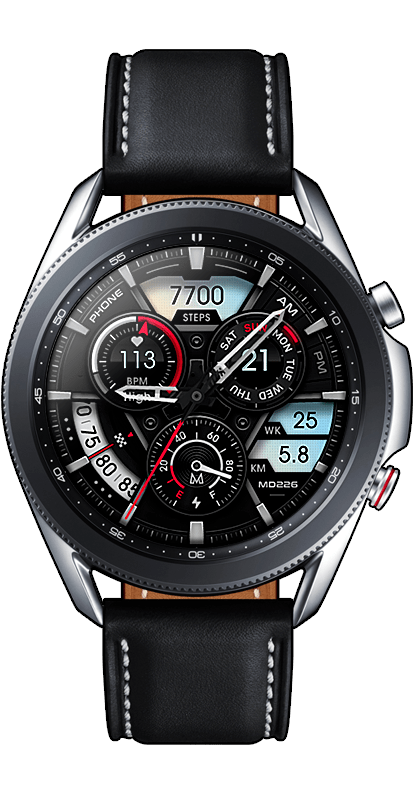
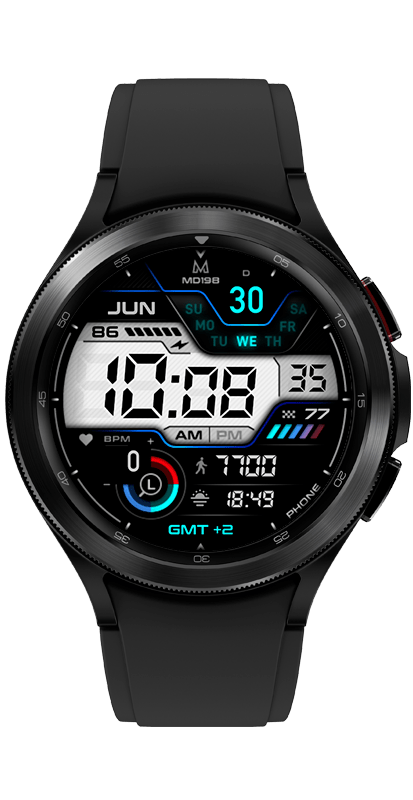
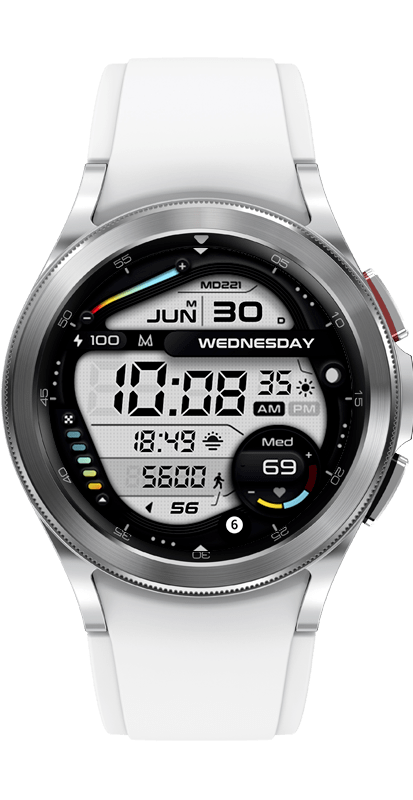
The MD242 is an Hybrid watch face for Wear OS by Matteo Dini MD.
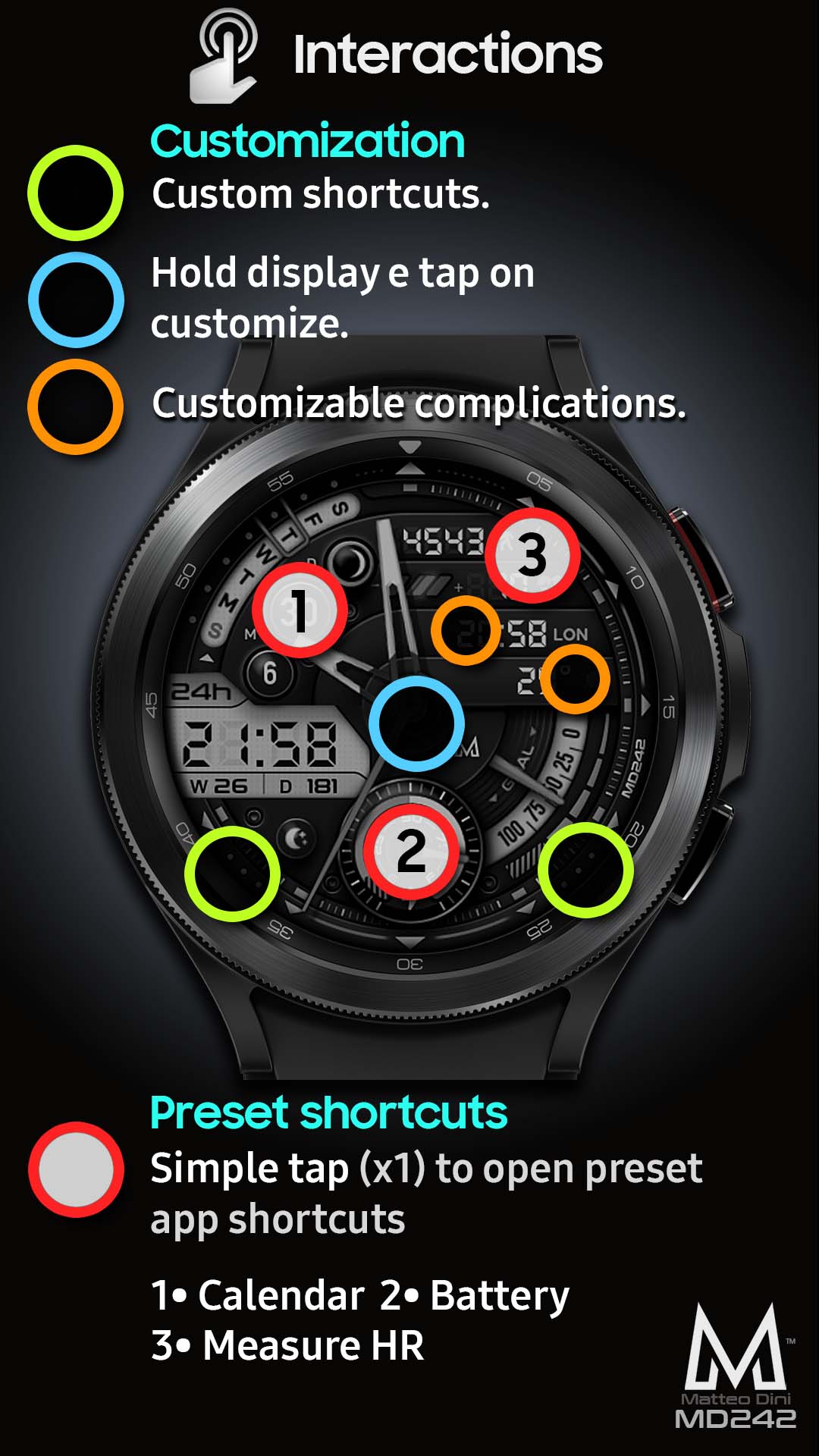
It contains 3 Preset App shortcuts, 2 customizable shortcuts, steps, heart rate + intervals, date, 2 customizable complications where you can have the data you prefer such as “barometer”, “weather” (etc), changeable colors and more.
PLEASE NOTE:
This watch face has been released in two different versions:
– Tizen for Samsung Galaxy Watch and Gear series.
– Wear OS for Samsung Galaxy Watch 4 and other Wear Os devices that support API Level 28+.
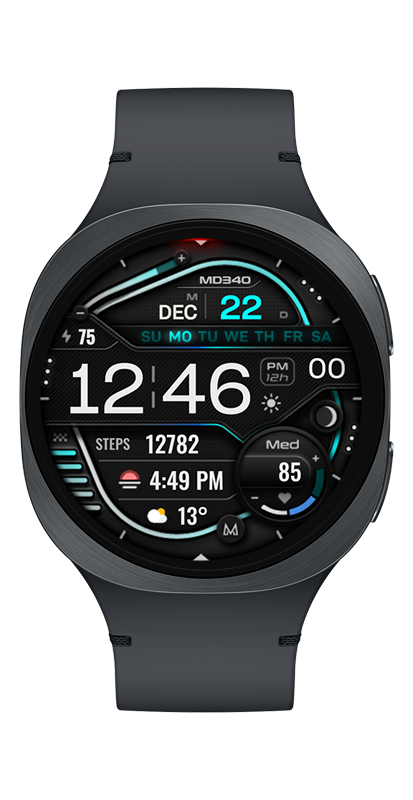
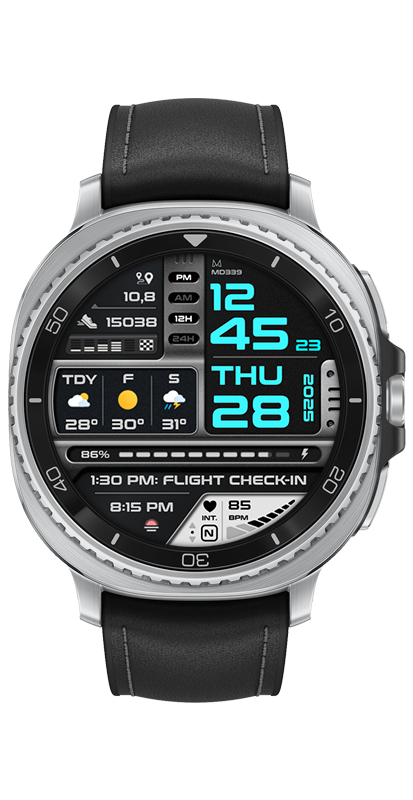
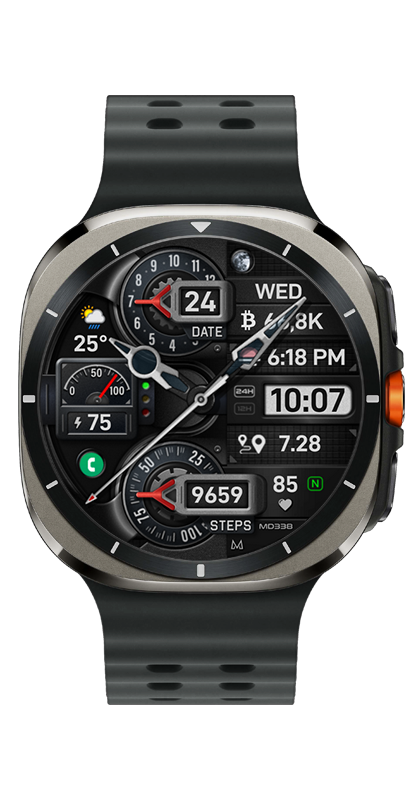
Some features may be different. The images are for indicative purposes.
Please read the descriptions in the relevant App Stores.
Watch face features:
– Digital time 12/24hr
– Date
– Battery
– Heart rate*
– Steps
– Daily goals: steps set to 8500 st/day
– 3 Preset app shortcuts
– 2 customizable shortcuts
– Date
– Week of Year
– Day of Year
– Moon phase
– 2 customizable complications
– Always ON Display supported with changeable colors
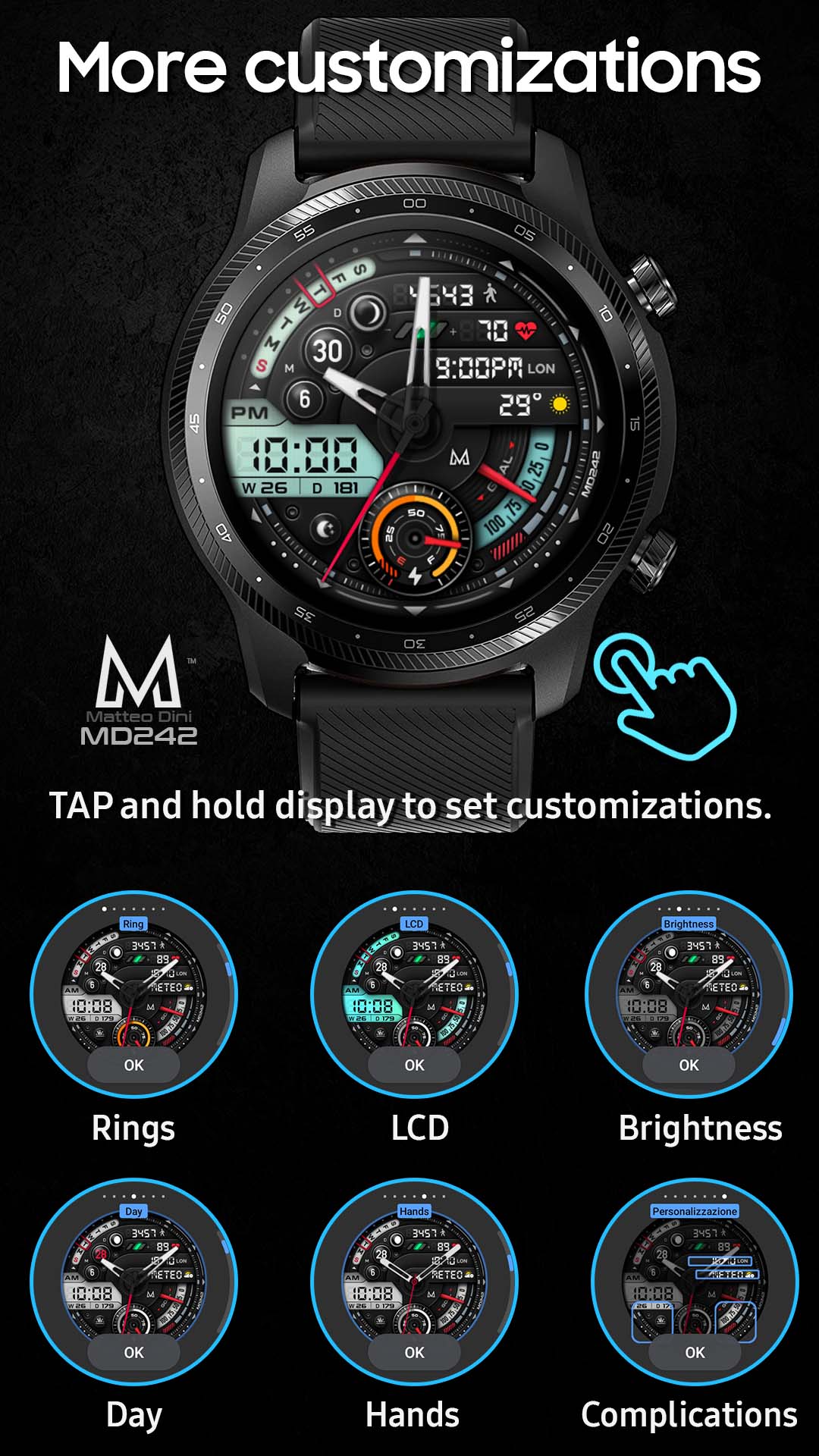
– Changeable LCD colors, Hands, Rings, Brightness and general colors.
Customization:
1 – Touch and hold display
2 – Tap on customize option
Preset APP Shortcuts:
– Calendar
– Battery
– Measure HR
Customizable field/complications:
you can customize the fields with the any data you want.
For example, you can select weather, steps, time zone, sunset/sunrise, barometer, next appointment and more.
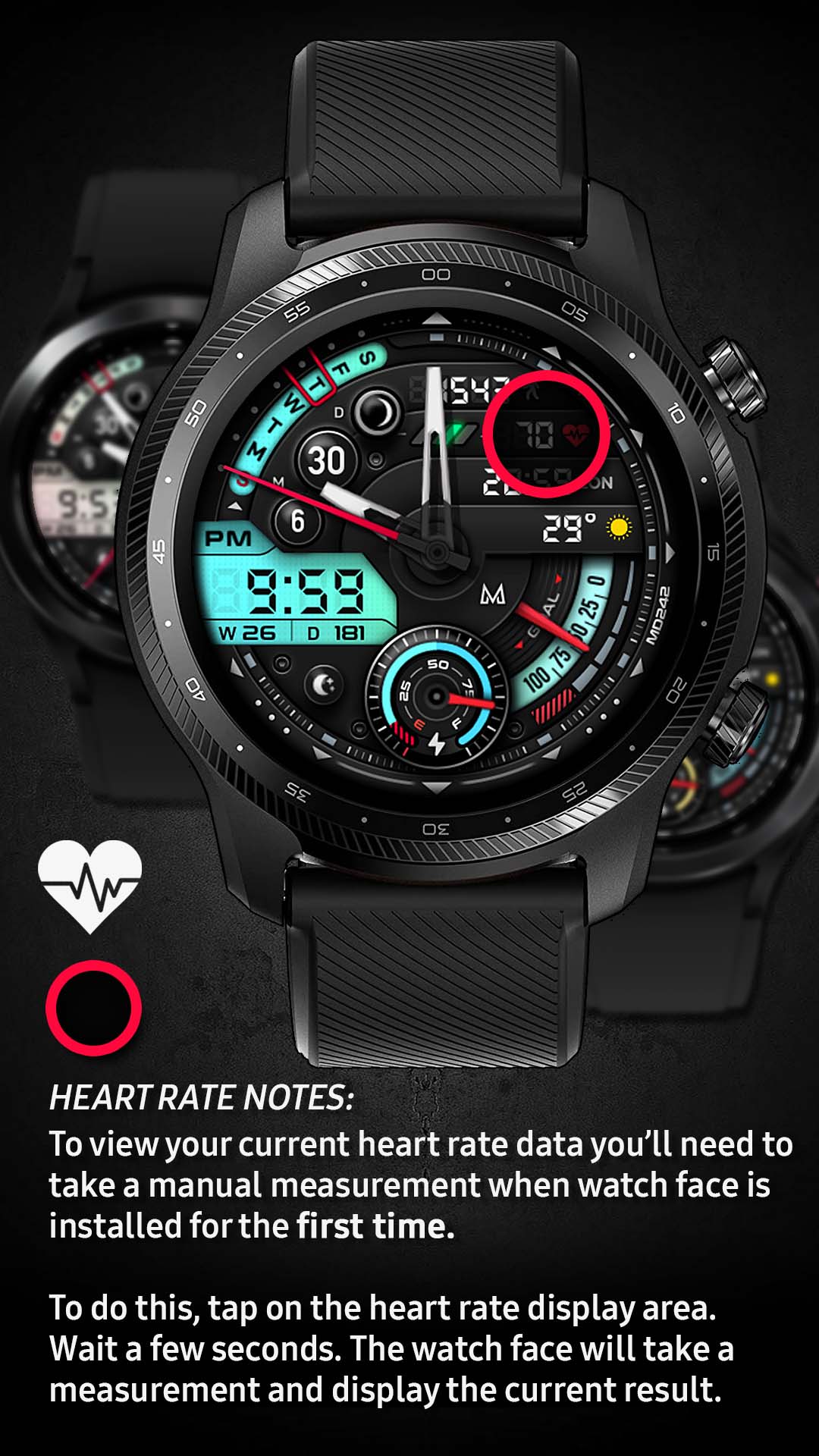
*Heart Rate Notes:
The watch face does not automatically measure and does not automatically display the HR result when installed.
To view your current heart rate data you’ll need to take a manual measurement. To do this, tap on the heart rate display area (see images). Wait a few seconds. The watch face will take a measurement and display the current result.
After the first manual measurement, the watch face can automatically measure your heart rate every 10 minutes. Manual measurement will also be possible.
***some features may not be available on some watches.