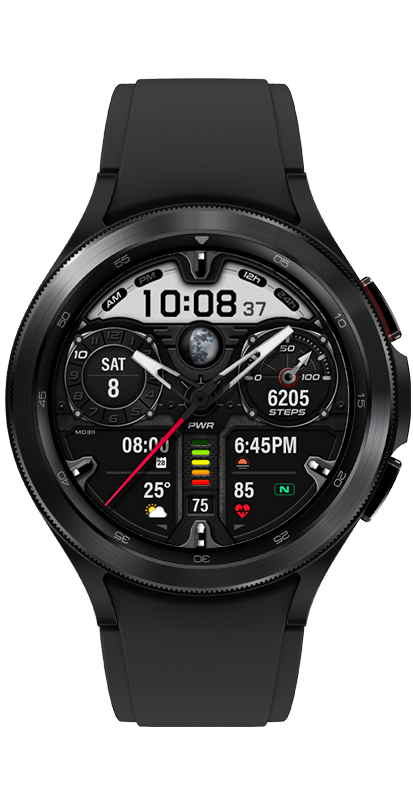
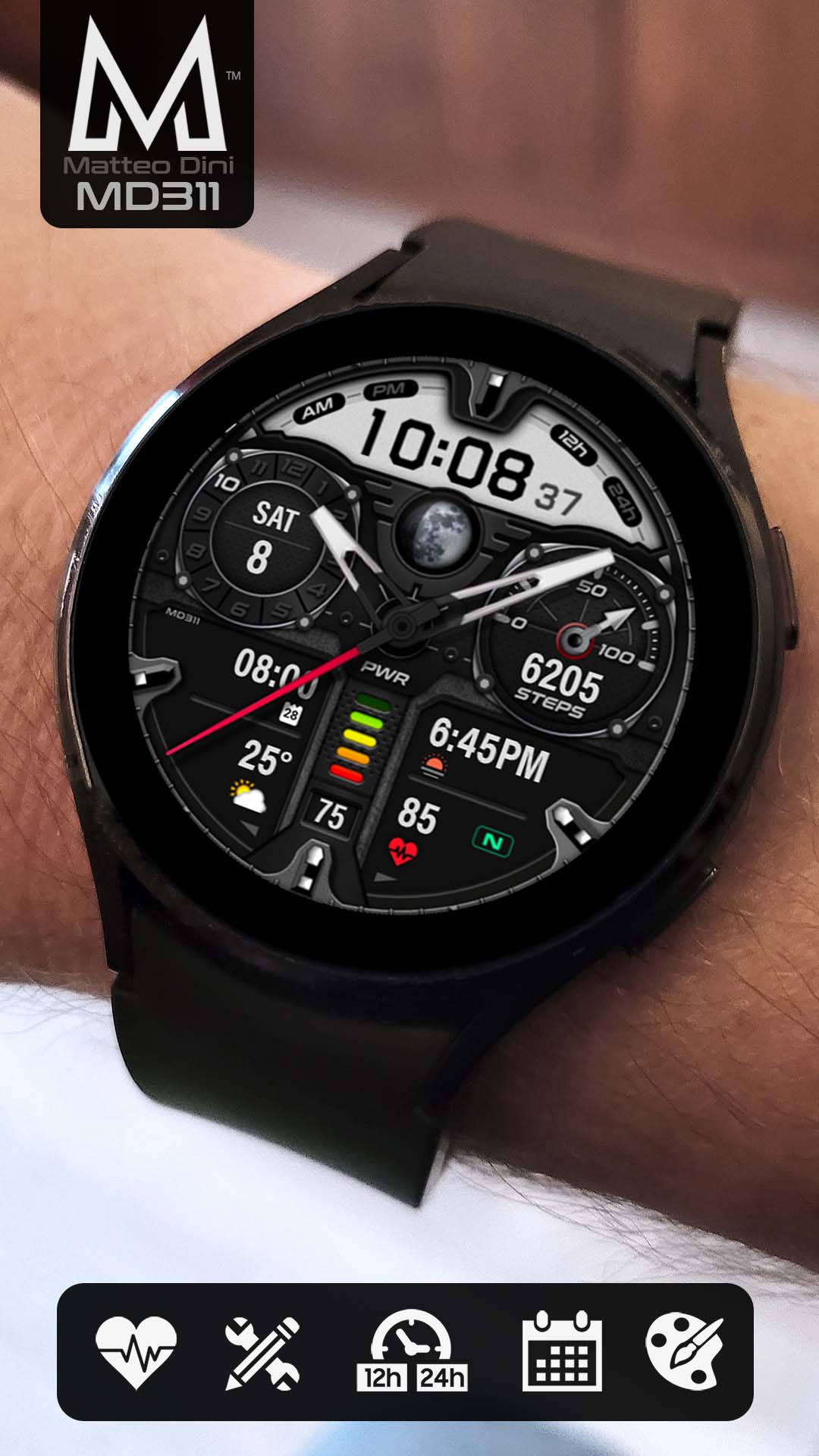
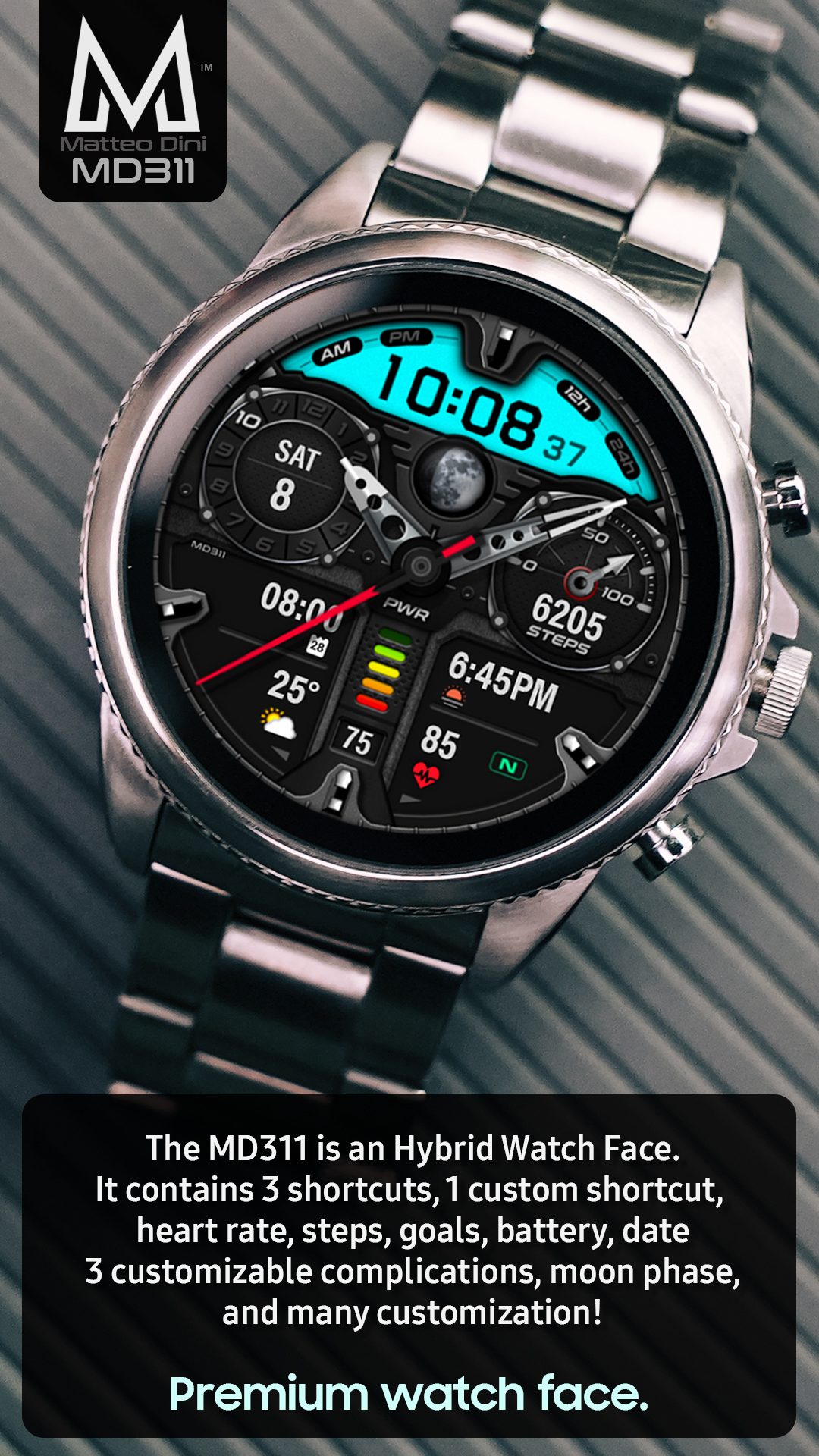
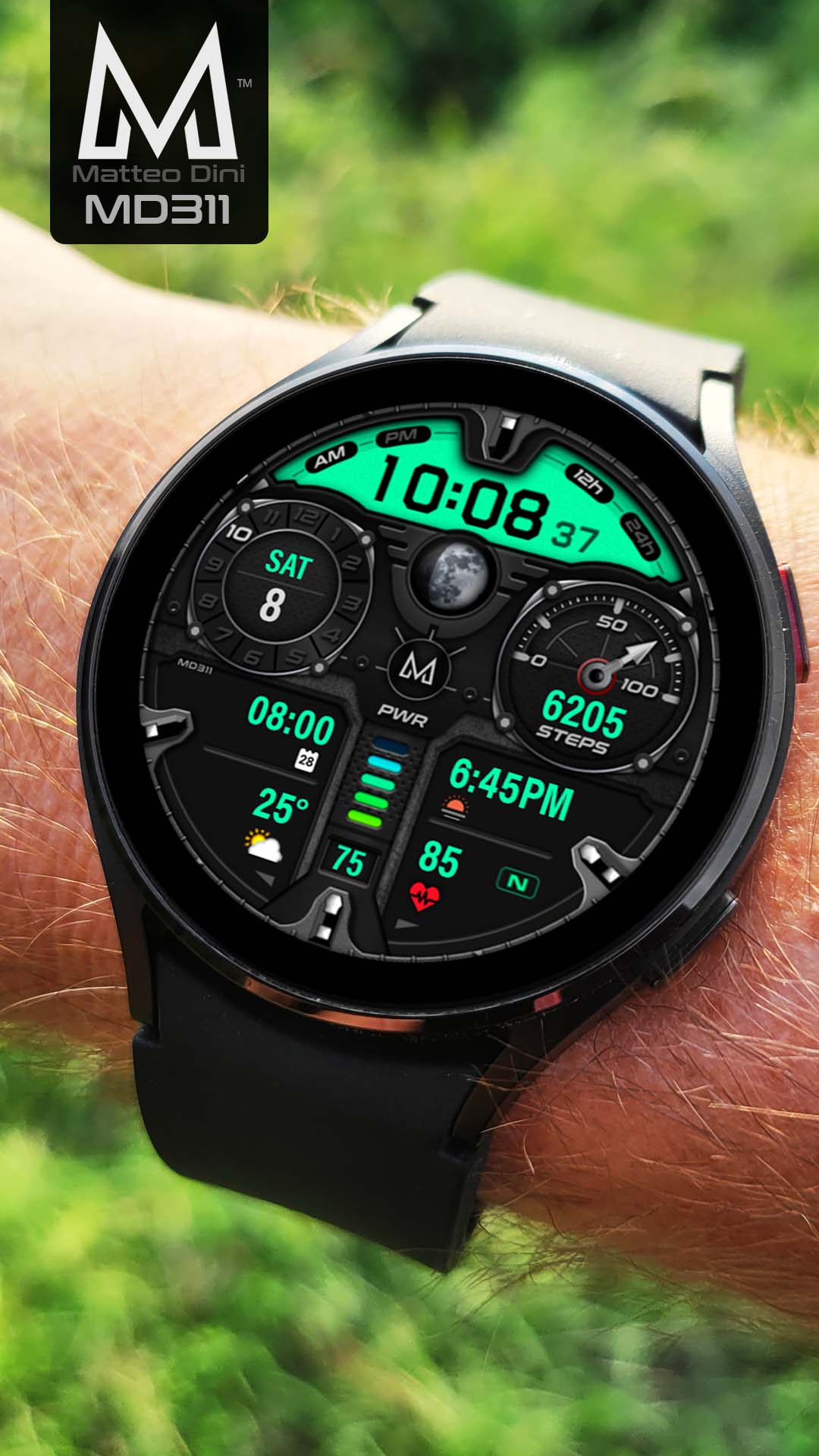
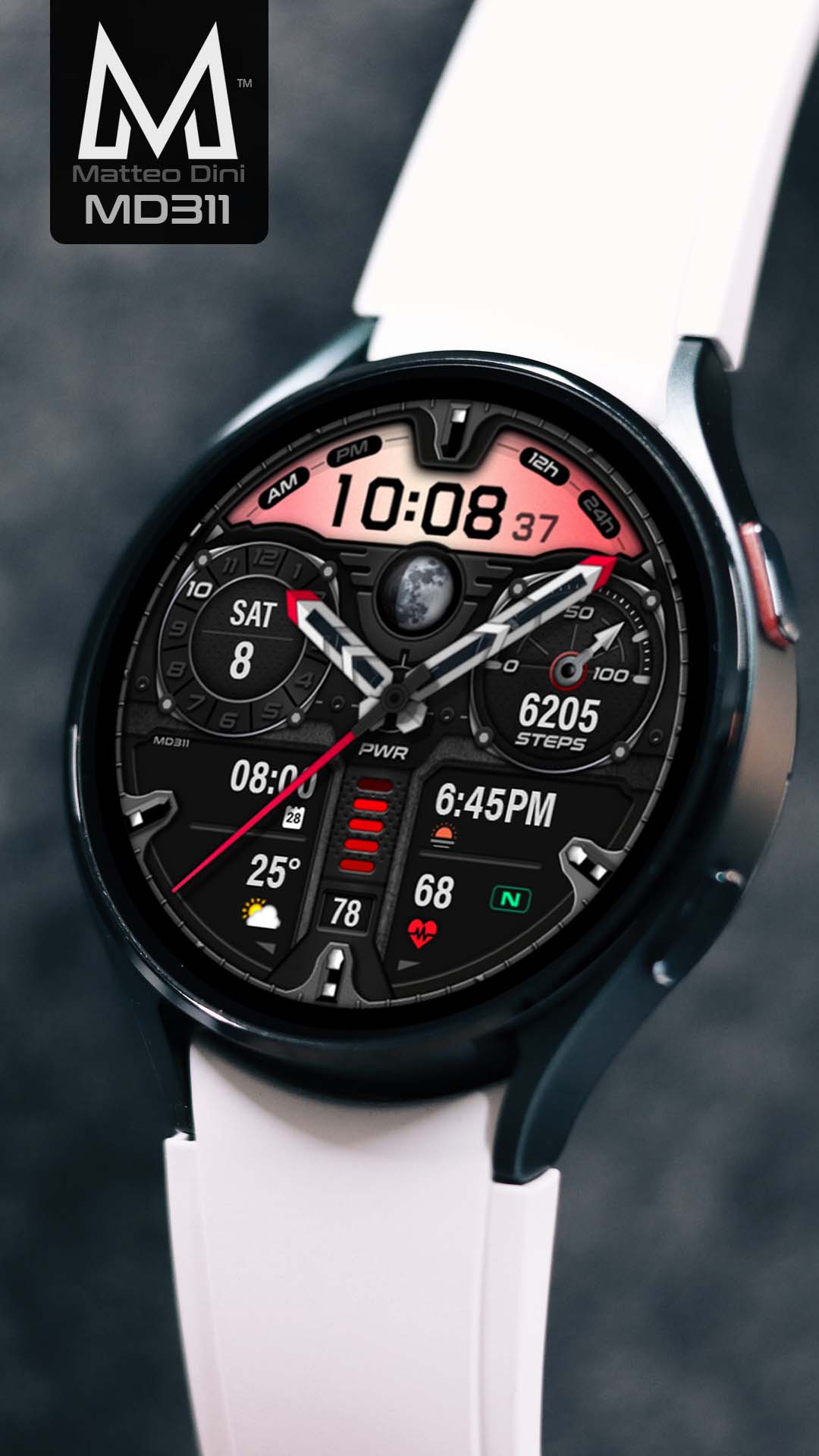
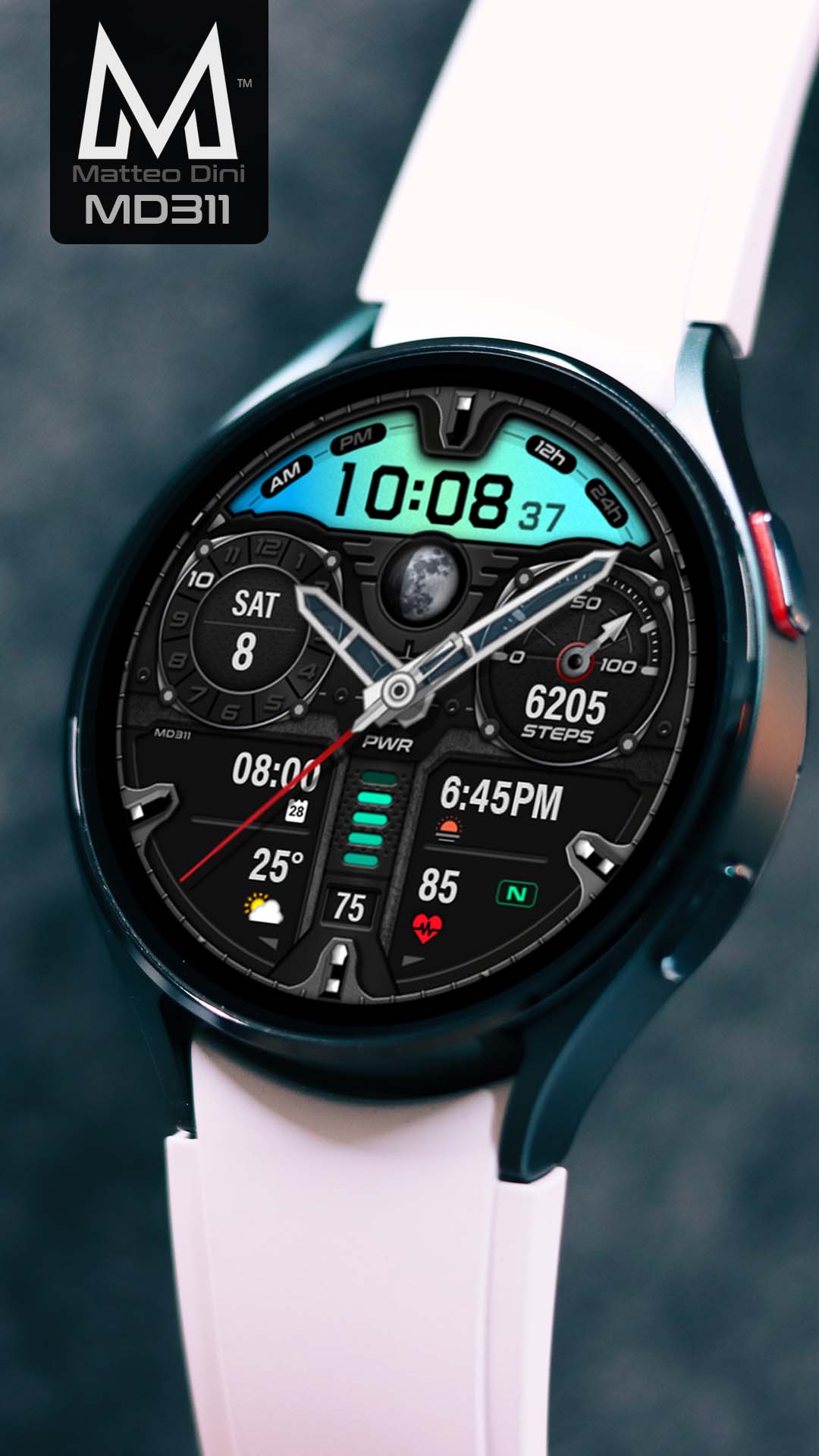
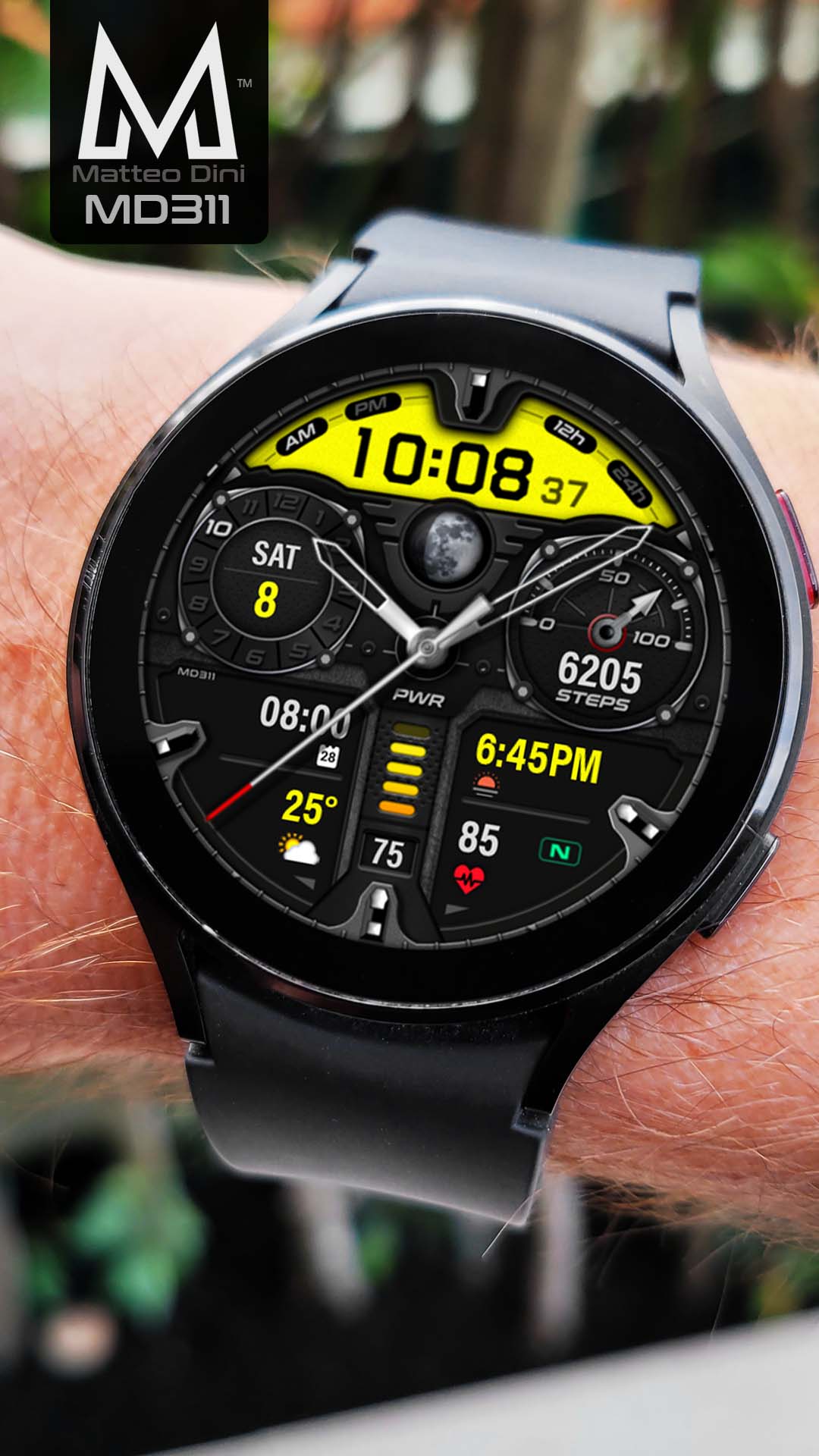
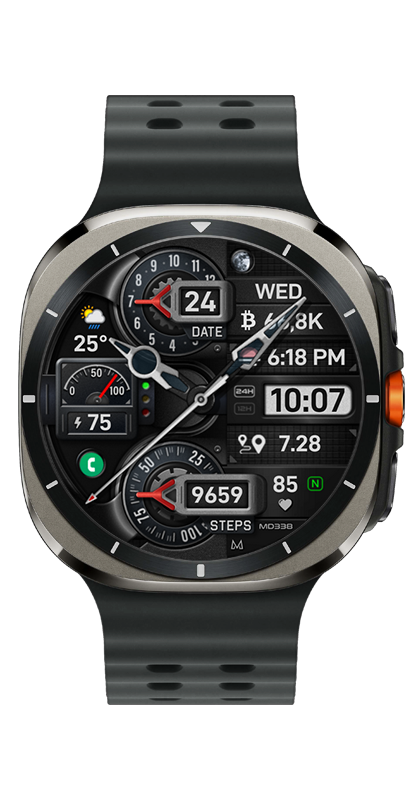
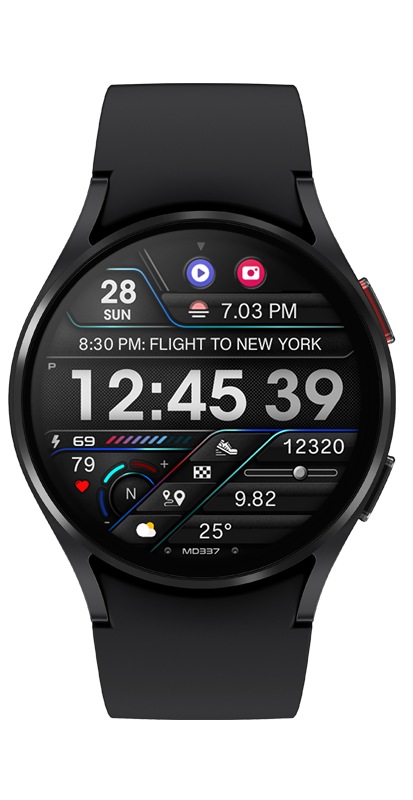
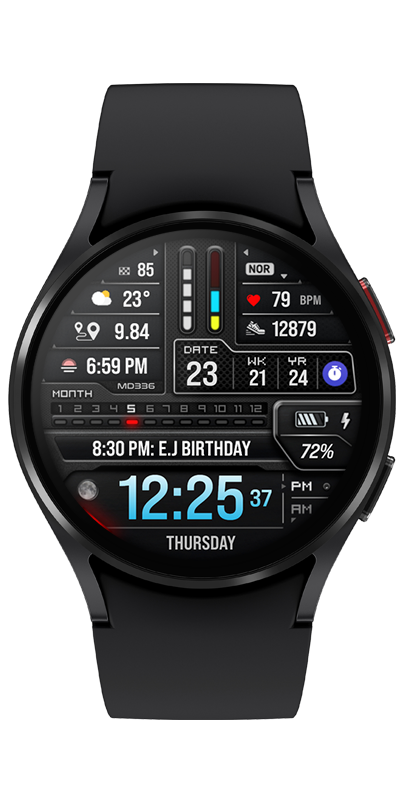
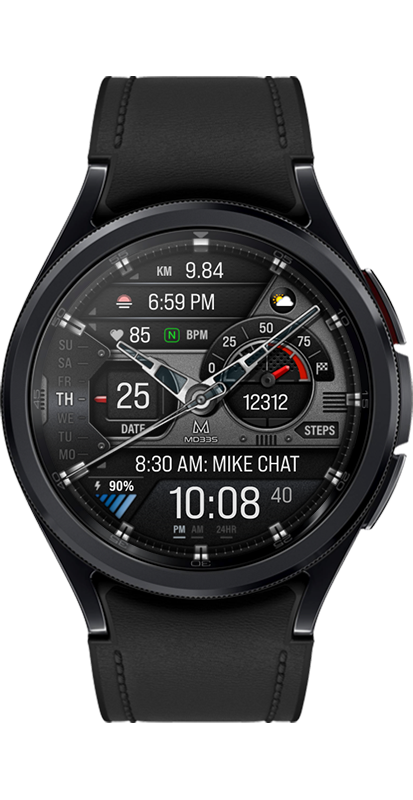
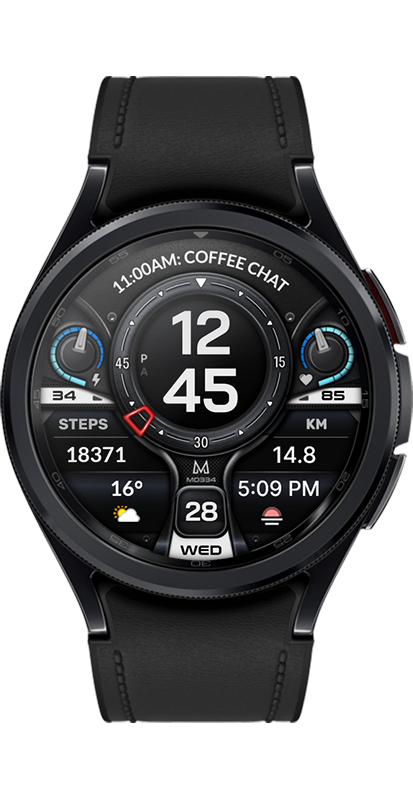
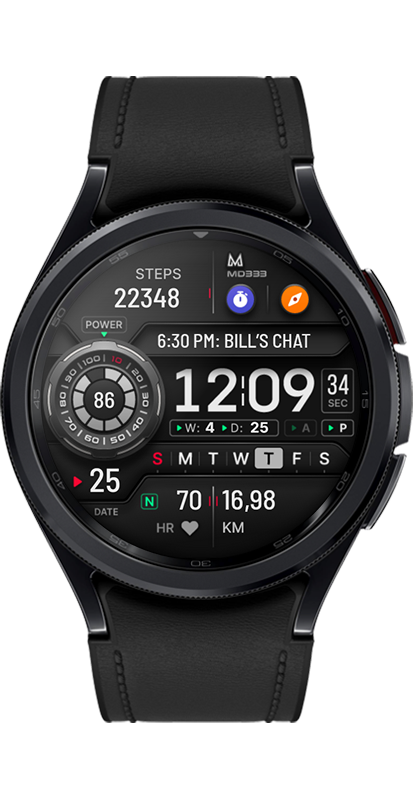
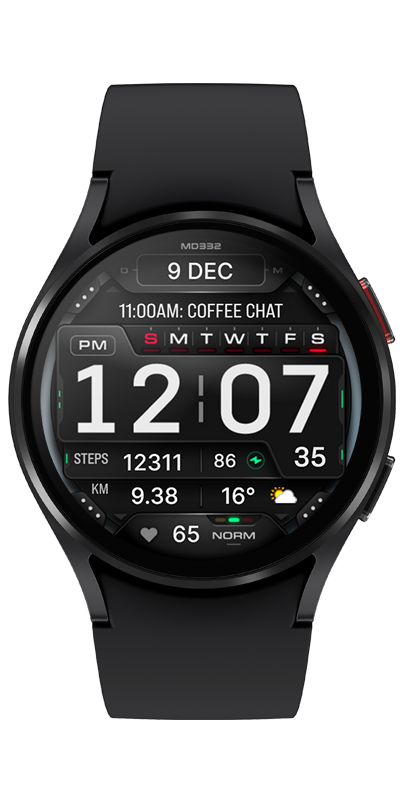
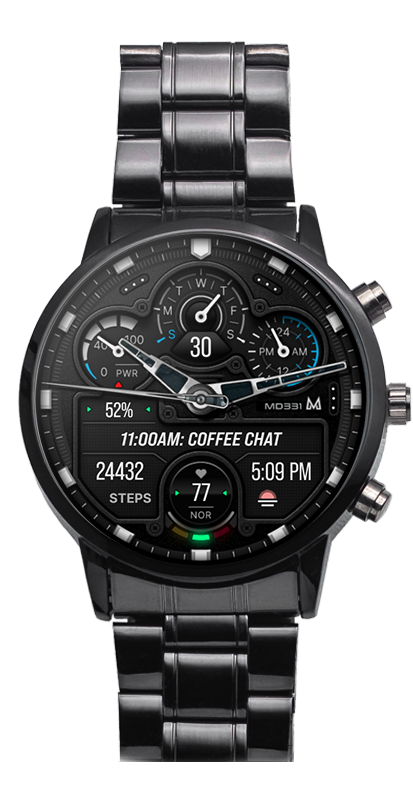
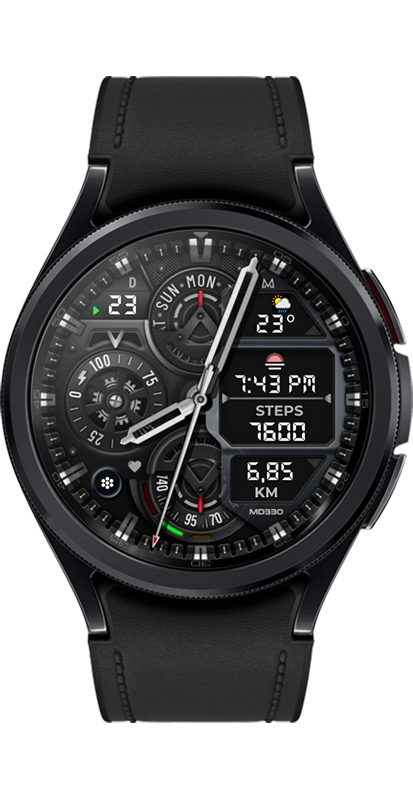
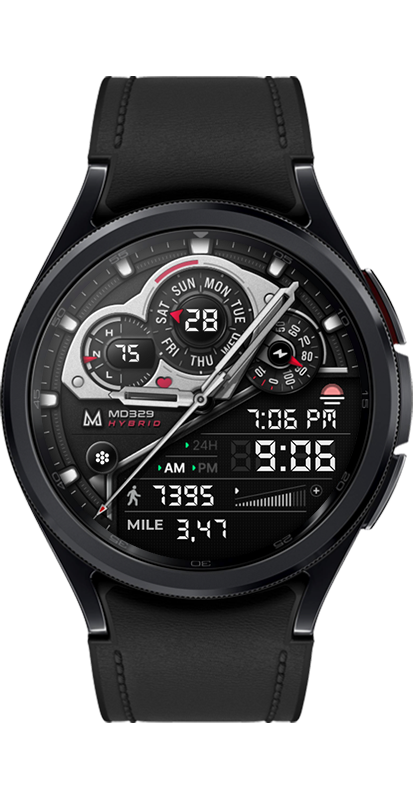
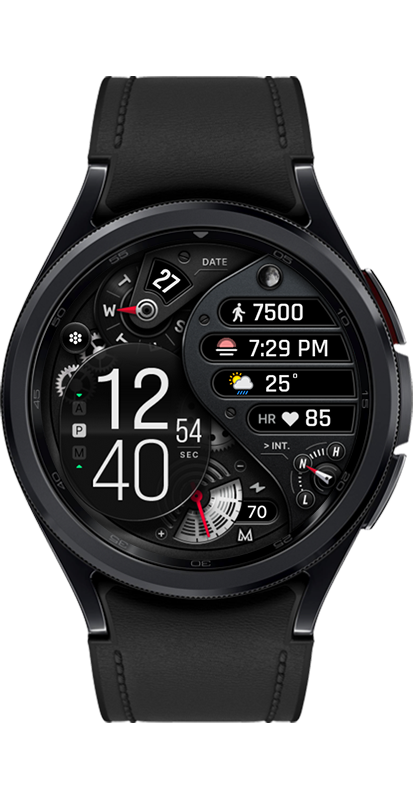
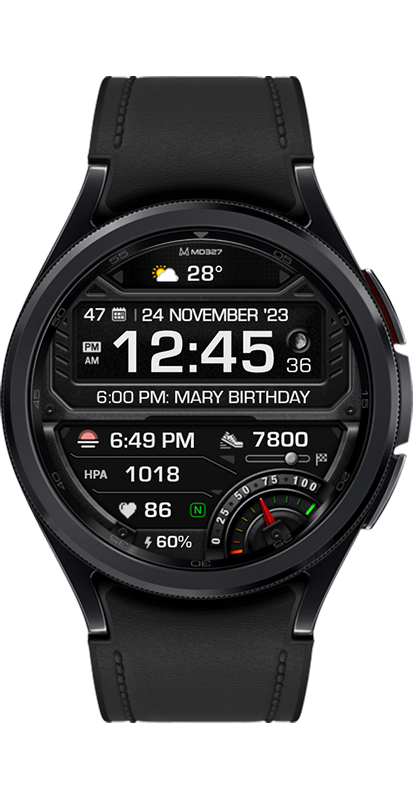
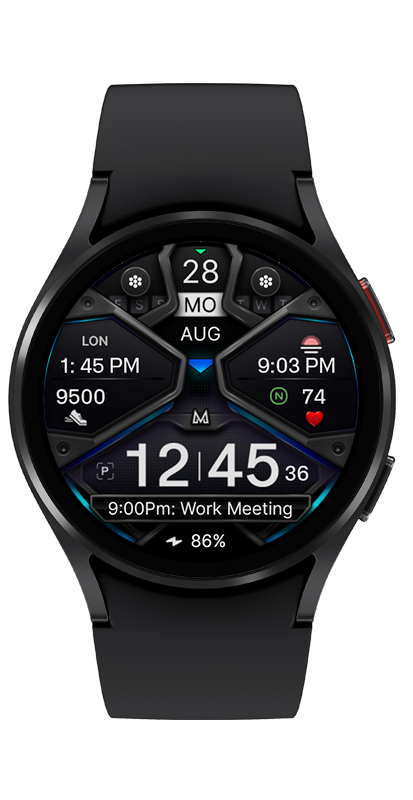
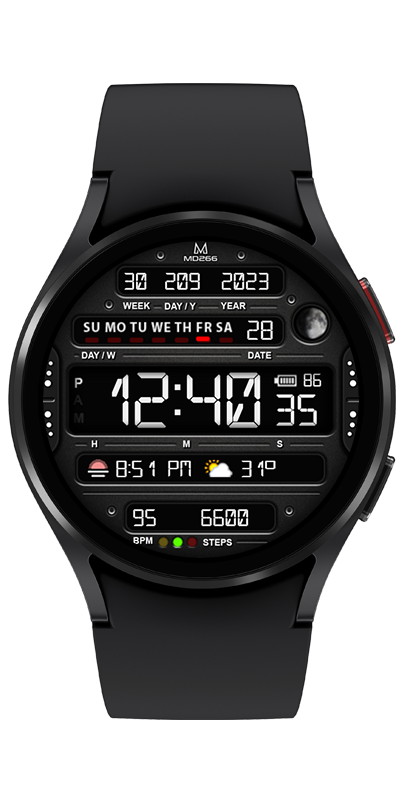
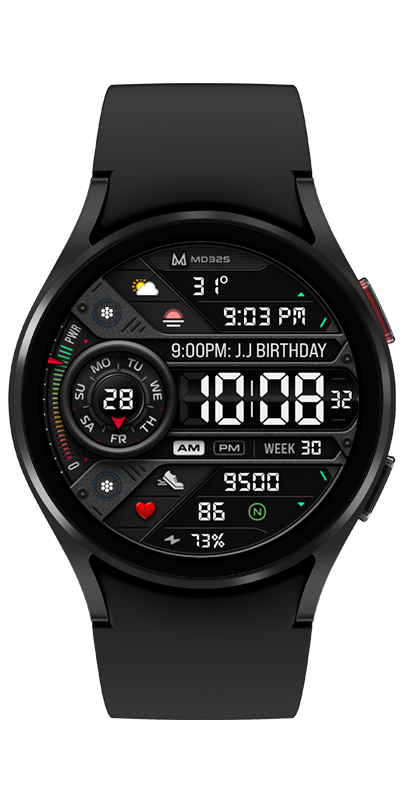
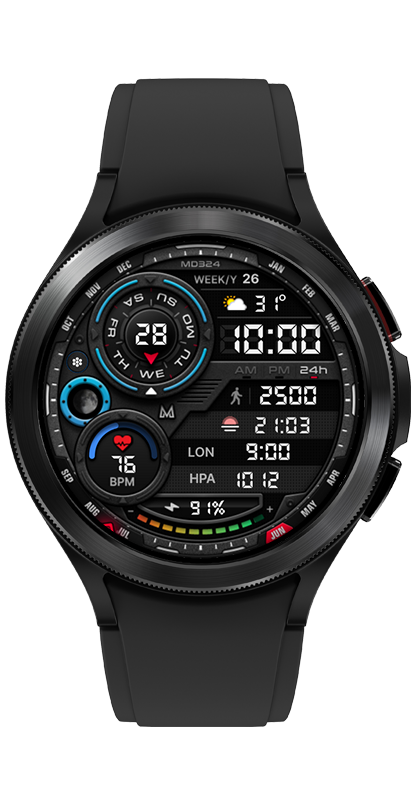
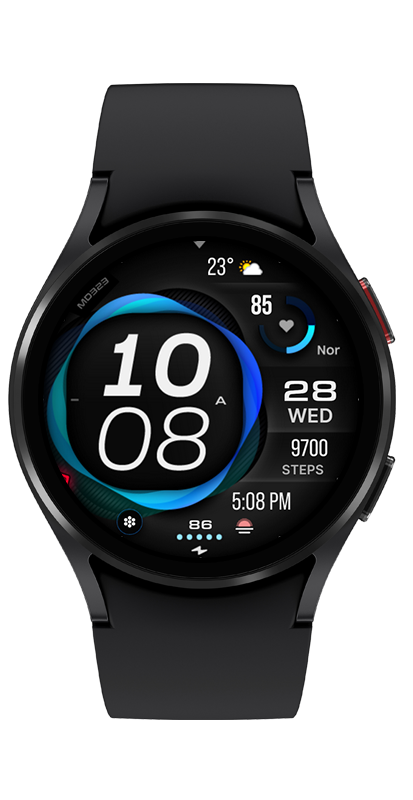
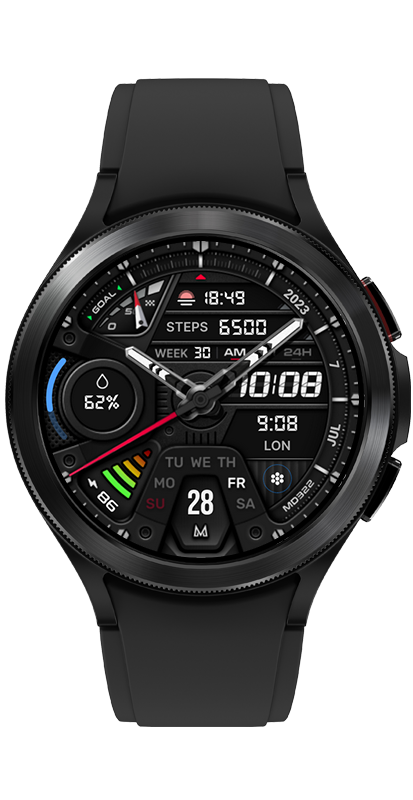
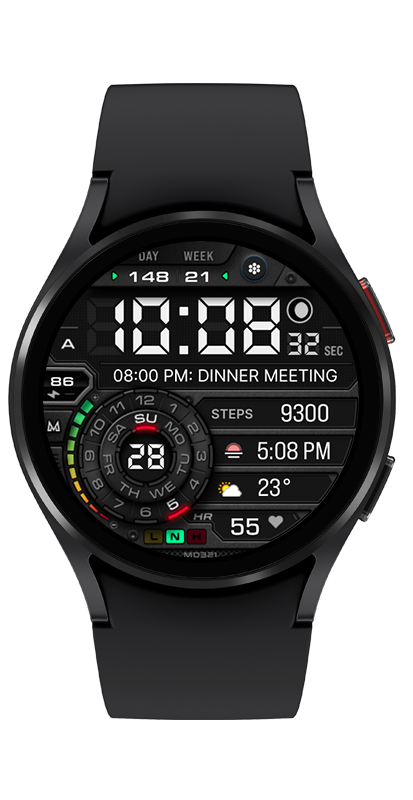
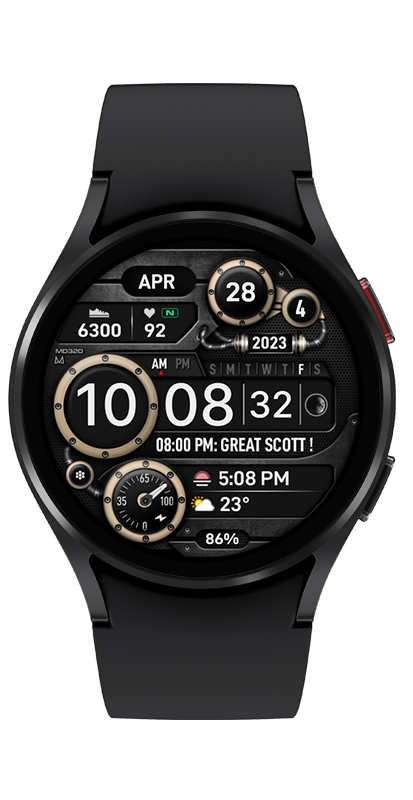
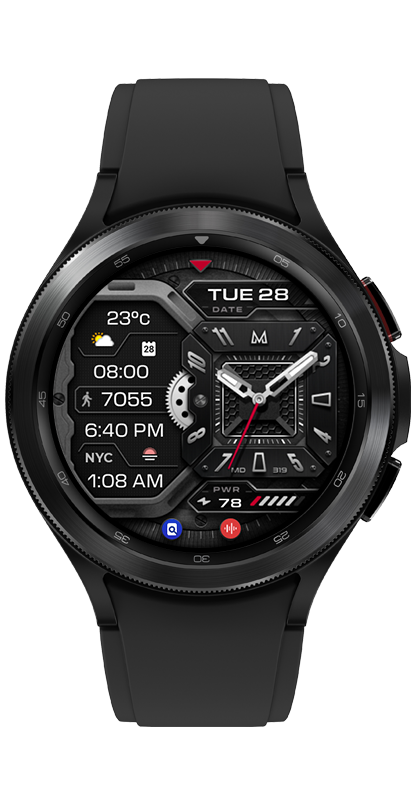
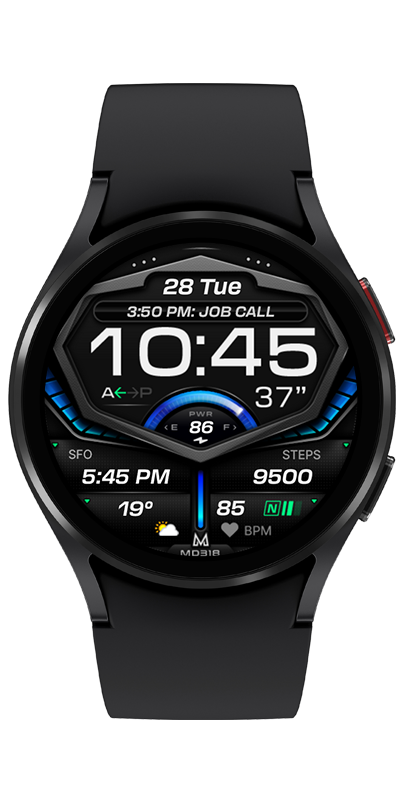
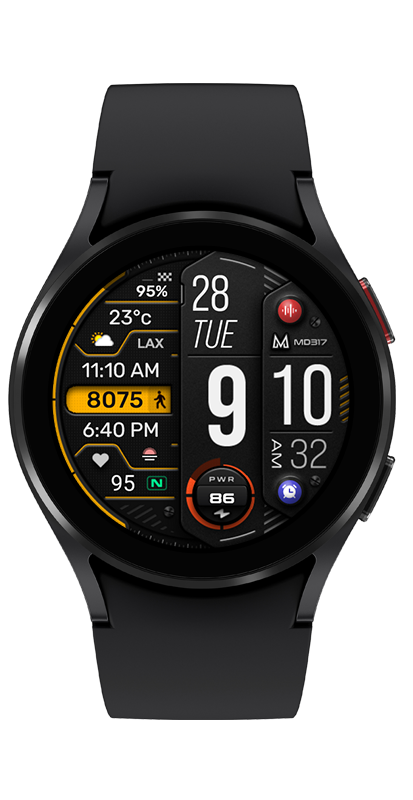
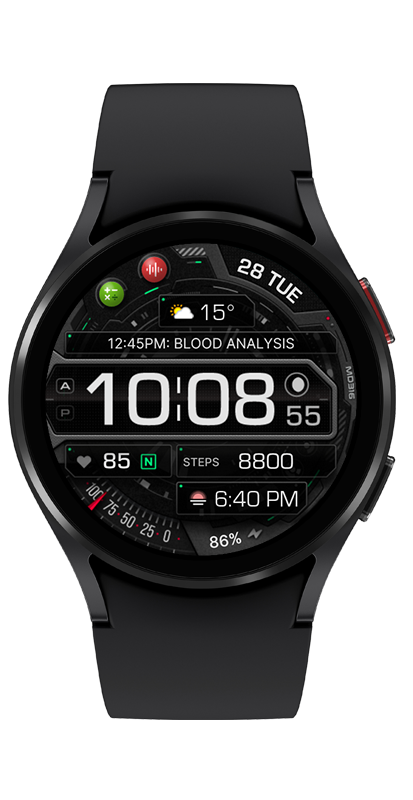
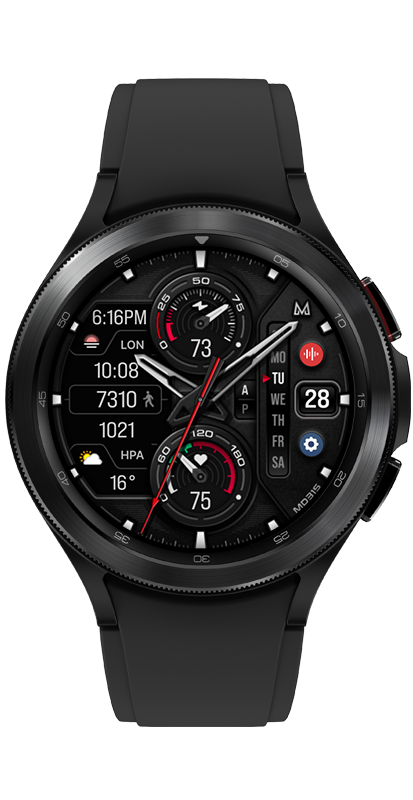
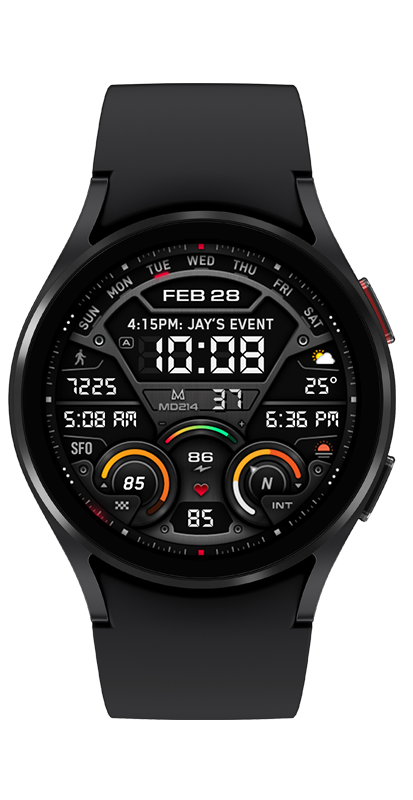
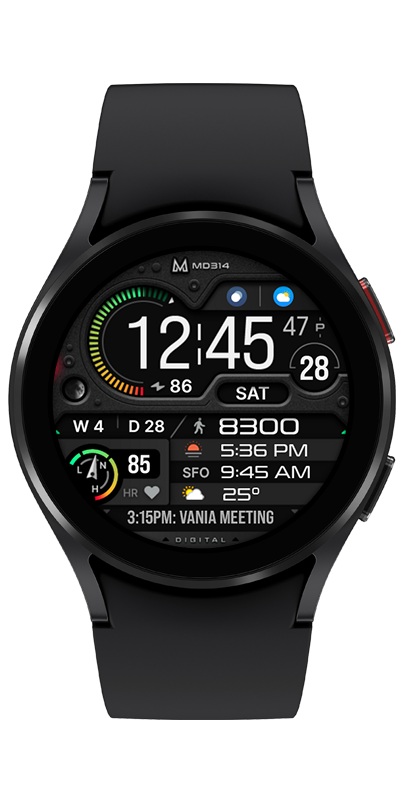
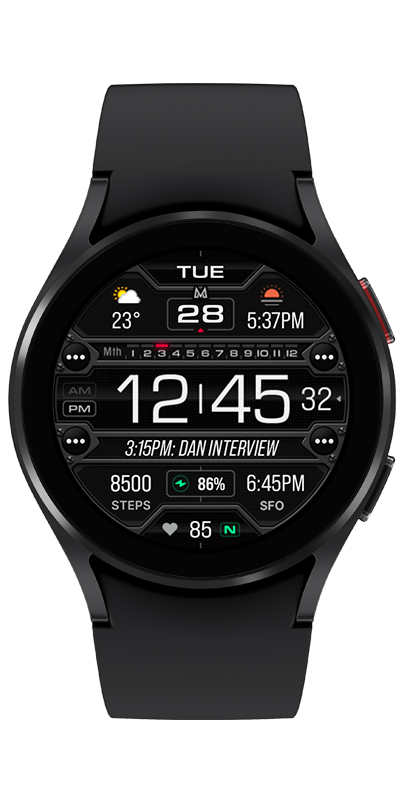
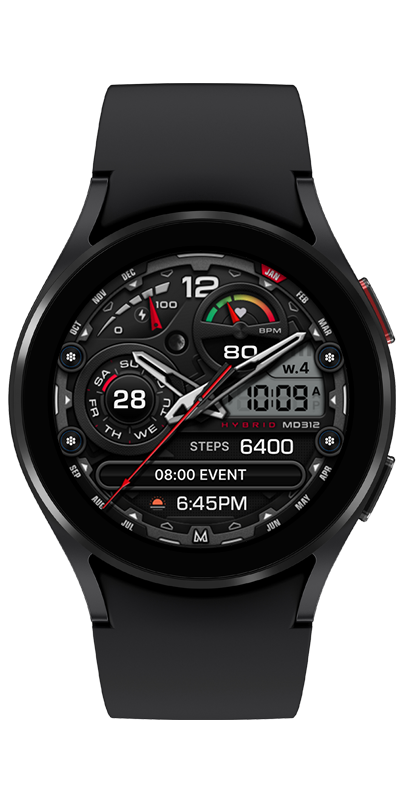
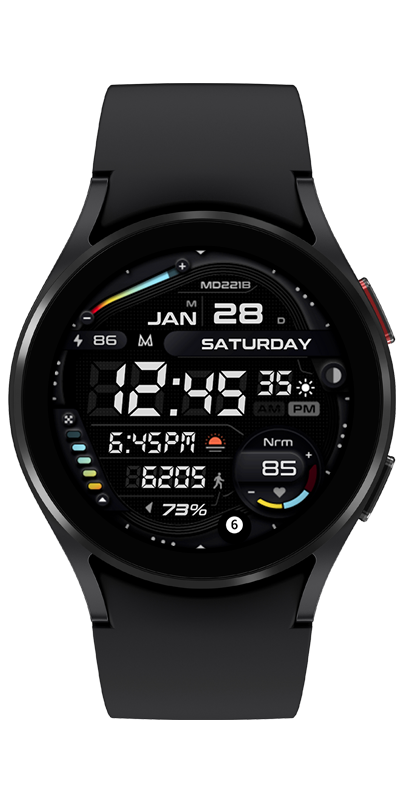
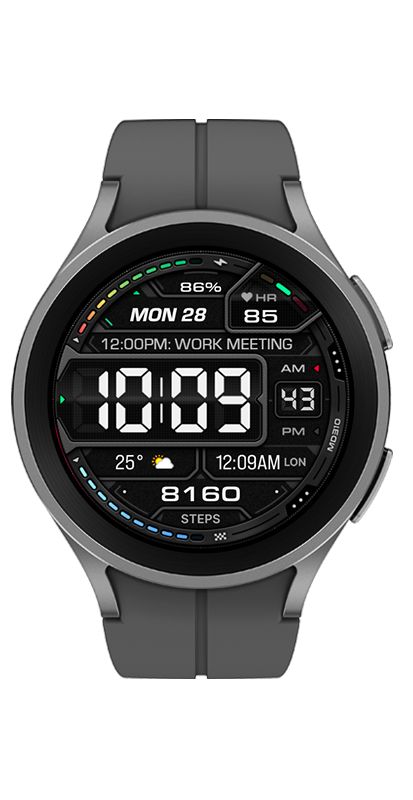
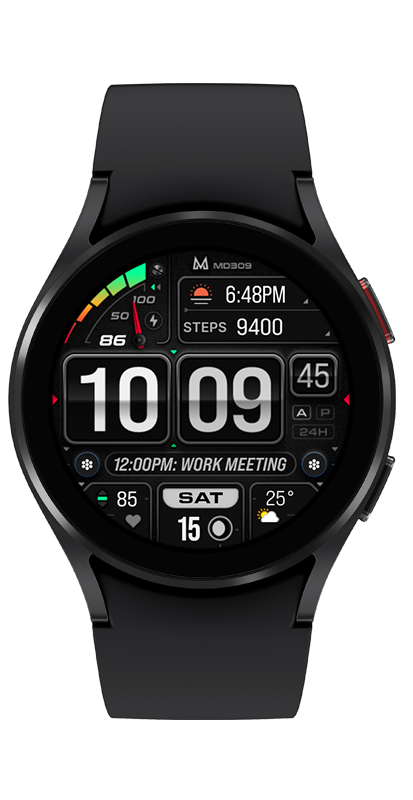
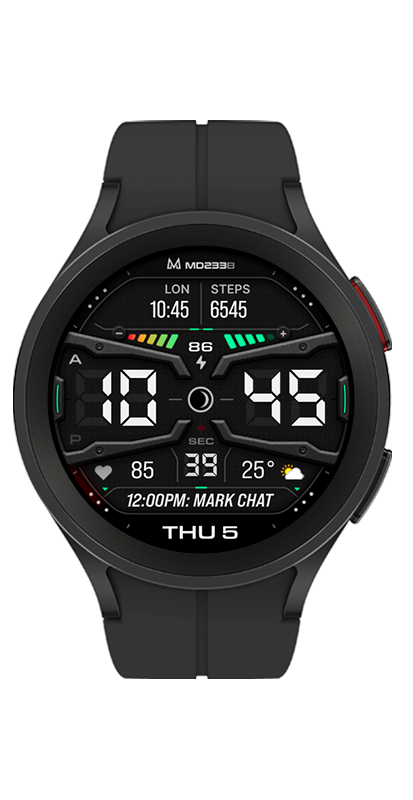
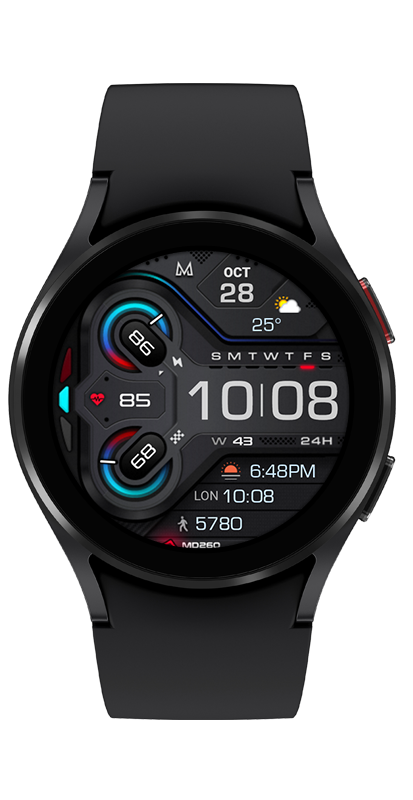
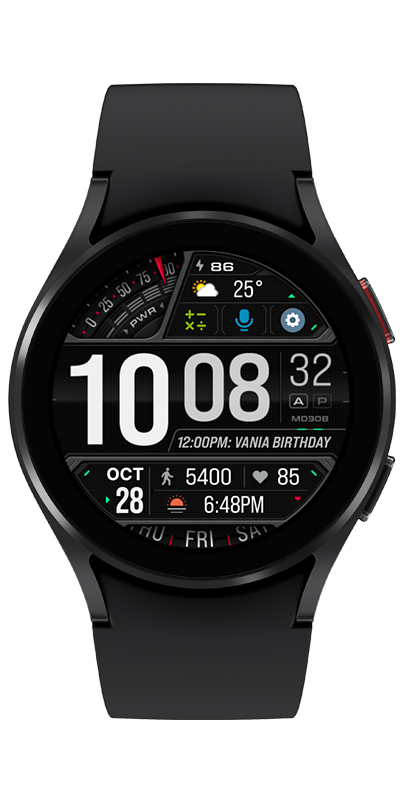
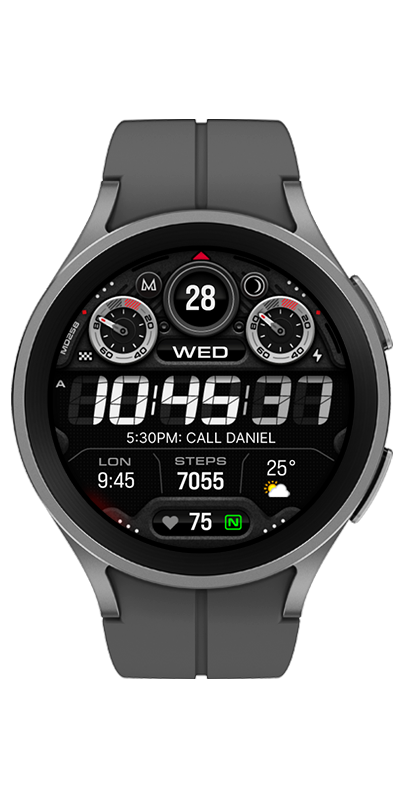
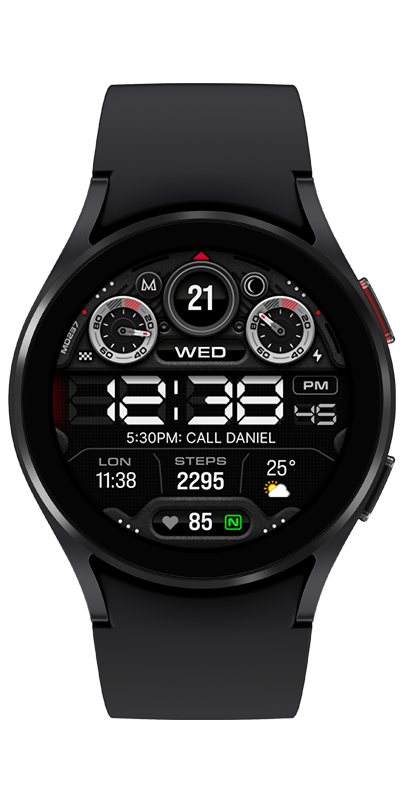
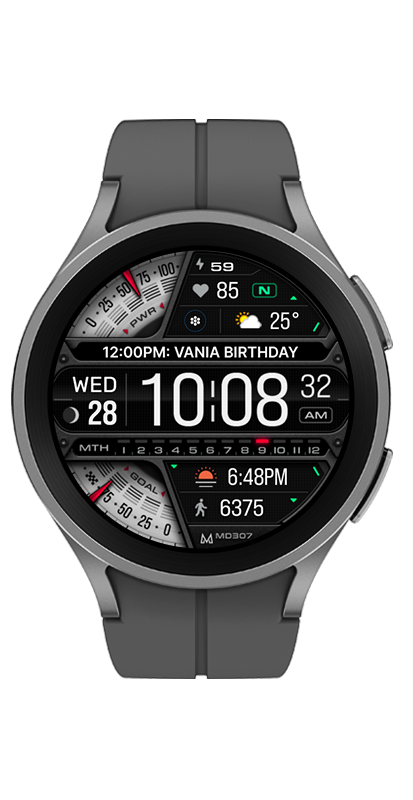
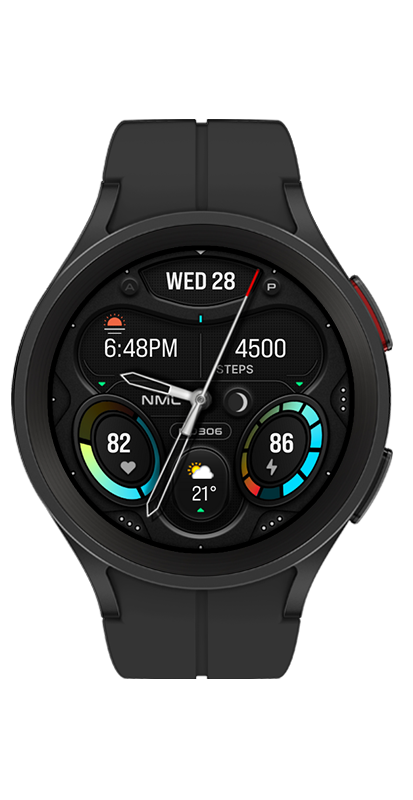
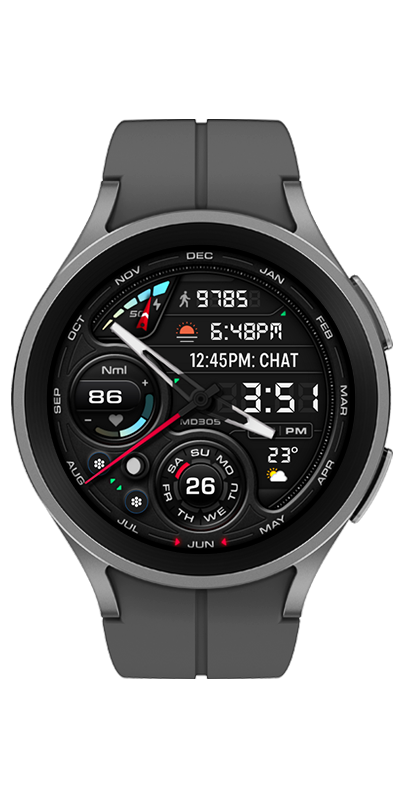
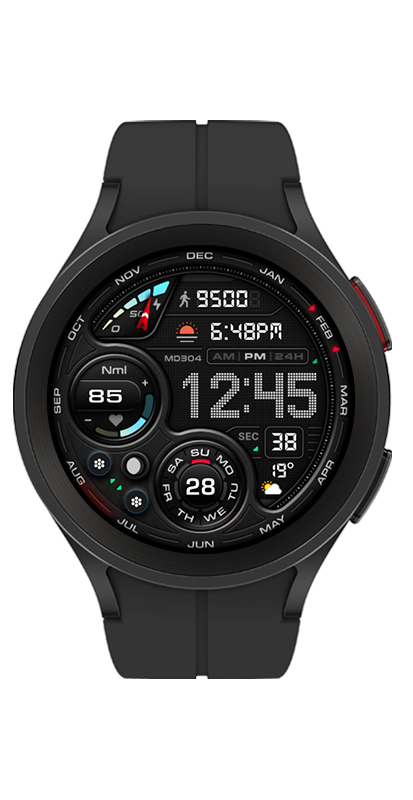
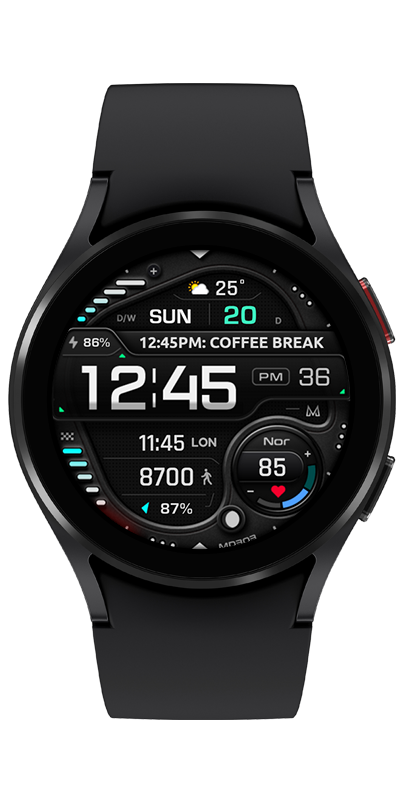
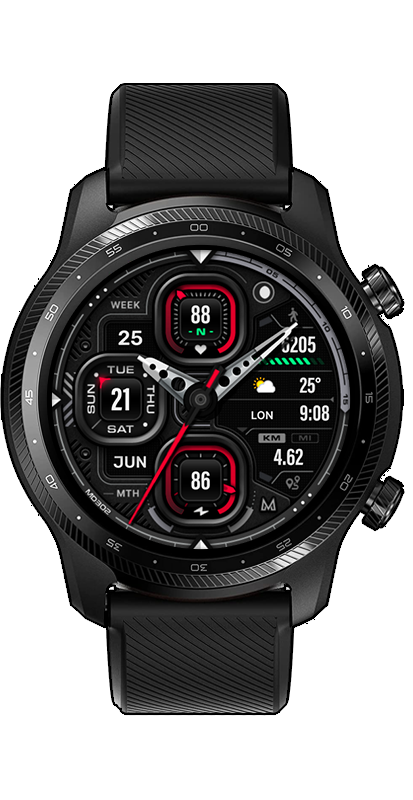
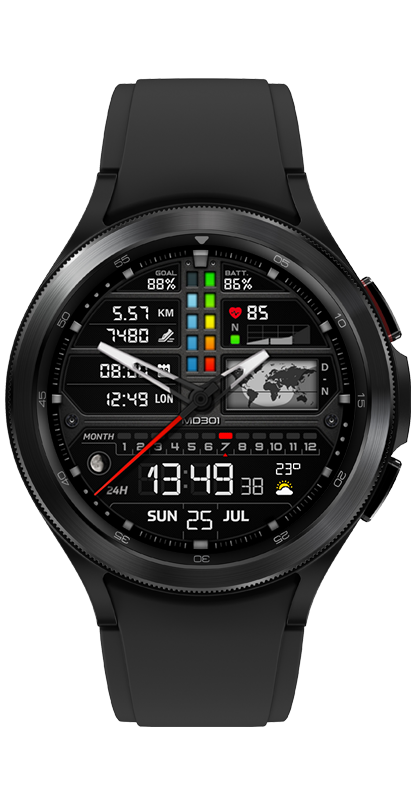
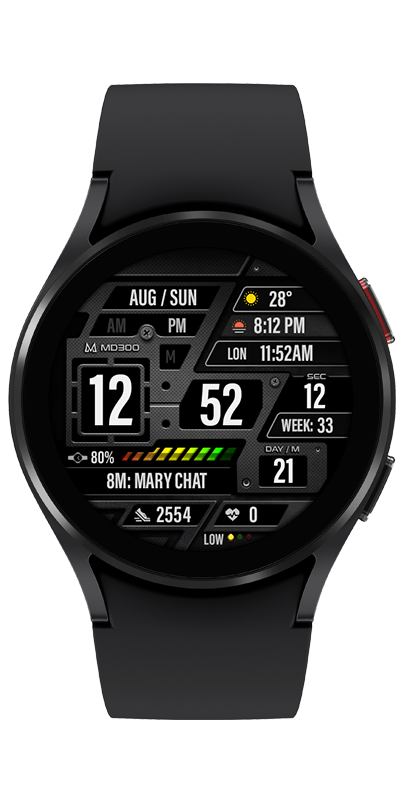
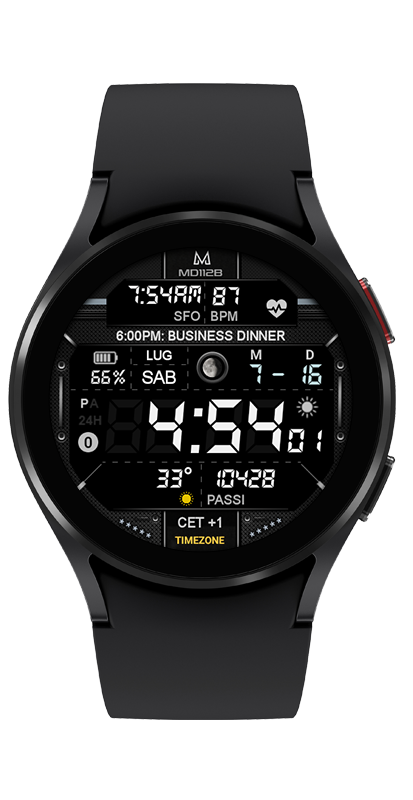
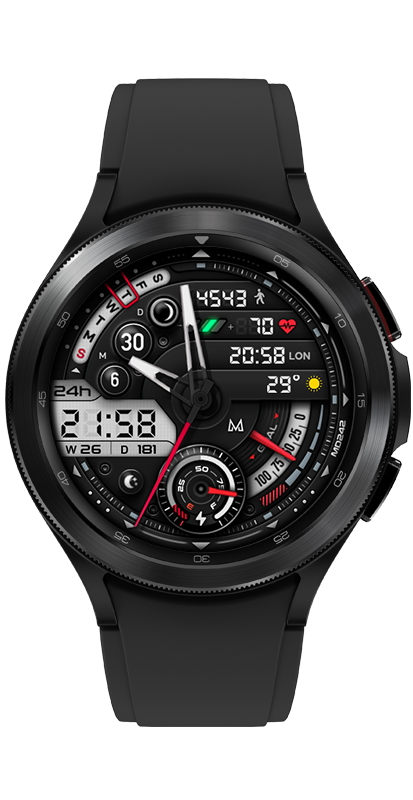
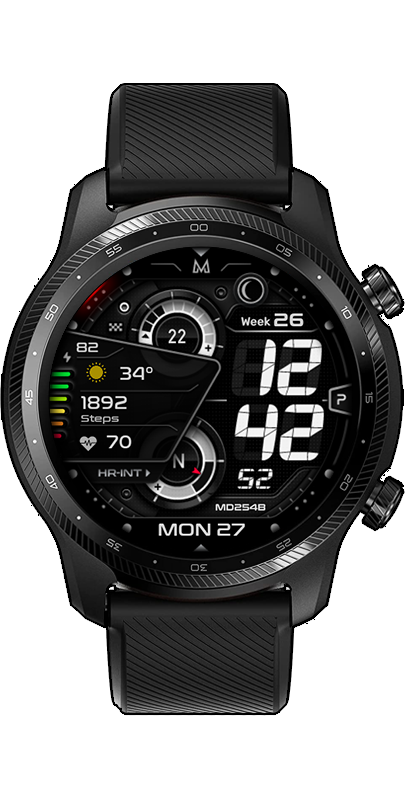
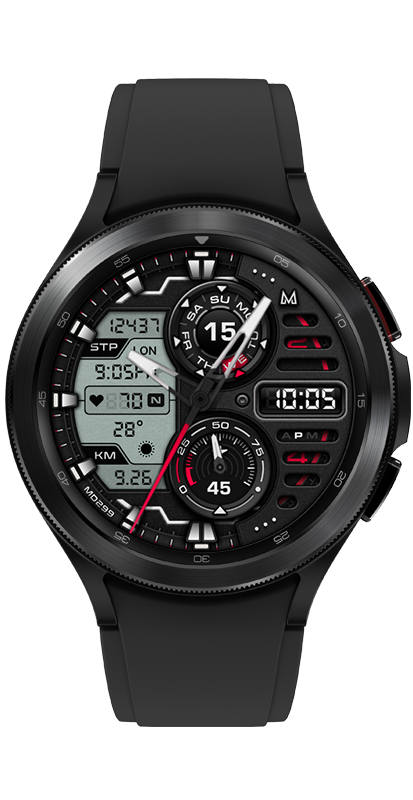
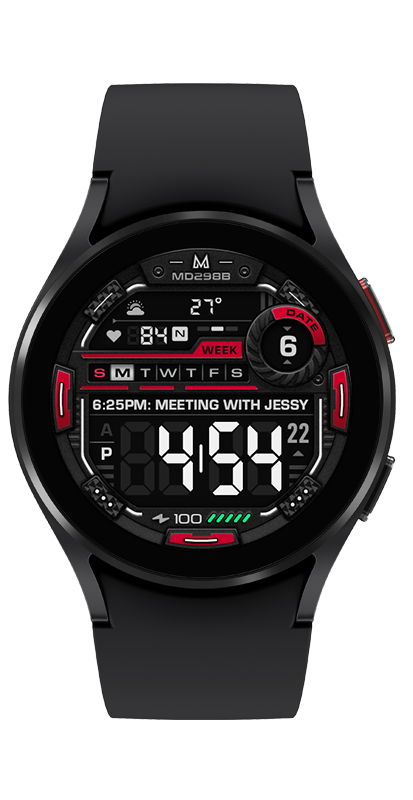
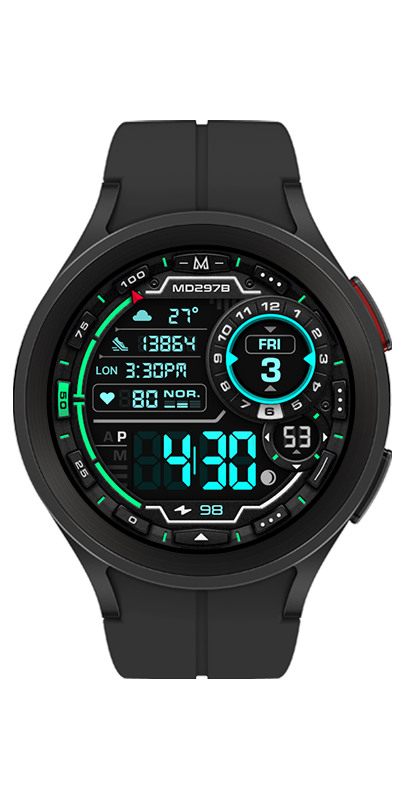
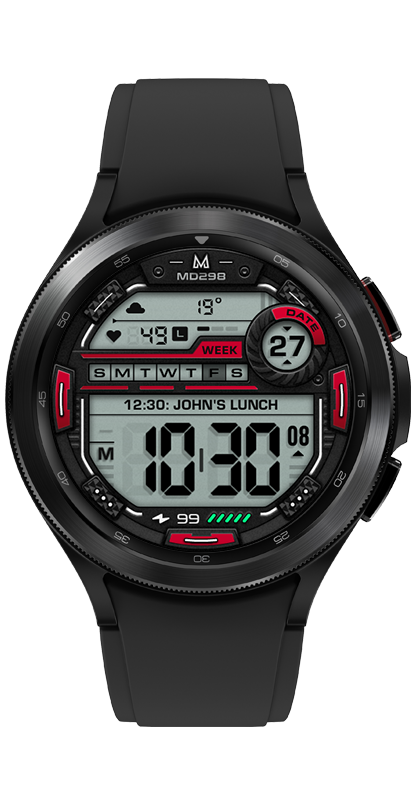
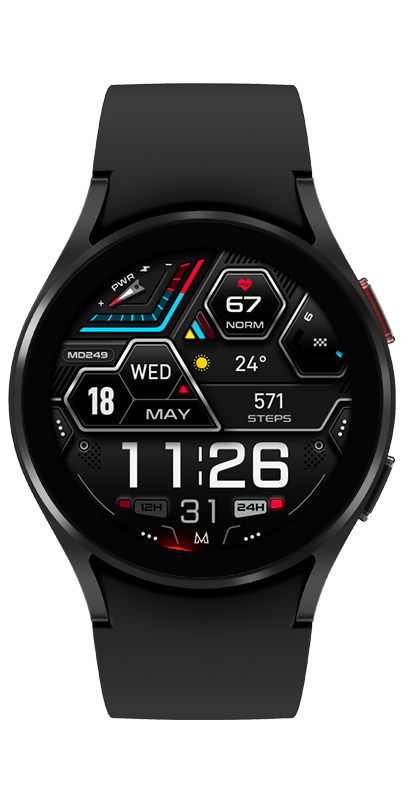
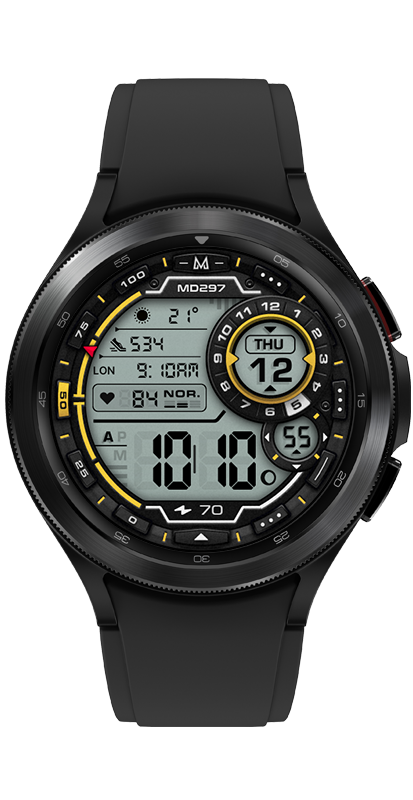
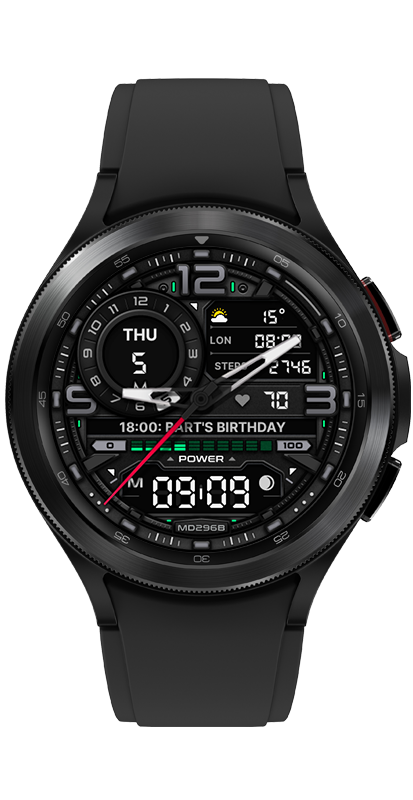
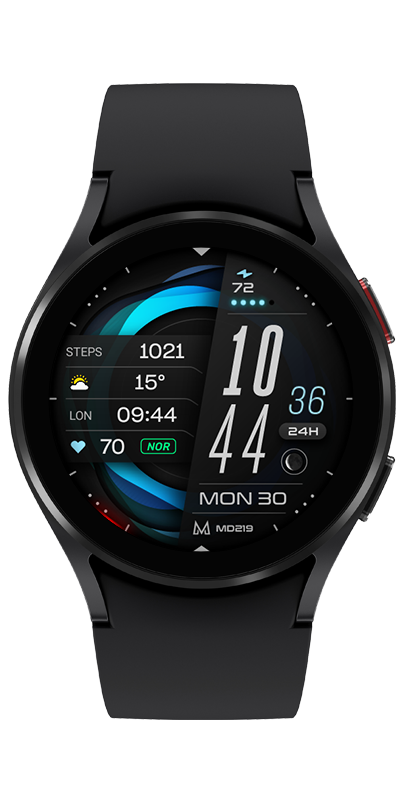
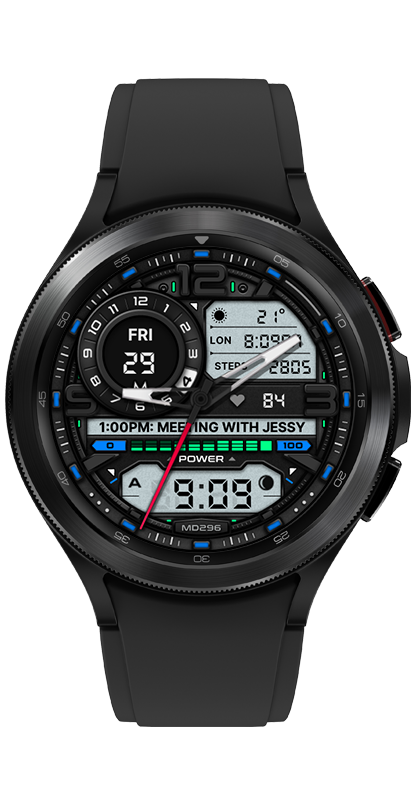
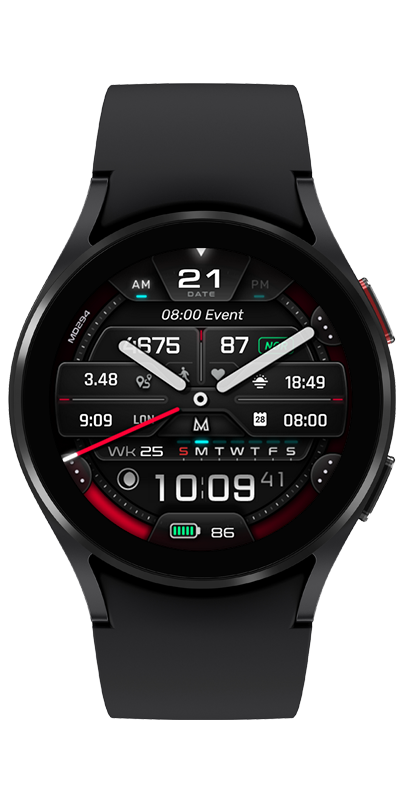
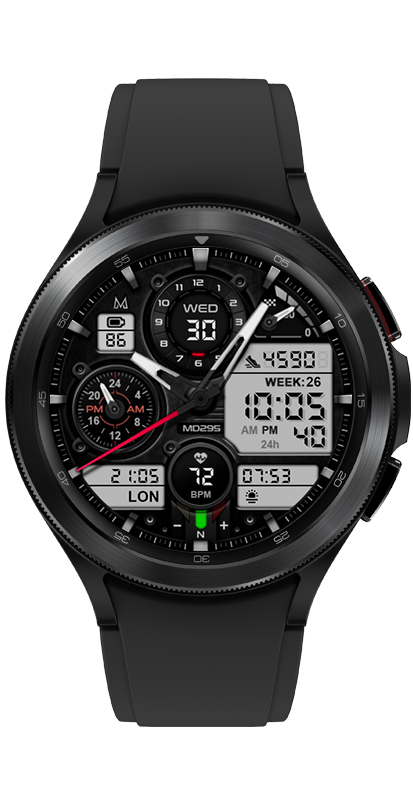
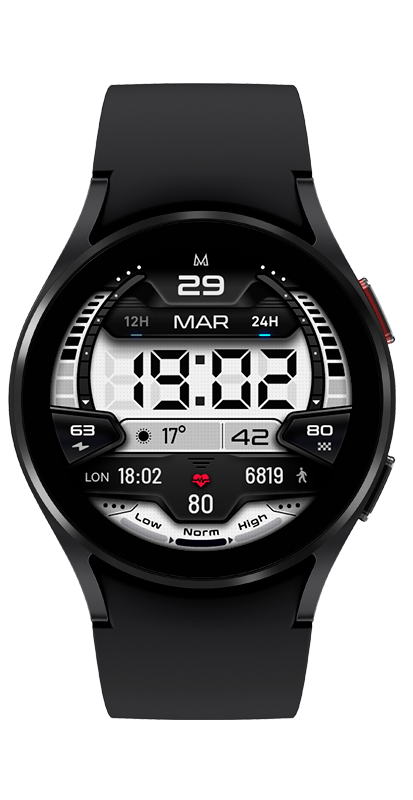
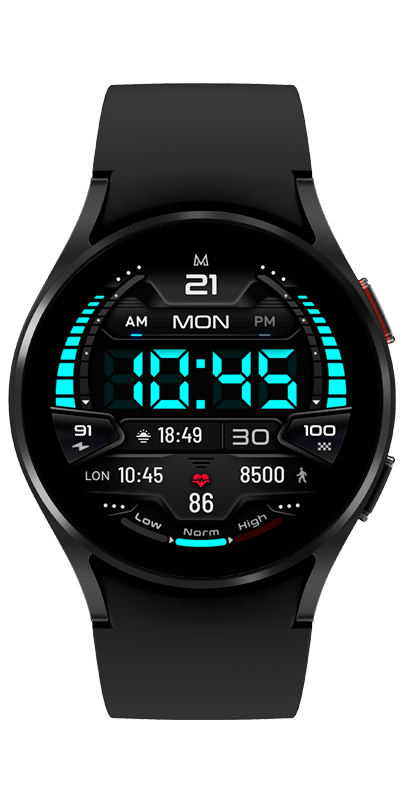
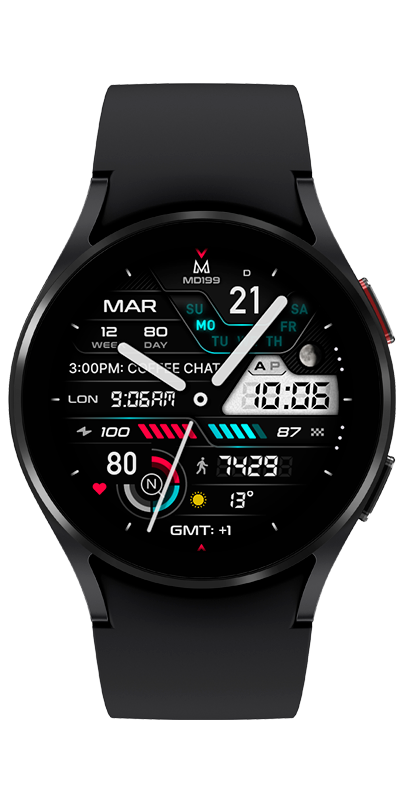
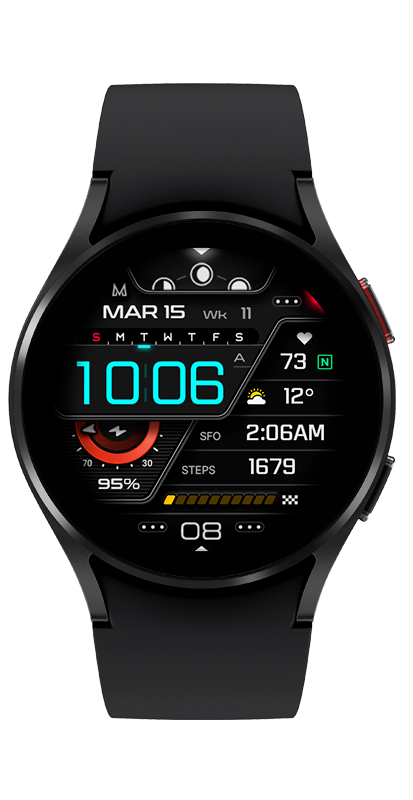
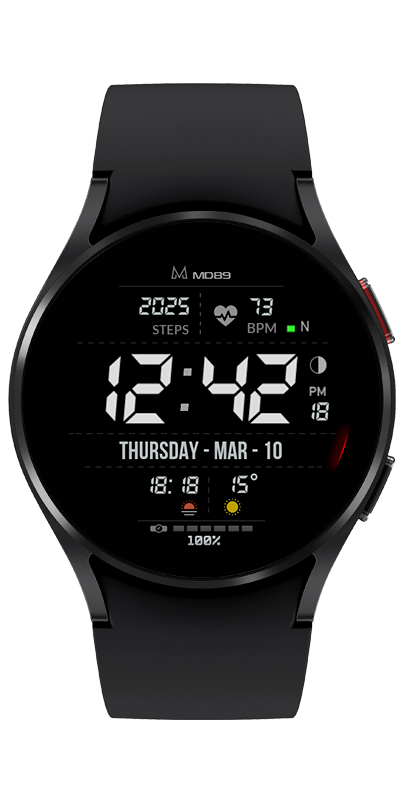
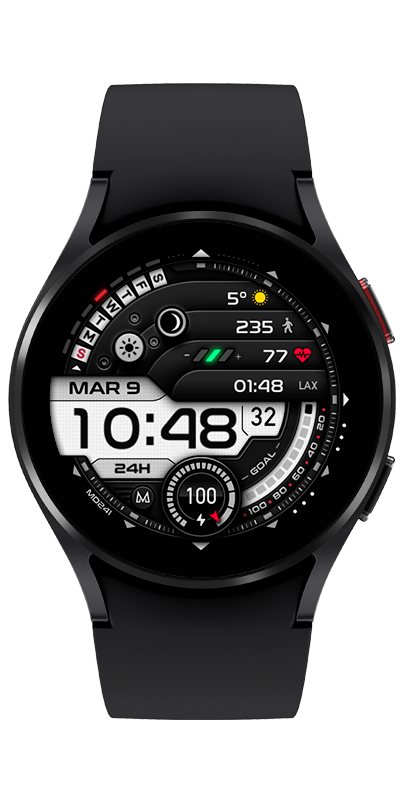
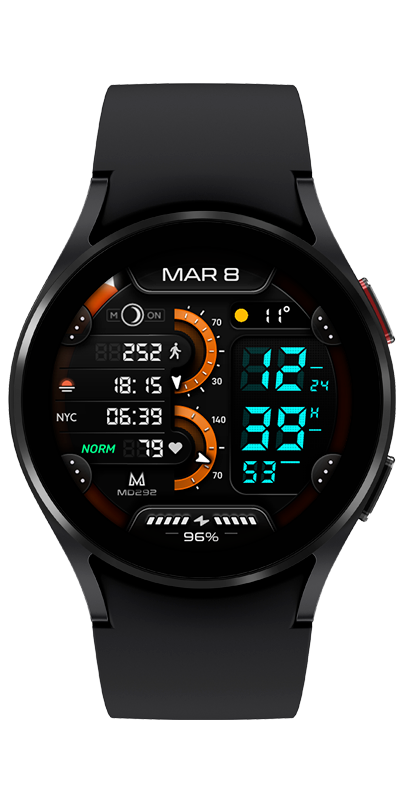
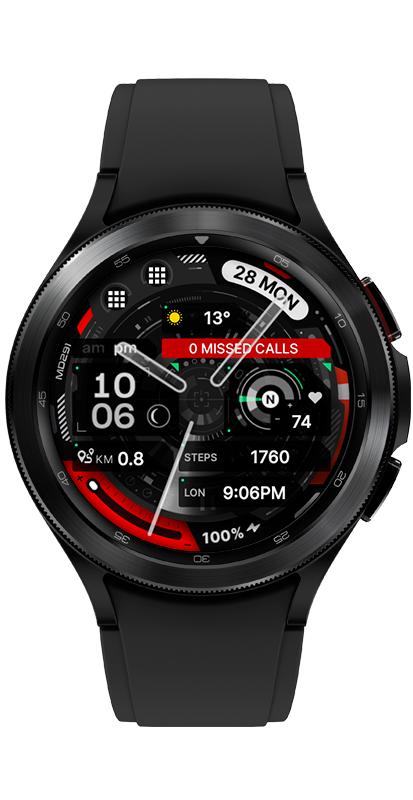
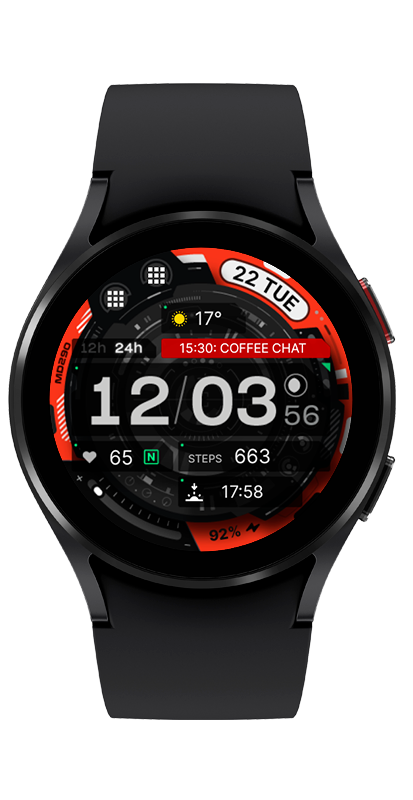
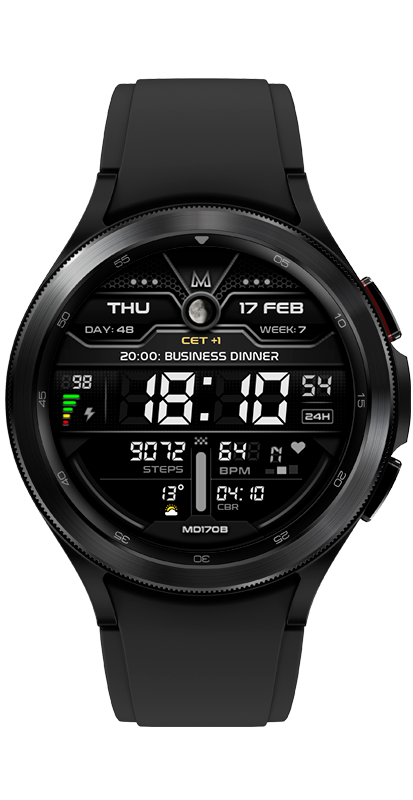
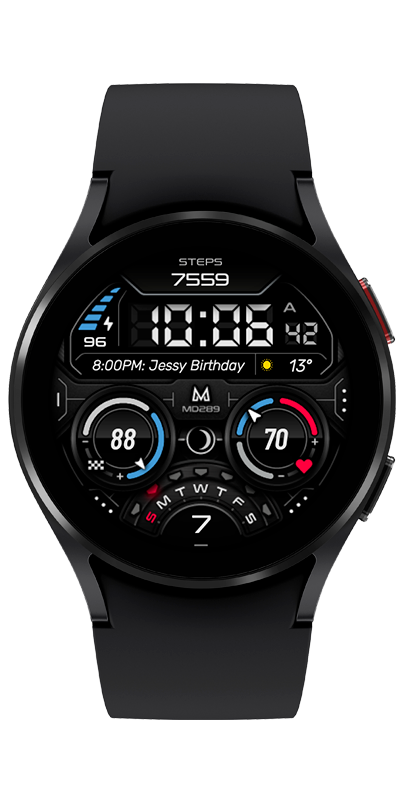
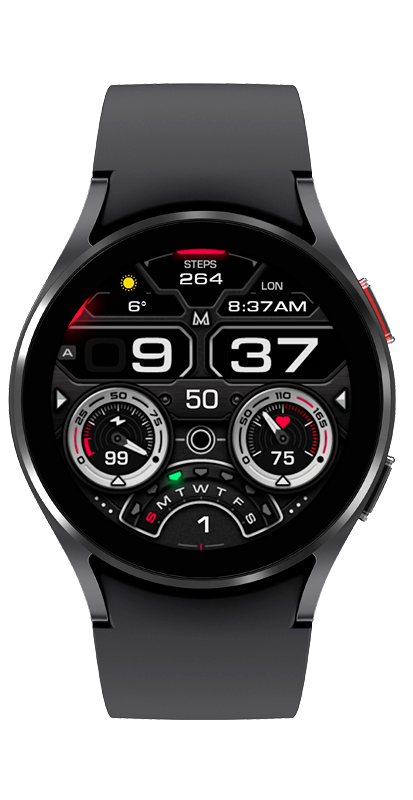
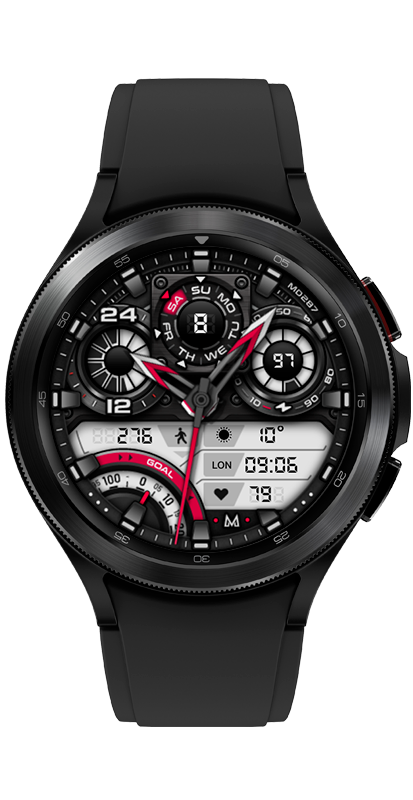
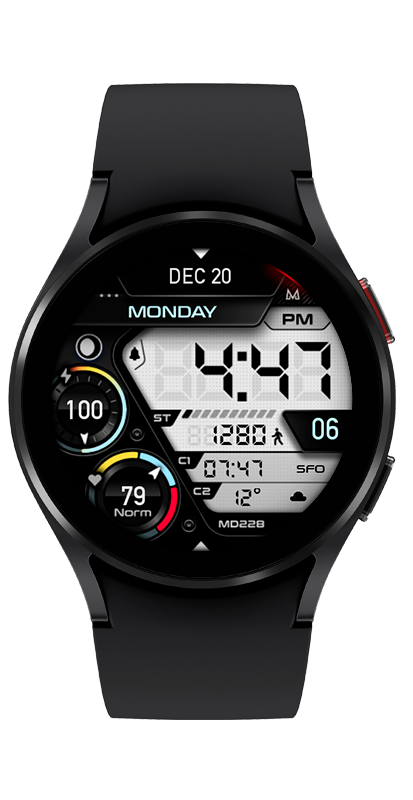
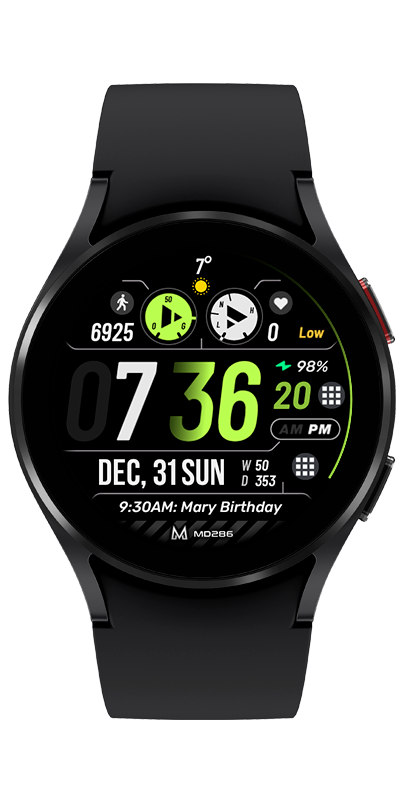
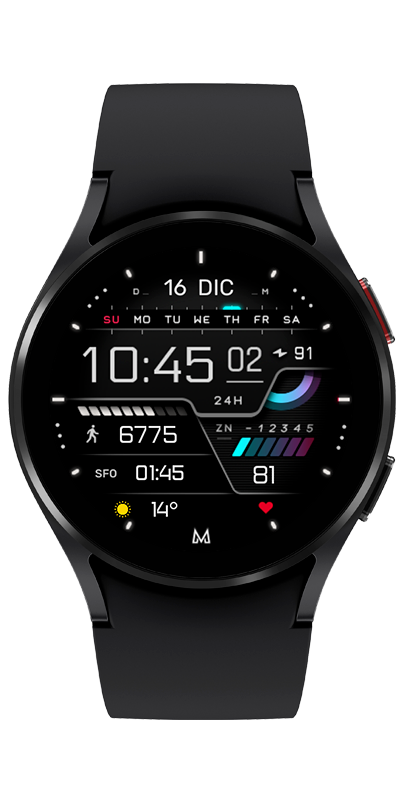
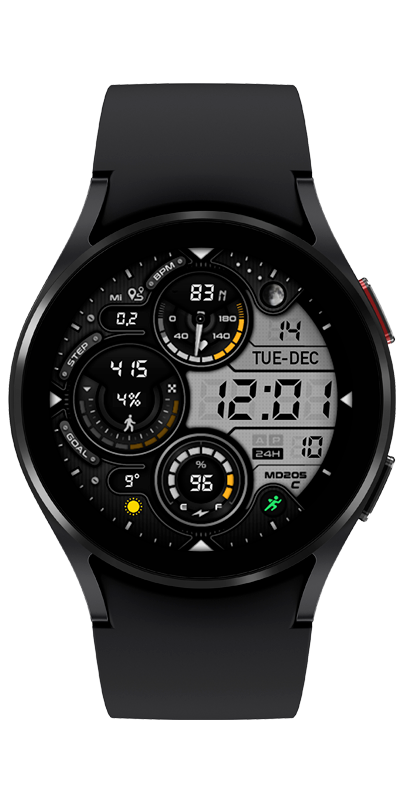
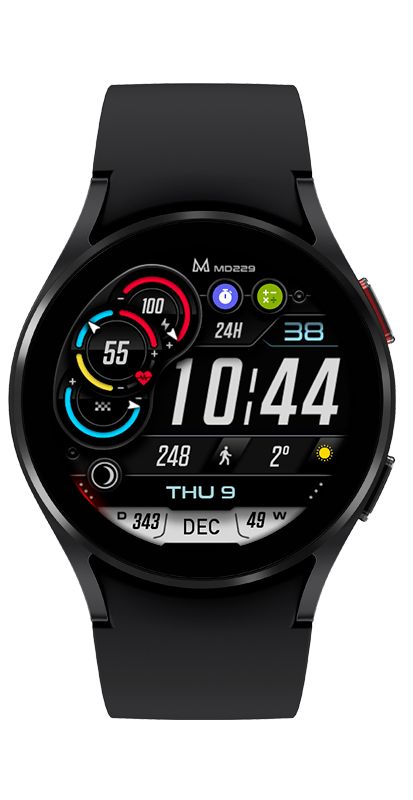
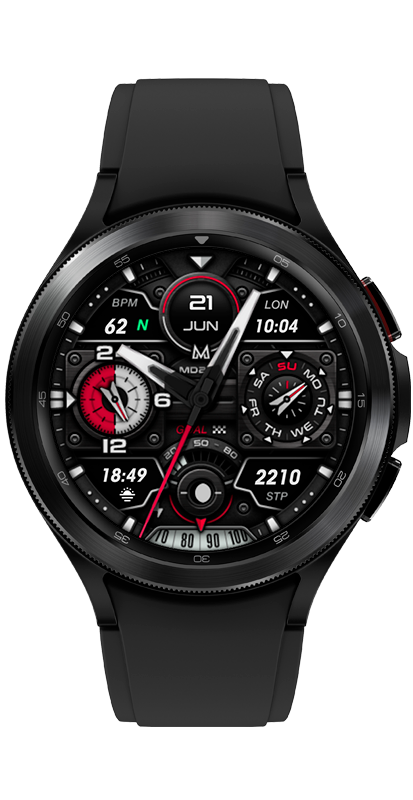
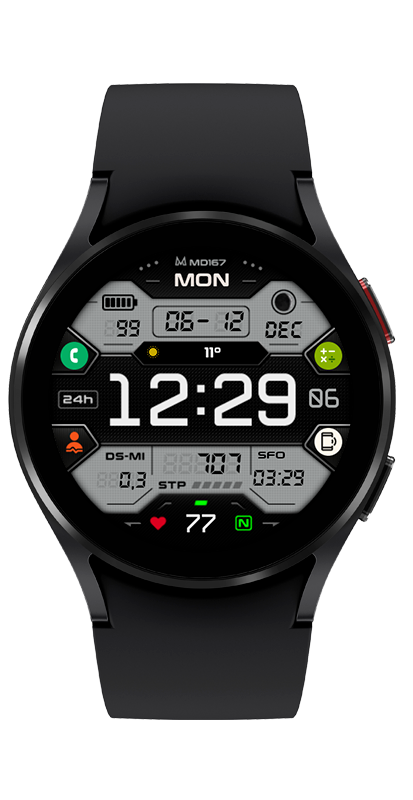
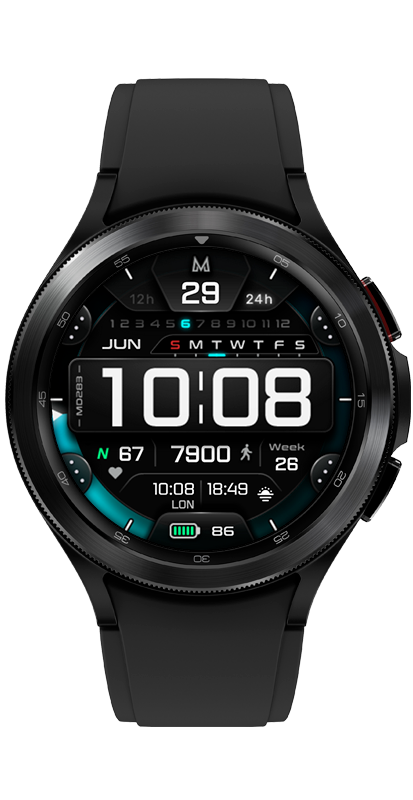
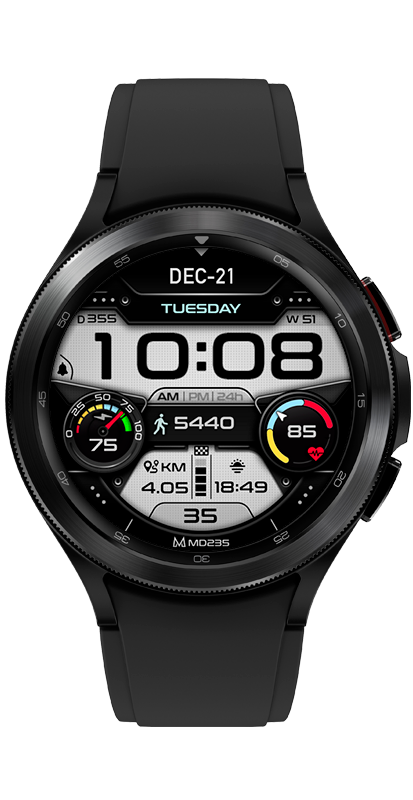
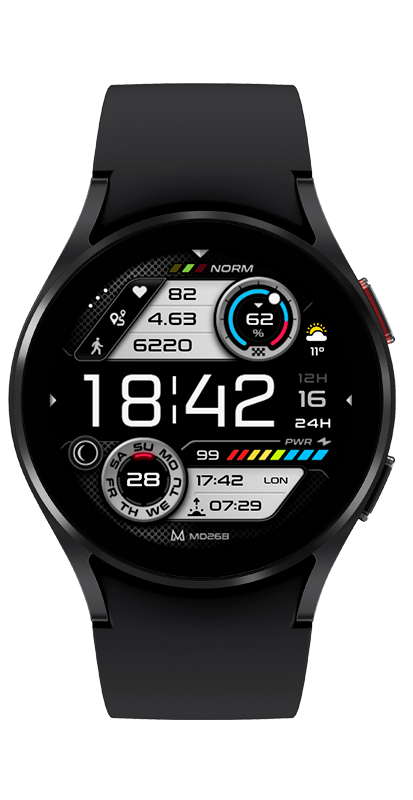
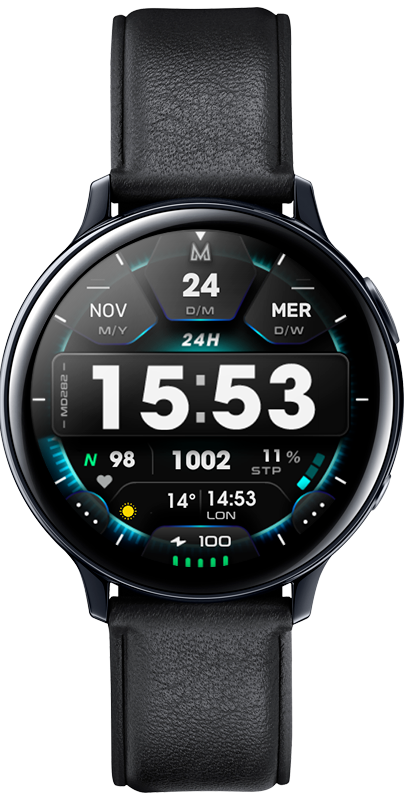
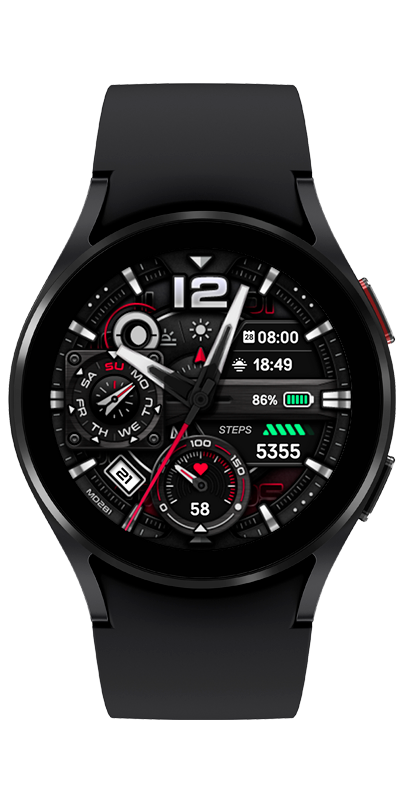
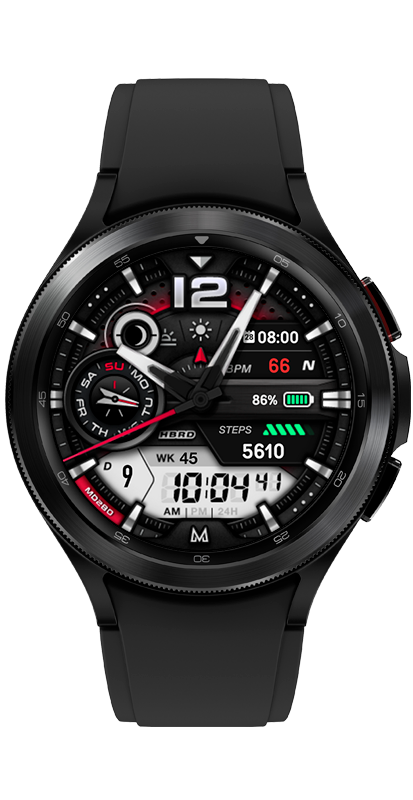
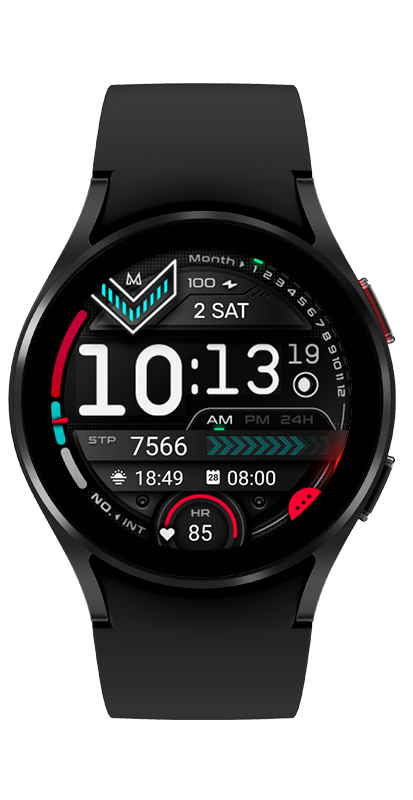
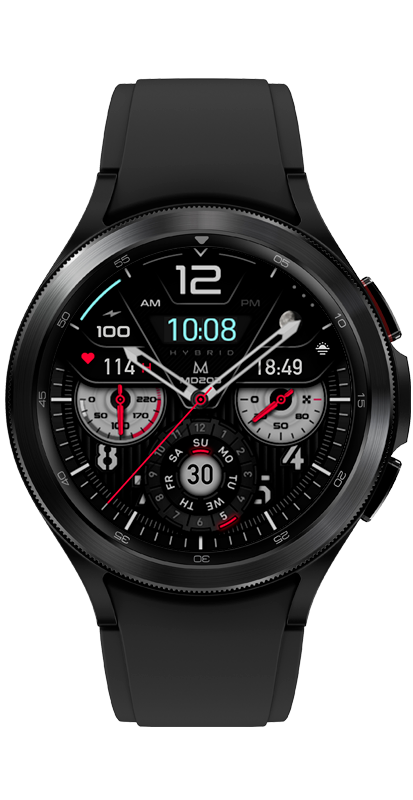
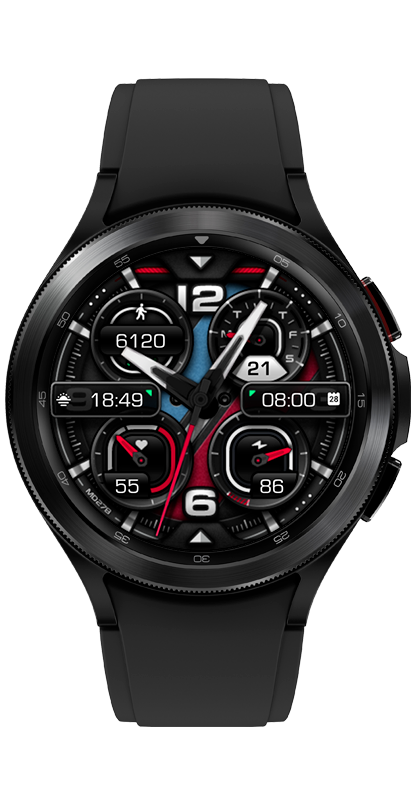
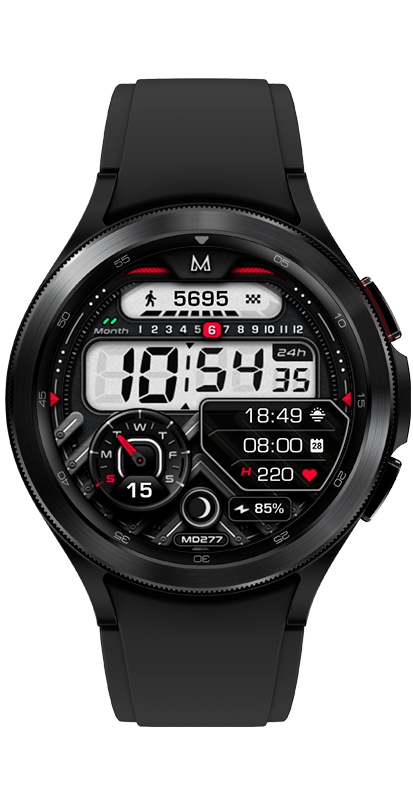
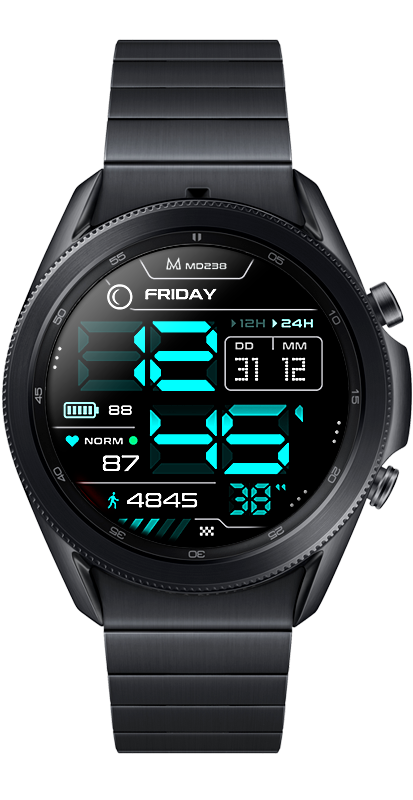
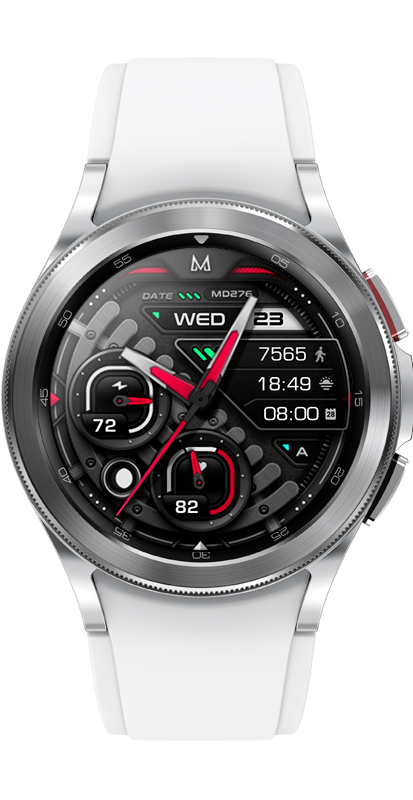
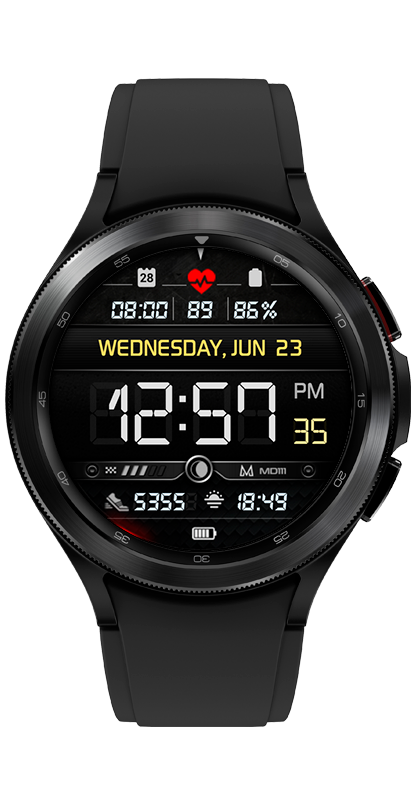
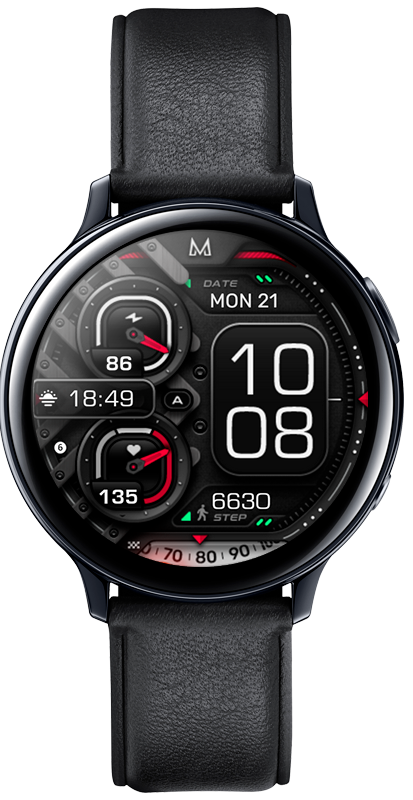
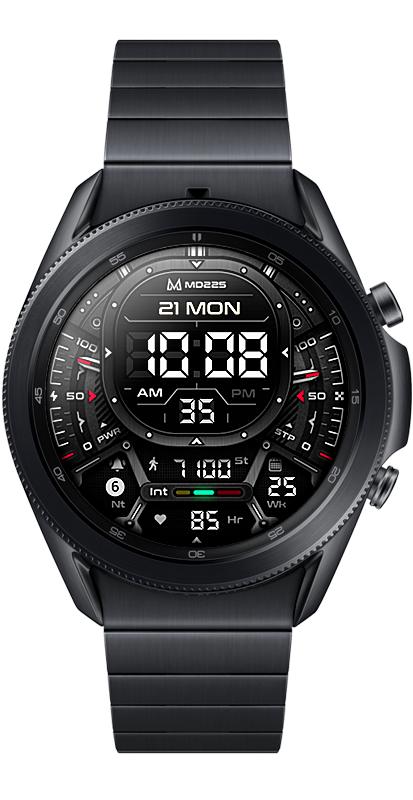
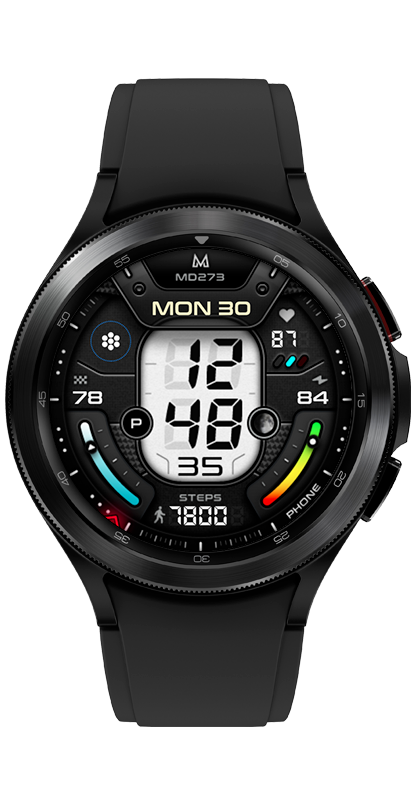
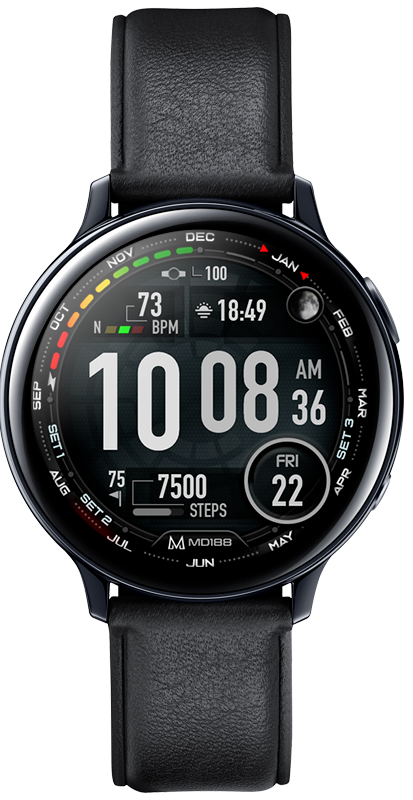
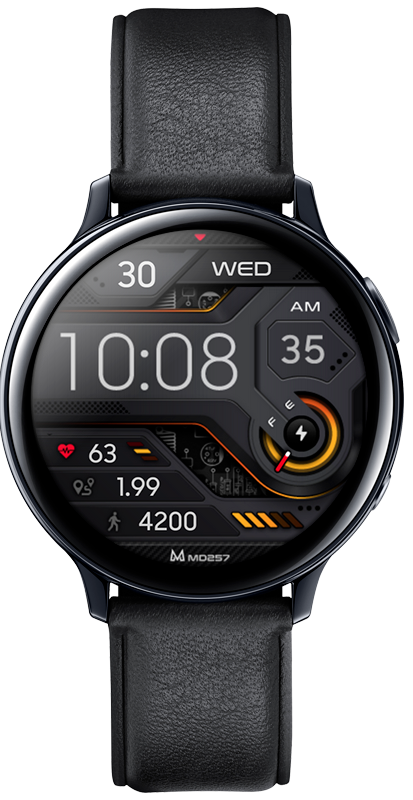
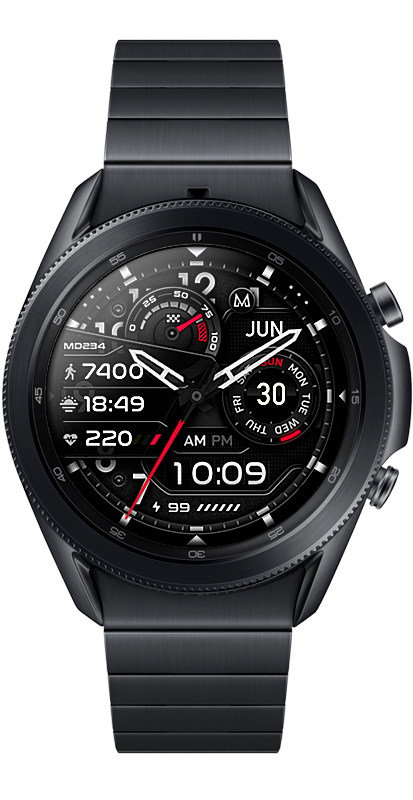
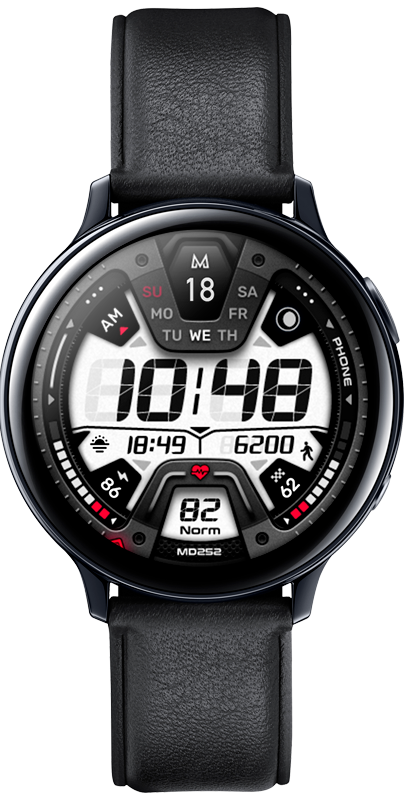
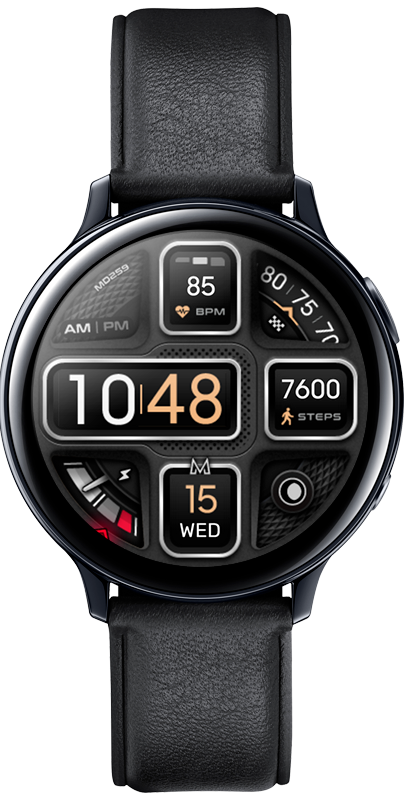
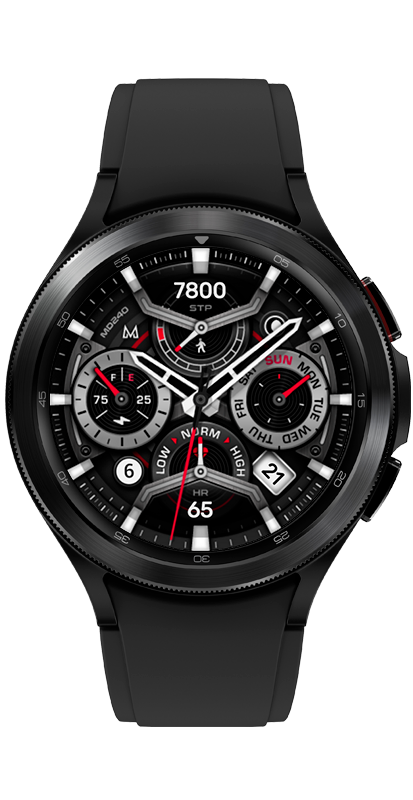
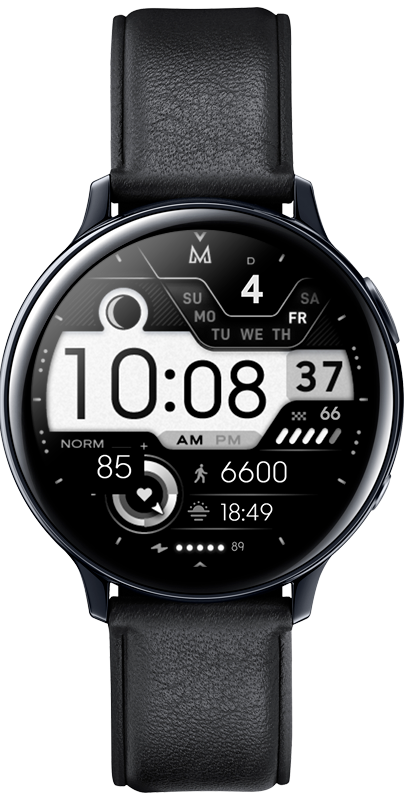
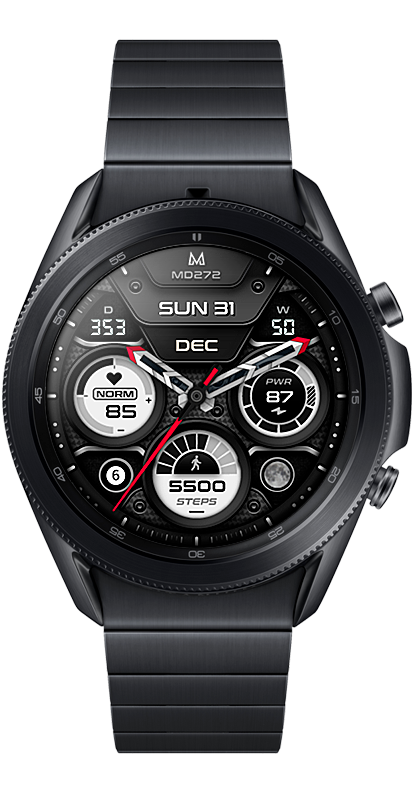
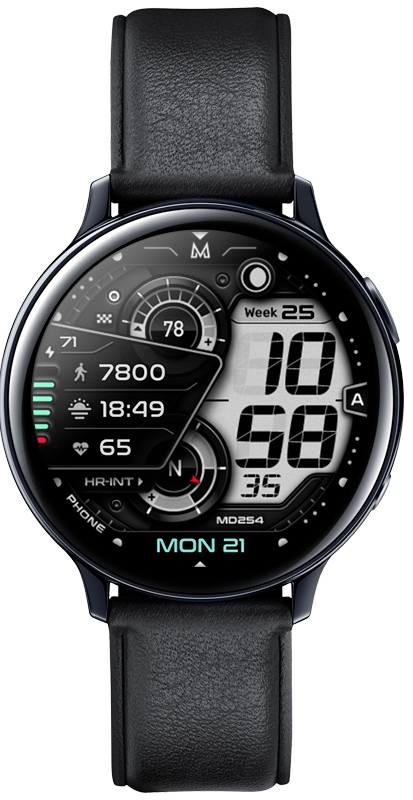
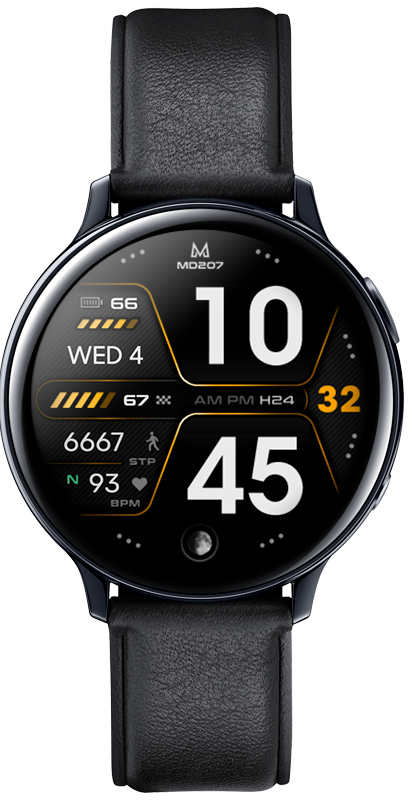
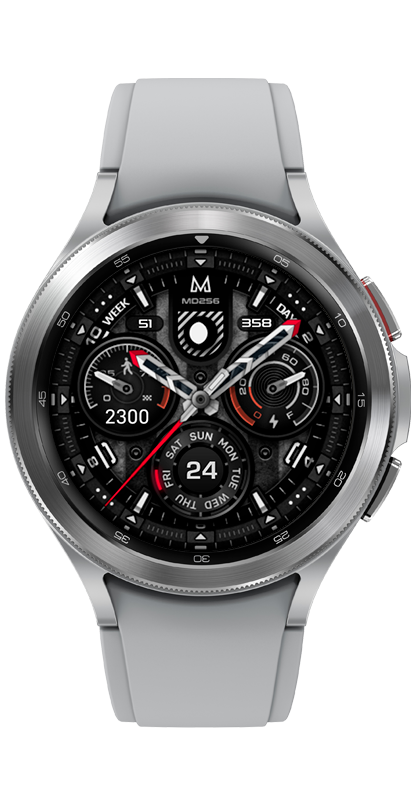
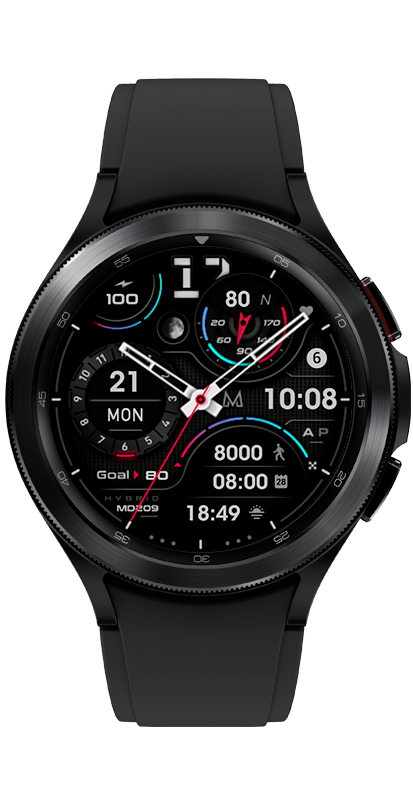
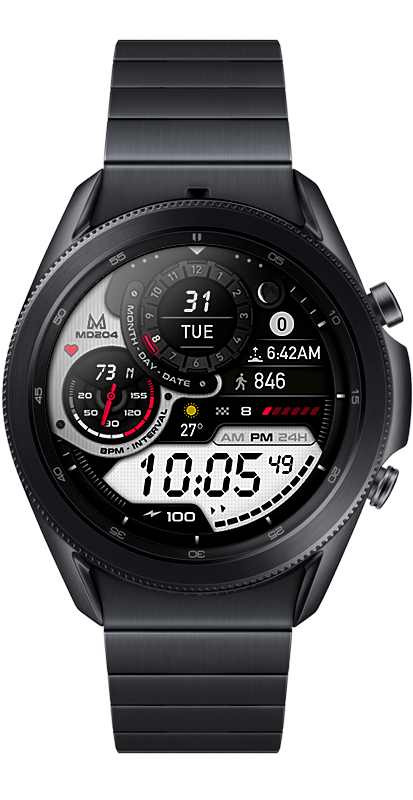
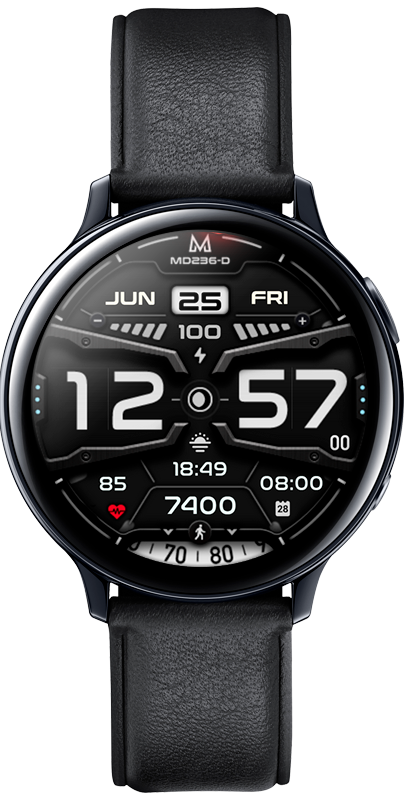
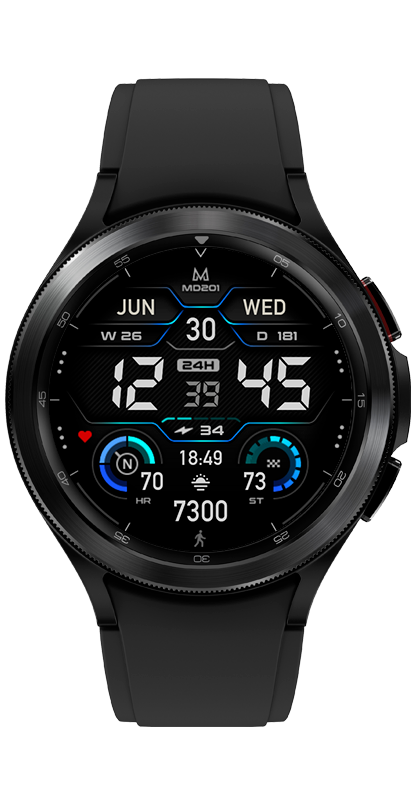
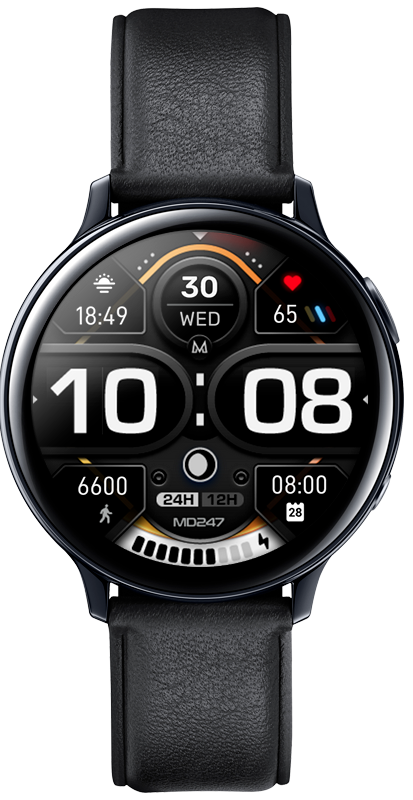
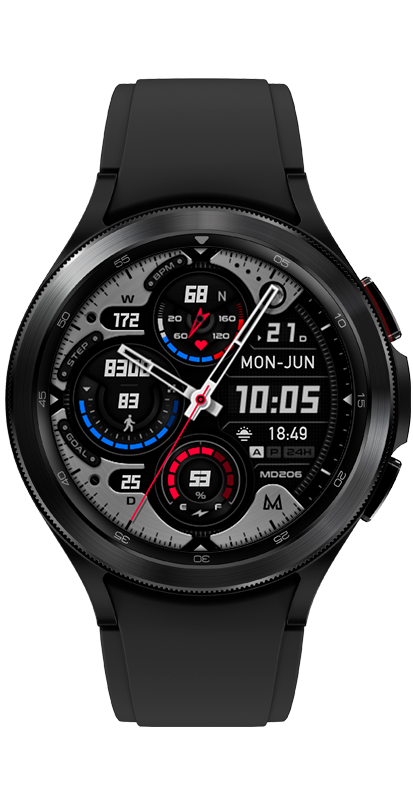
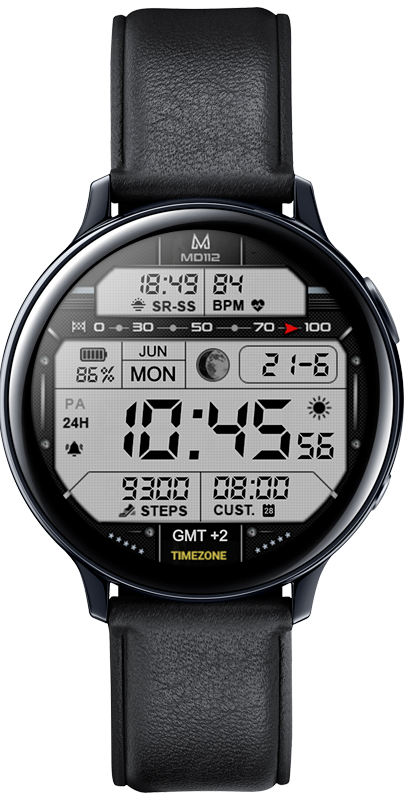
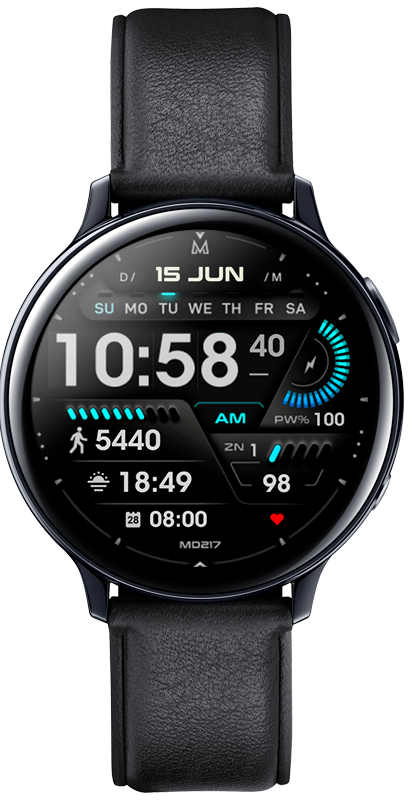
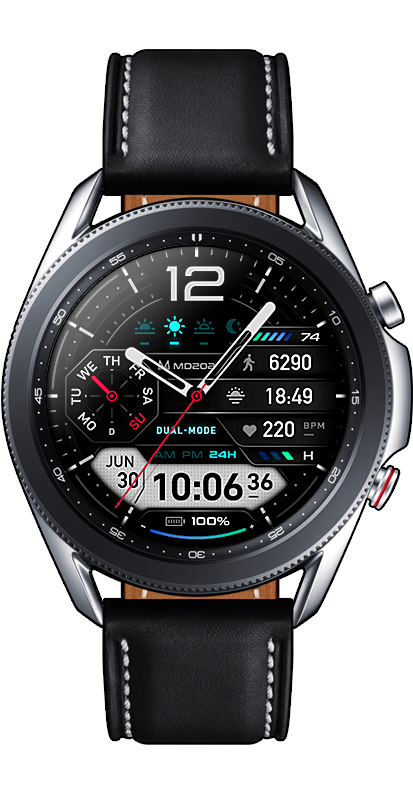
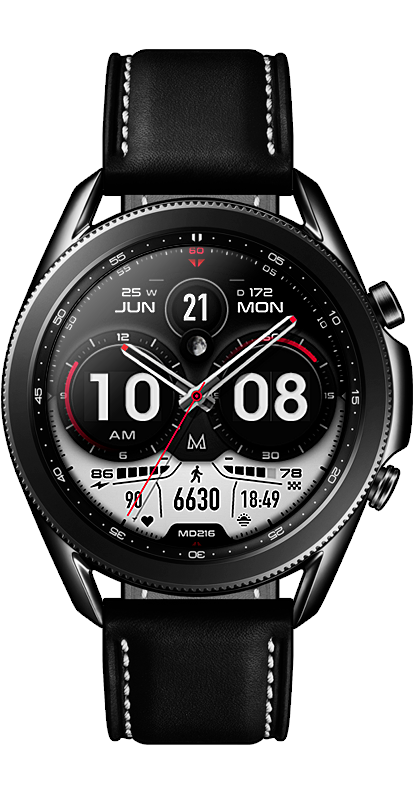
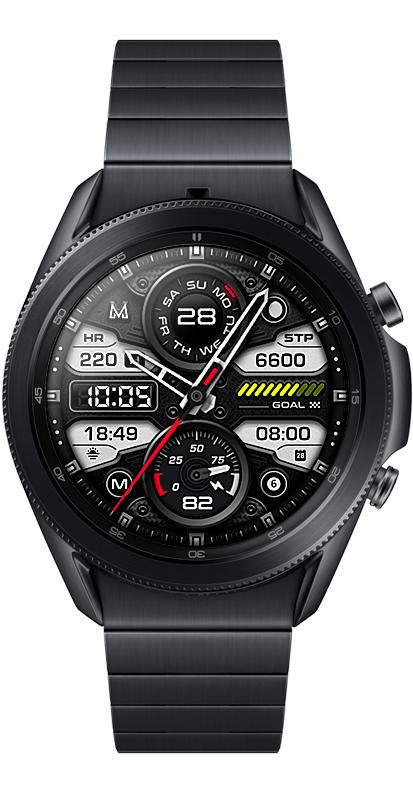
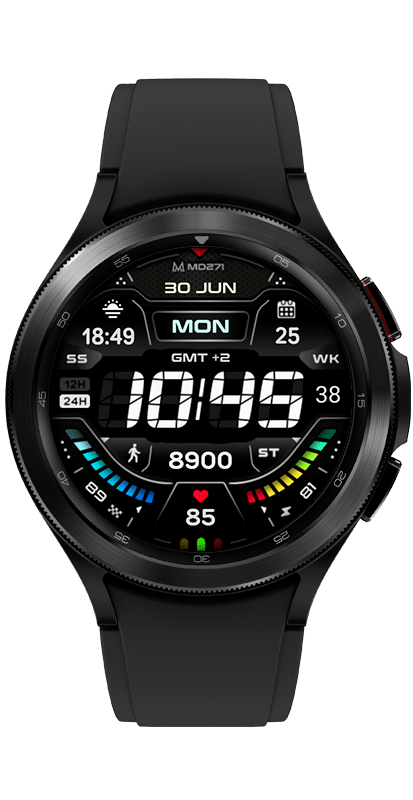
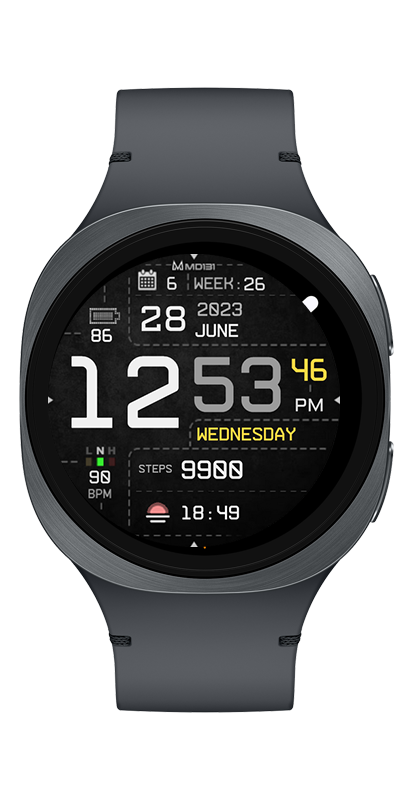
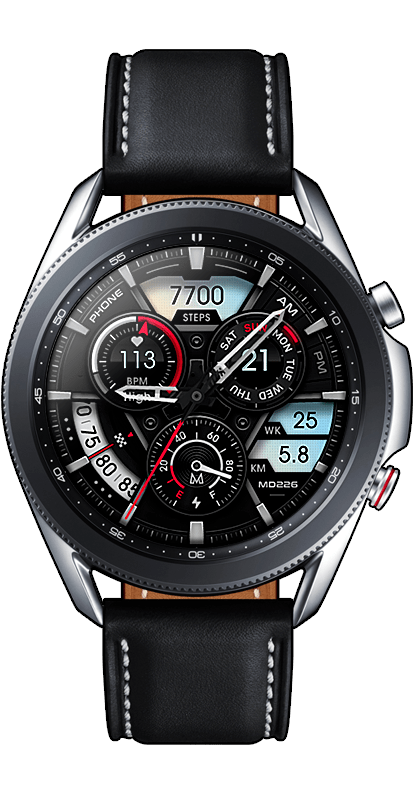
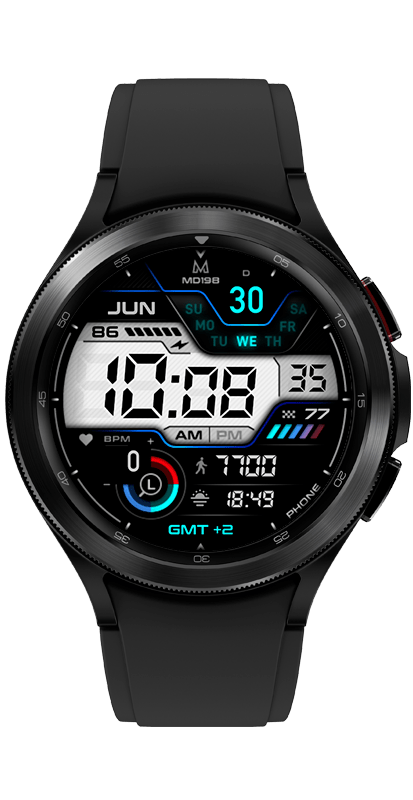
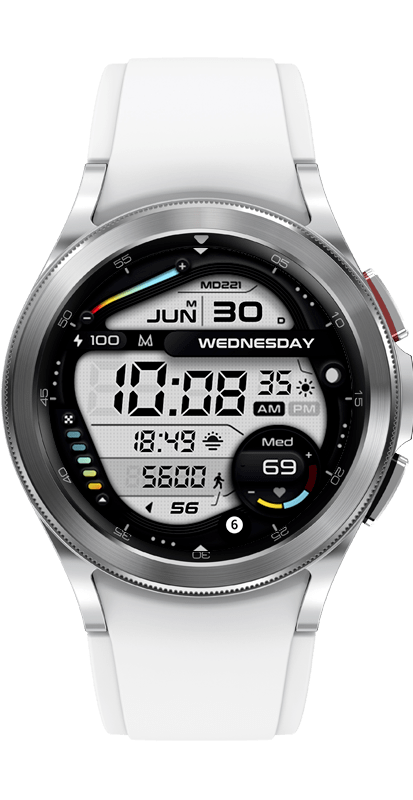
The MD311 is an Hybrid Analog watch face for Wear OS, Galaxy Watch 4/5 etc..
It contains 3 Preset App shortcuts, 1 customizable shortcut, steps, goals, moon phase, heart rate*, 3 customizable complications where you can have the data you prefer such as weather (etc), changeable colors and more.
PLEASE NOTE:
ONLY FOR WEAR OS.
Watch face features:
– 12/24hr Digital Time
– Analog
– Hybrid style
– Moon phase
– Date
– Month
– Battery
– Heart rate*
– Steps
– Daily steps goal set to 8500 st/day
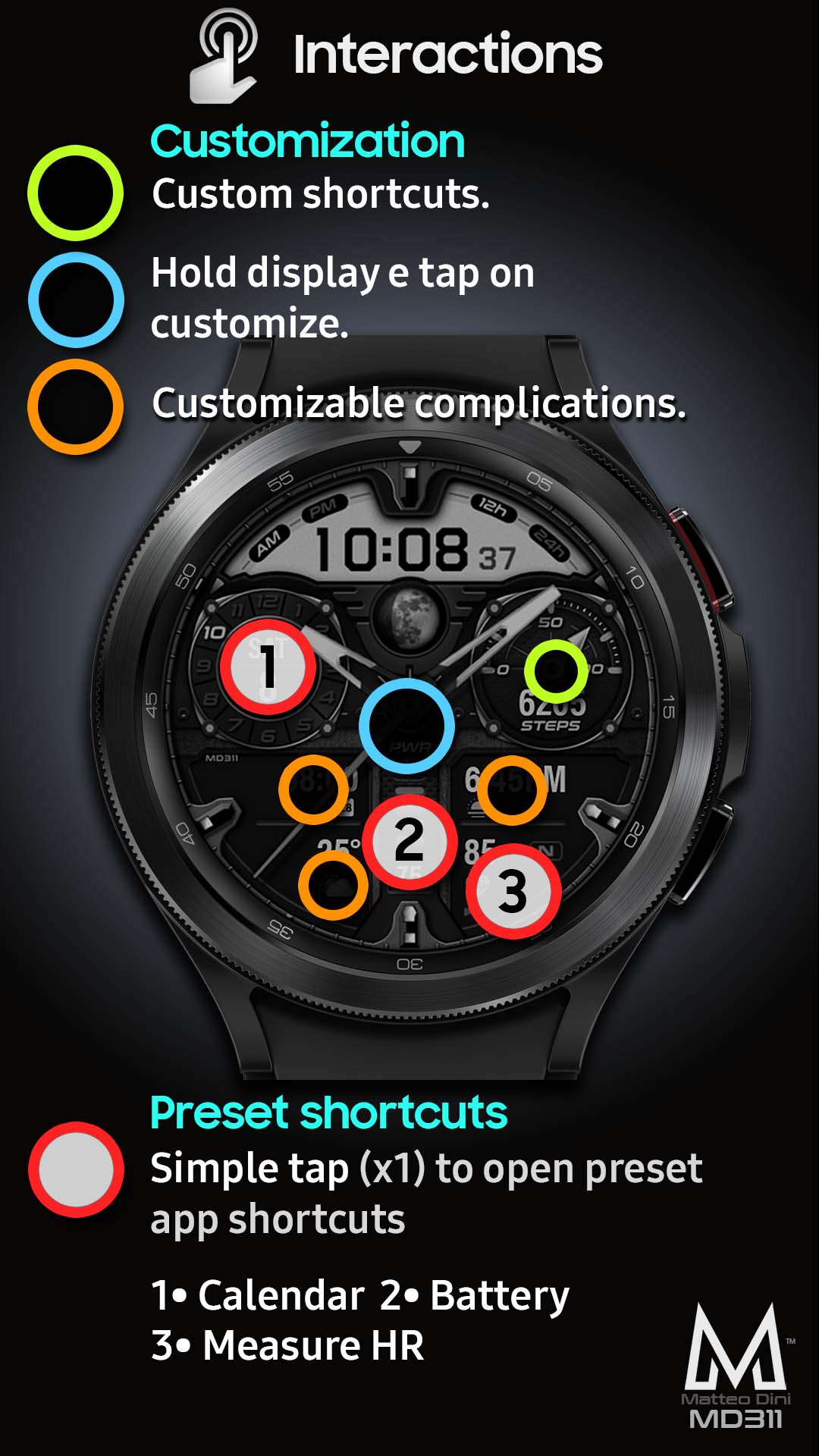
– 3 Preset app shortcuts
– 1 customizable shortcut
– 3 customizable complications
– Always ON Display
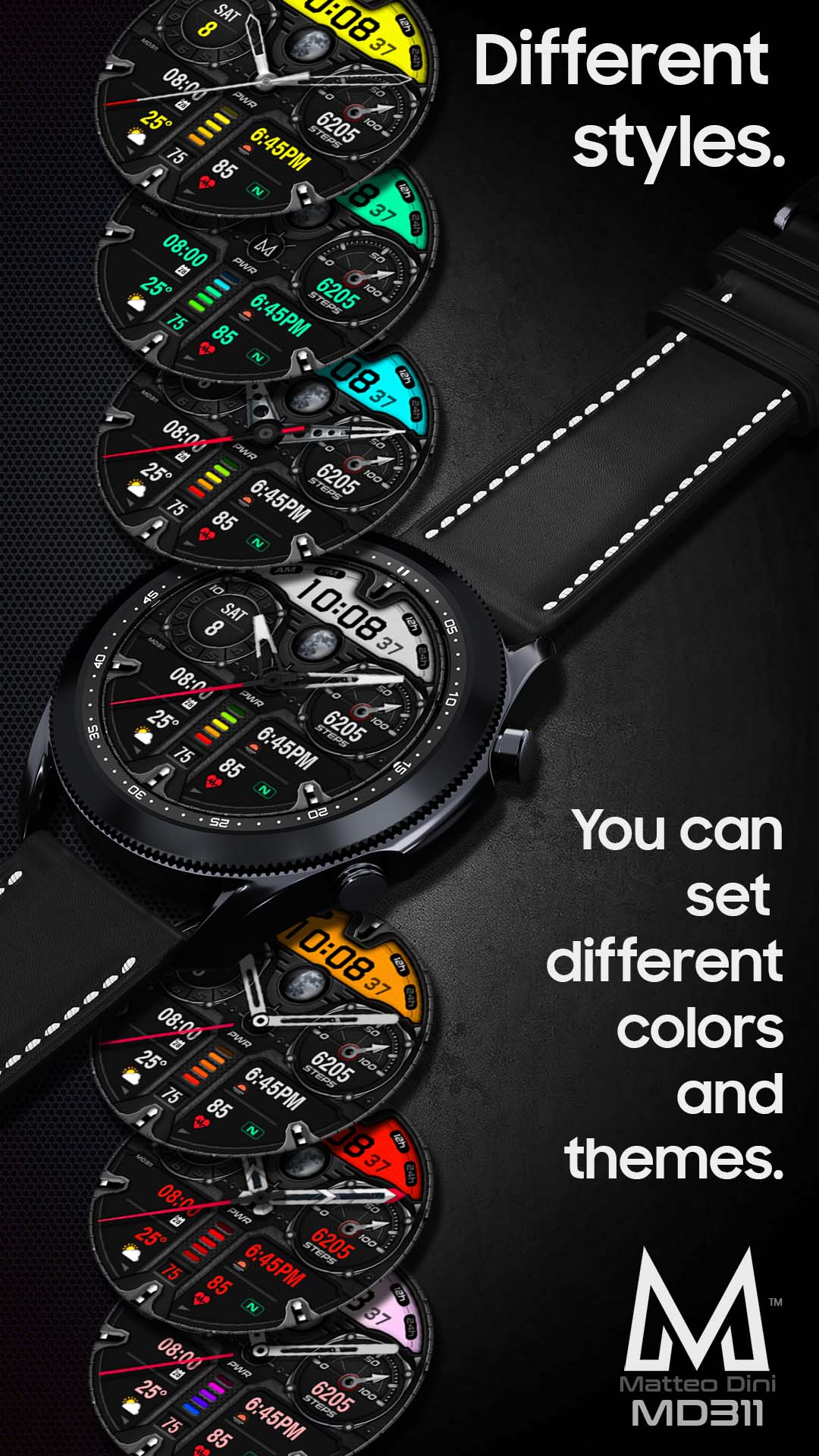
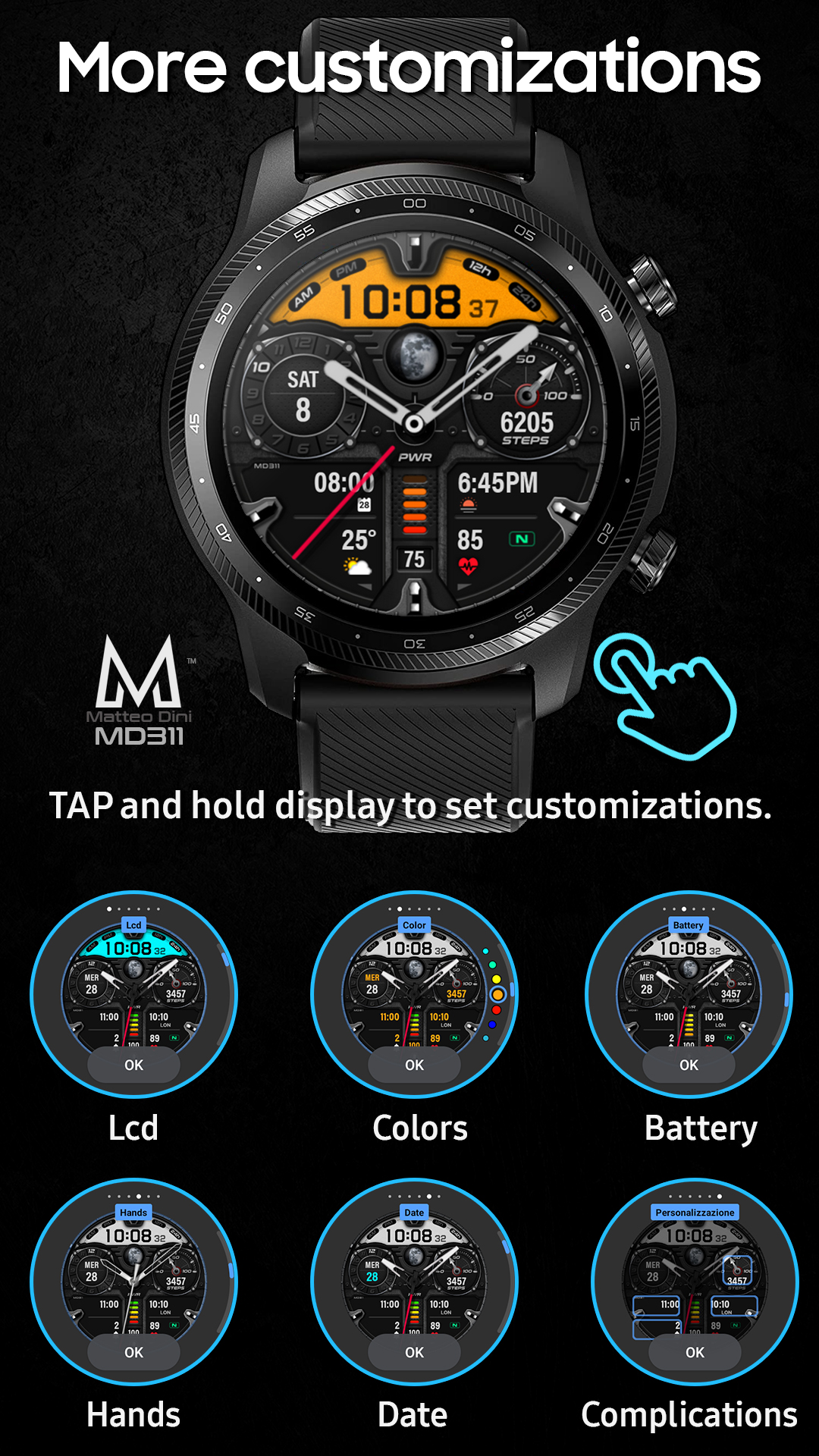
– Changeable colors of LCD, date, battery and general colors
– Changeable hands
Customization:
1 – Touch and hold display
2 – Tap on customize option
Preset APP Shortcuts:
– Calendar
– Battery
– Measure HR
Complications:
you can customize with the any data you want.
For example, you can select weather, time zone, sunset/sunrise, barometer etc.
*Heart Rate Notes:
The watch face does not automatically measure and does not automatically display the HR result <b>when installed</b>.
To view your current heart rate data you’ll need to take a manual measurement. To do this, tap on the heart rate display area. Wait a few seconds. The watch face will take a measurement and display the current result.
Make sure you have allowed the use of the sensors when installed the watchface otherwise swap with another watch face and then come back to this to enable the sensors.
After the first manual measurement, the watch face can automatically measure your heart rate <b>every 10 minutes</b>. Manual measurement will also be possible.
**some features may not be available on some watches.